Roadmap Background Image
This roadmap reflects our current development cycle and we plan to update it regularly. This roadmap does not guarantee which features will be included in a specific software version. All plans are tentative and subject to change without notice.

Discover Upcoming Features and Ideas

Catch up on upcoming features, vote, comment, and submit new ideas.

EmberGen LogoEmberGen
LiquiGen LogoLiquiGen
IlluGen LogoIlluGen
GeoGen LogoGeoGen
JangaFX LogoJangaFX
Current Development
Future Features

Select statusArrow Down
Select all
On Target Icon On Target
At Risk Icon At risk
Delayed Icon Delayed
Completed Icon Completed
Sort byArrow Down
Editor's pick
Most recent
Most upvoted

Upcoming: 2.0 (2026)

Collapse Section

Header Image

New Sparse Simulation Technology and Rendering

Status IconCompleted

Feature Header Image

New Sparse Simulation Technology and Rendering

User Avatar

Nicholas Seavert

Posted on April 17, 2025

Status IconCompleted

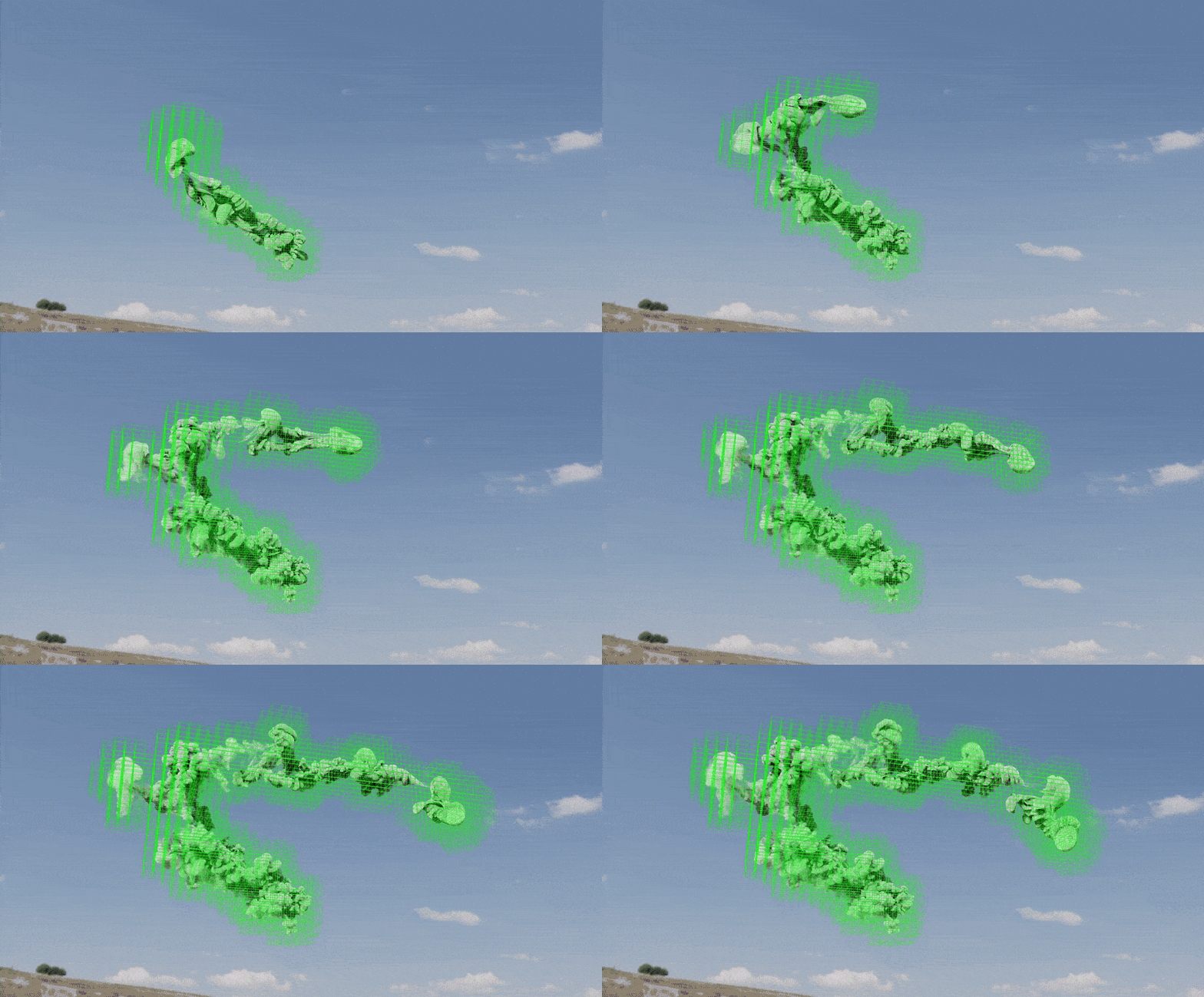
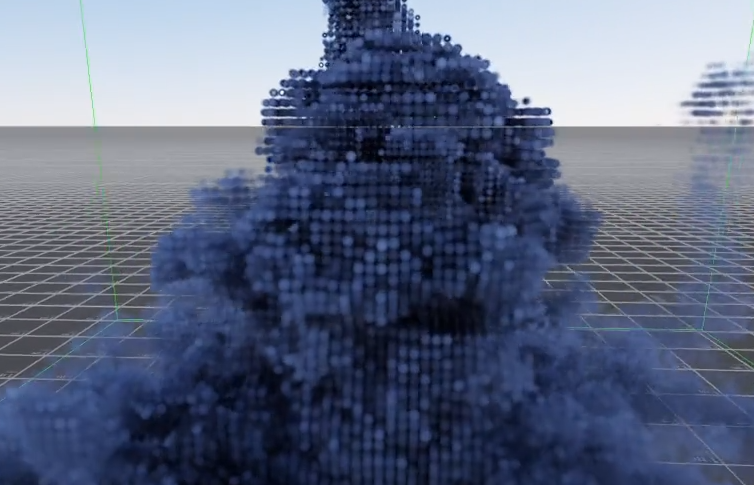
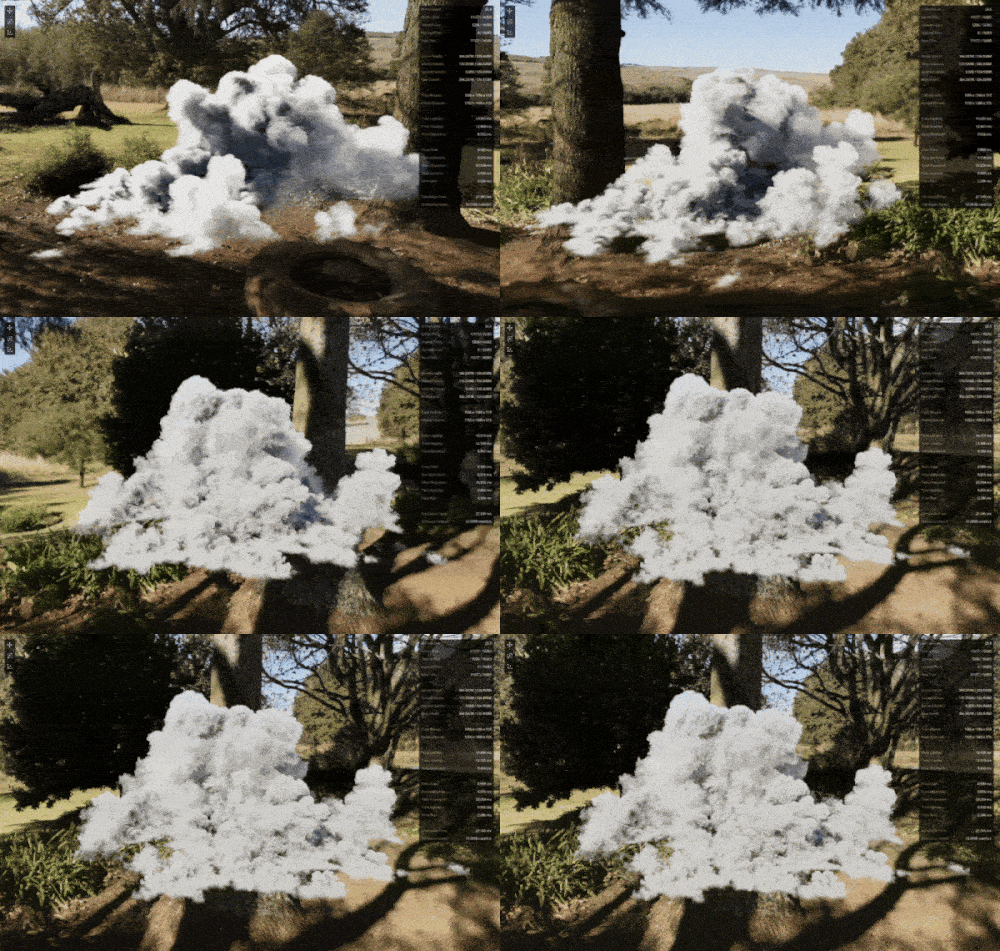
Simulate only in active regions where there is present voxel data. The active region is implicitly controlled by where there’s visible stuff (e.g. smoke), or through a explicit use-controllable activity map to combine with a pre-defined region.

Currently limited to a huge 8192x8192x8192 virtual simulation space for technical and performance reasons, meaning anything that fits within a 8192x8192x8192 bounding box is supported. Further lifting this restriction is planned for post-2.0.

EmberGen 2.0 combines both more efficient memory utilization techniques and sparsity to effectively simulate roughly 10-15x more voxels when directly compared to EmberGen 1.x, how much depends primarily on the sparsity of the simulation setup, with the possibility of even greater improvements. Roughly speaking you can take the bounding box of an EmberGen 1.x setup and multiply the voxels on each axis by 2-2.5x and get the equivalent level of detail in a similar setup in EmberGen 2.0.

  • A 6 GiB GPU can simulate up to 200 million active (sparse) voxels, which is roughly equivalent to 1 billion (dense) voxels in EmberGen 1.0
  • A 8 GiB GPU can simulate up to 300 million active voxels, which is roughly equivalent to 1.5 billion voxels in EmberGen 1.0
  • A 16 GiB GPU can simulate up to 600 million active voxels, which is roughly equivalent to 3 billion voxels in EmberGen 1.0
  • A 24 GiB GPU can simulate up to 1 billion active voxels, which is roughly equivalent to 5 billion voxels in EmberGen 1.0
  • A 32 GiB GPU can simulate up to 1.5 billion active voxels, which is roughly equivalent to 7.5 billion voxels in EmberGen 1.0
  • A 48 GiB GPU can simulate up to 2 billion active voxels, which is roughly equivalent to 10 billion voxels in EmberGen 1.0

The maximum number of active voxels by design is 2,147,450,880, which requires roughly 48 GiB of VRAM alone too store and operate.

All numbers above are without any kind of upscaling (higher resolution for certain components, e.g. 2x smoke resolution for 1x velocity resolution). It will be possible to simulate over 8 billion active upscaled voxels, which will be able to use more than 48 GiB of VRAM. This is roughly equivalent to 40 billion upscaled voxels in EmberGen 1.x.

It is also possible to trade VRAM efficiency for performance efficiency in certain ways if you don't need to simulate as many voxels as your GPU supports.

All of this comes with a newly optimized renderer for sparse volume representations.

Header Image

New GPU Particle System

Status IconOn Target

Feature Header Image

New GPU Particle System

User Avatar

Nicholas Seavert

Posted on April 17, 2025

Status IconOn Target

Particles in EmberGen 1.x are performance heavy and a bit convoluted. This rewrite will serve as a new foundation for future GPU particle emitter improvements. Over 500 million GPU particles supported on a 24 GB card. Better collisions, easier controls, and a lot more boom.

Header Image

Volume Caching for Scrubbable Simulations

Status IconOn Target

Feature Header Image

Volume Caching for Scrubbable Simulations

User Avatar

Nicholas Seavert

Posted on April 17, 2025

Status IconOn Target

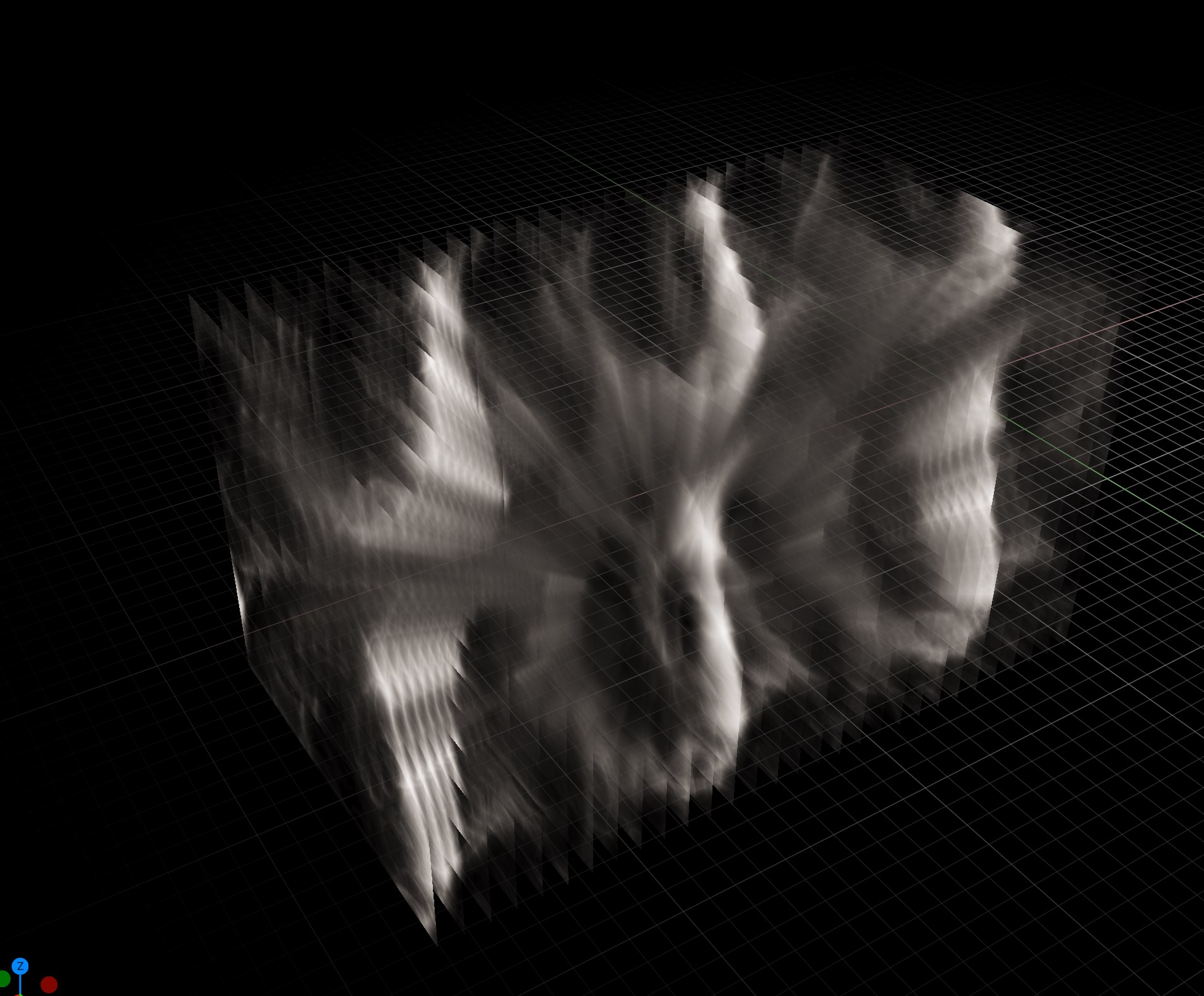
Since the beginning of EmberGen's life, customers have asked for caching simulations so that you can scrub through them. Ask no longer, because it's coming in 2.0!

Header Image

Improved Mesh Rendering

Status IconOn Target

Feature Header Image

Improved Mesh Rendering

User Avatar

Nicholas Seavert

Posted on April 17, 2025

Status IconOn Target

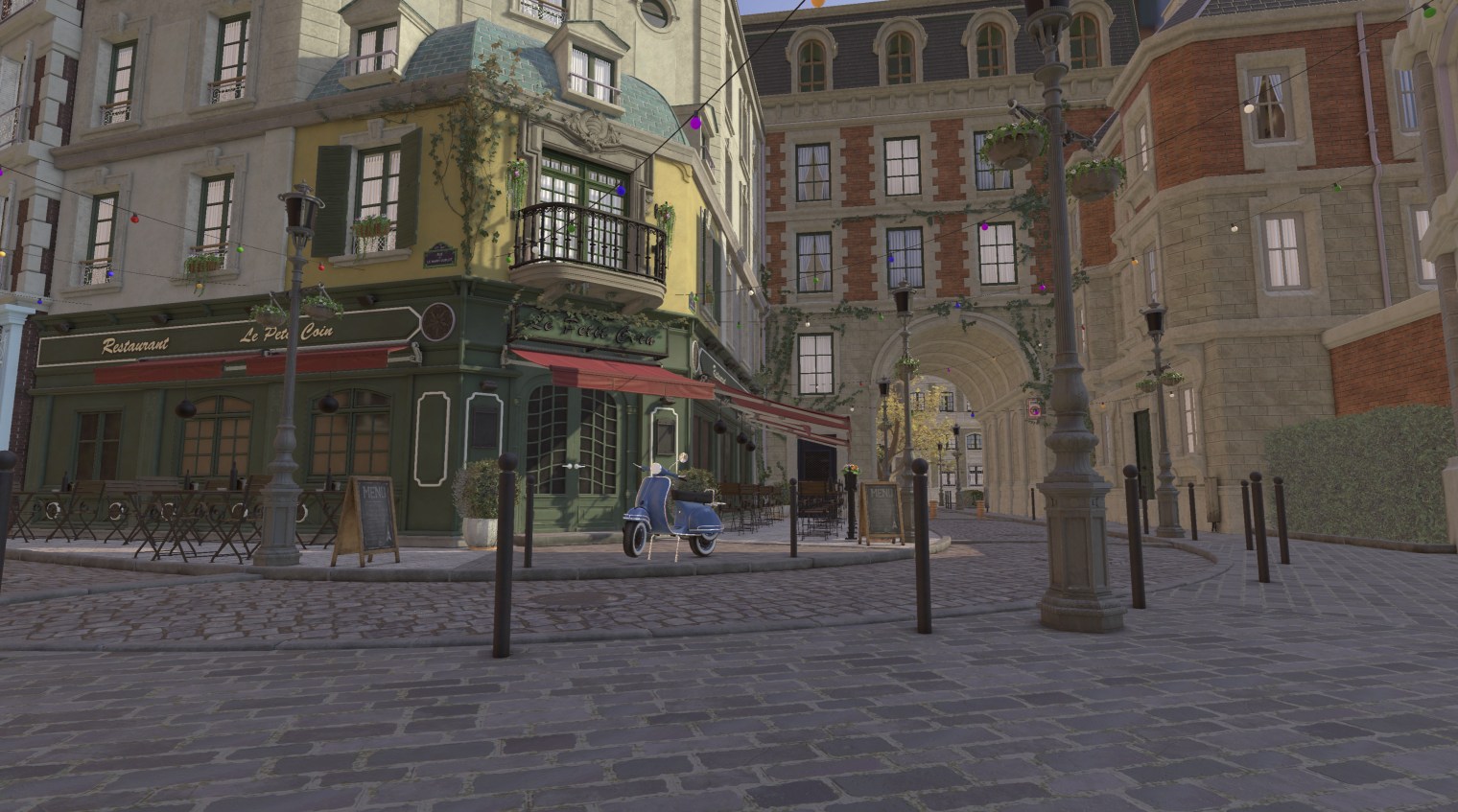
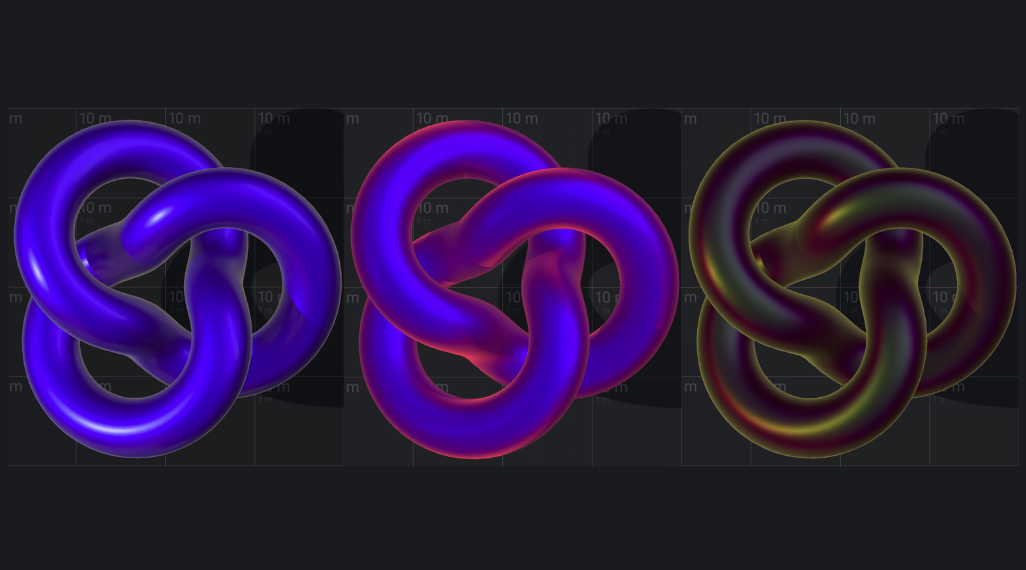
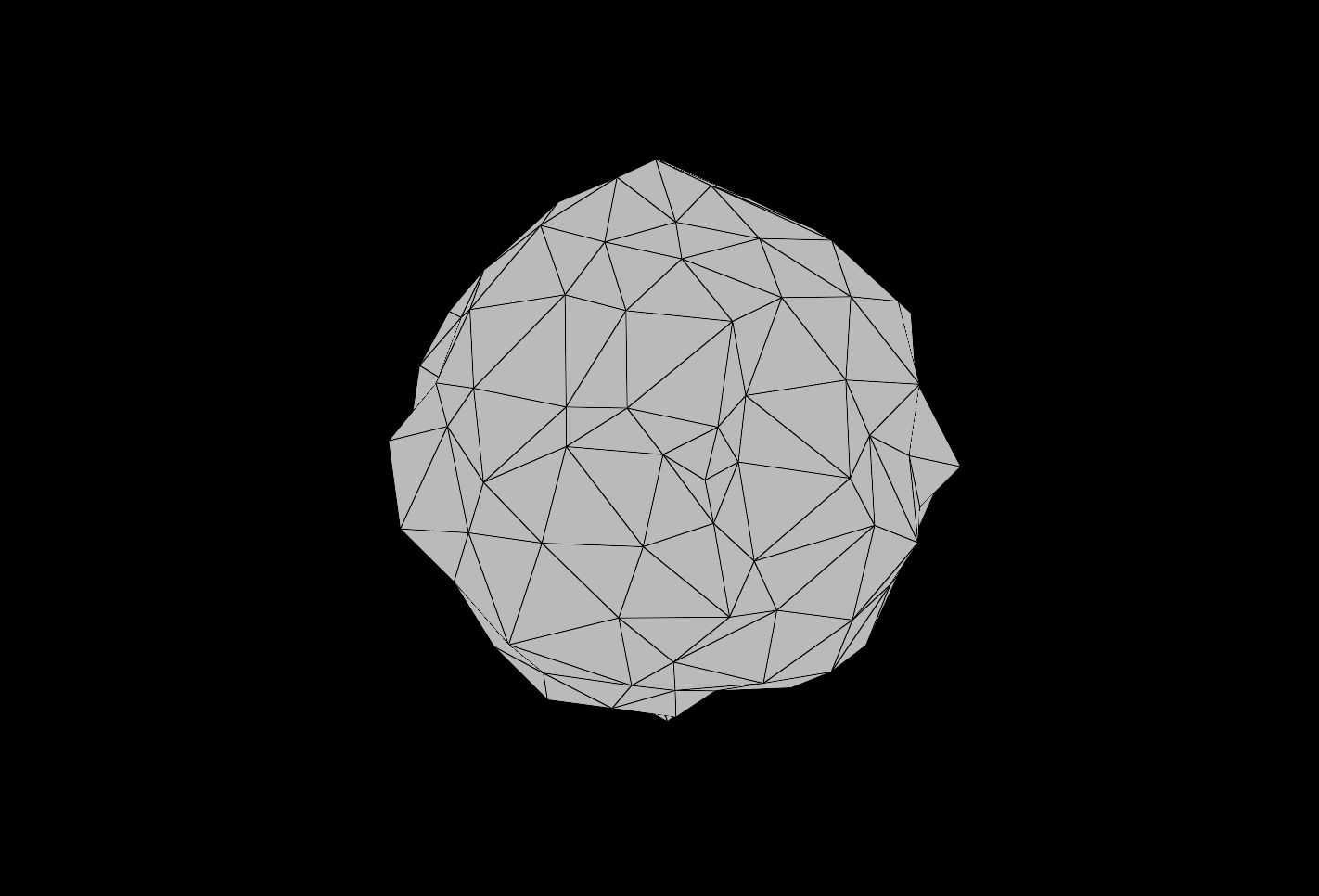
EmberGen 1.x mesh rendering is a crude volumetric approximation of the imported meshes. EmberGen 2.0 will allow for properly shadowed and shaded polygonal meshes.

Header Image

New Combustion Model

Status IconOn Target

Feature Header Image

New Combustion Model

User Avatar

Nicholas Seavert

Posted on April 17, 2025

Status IconOn Target

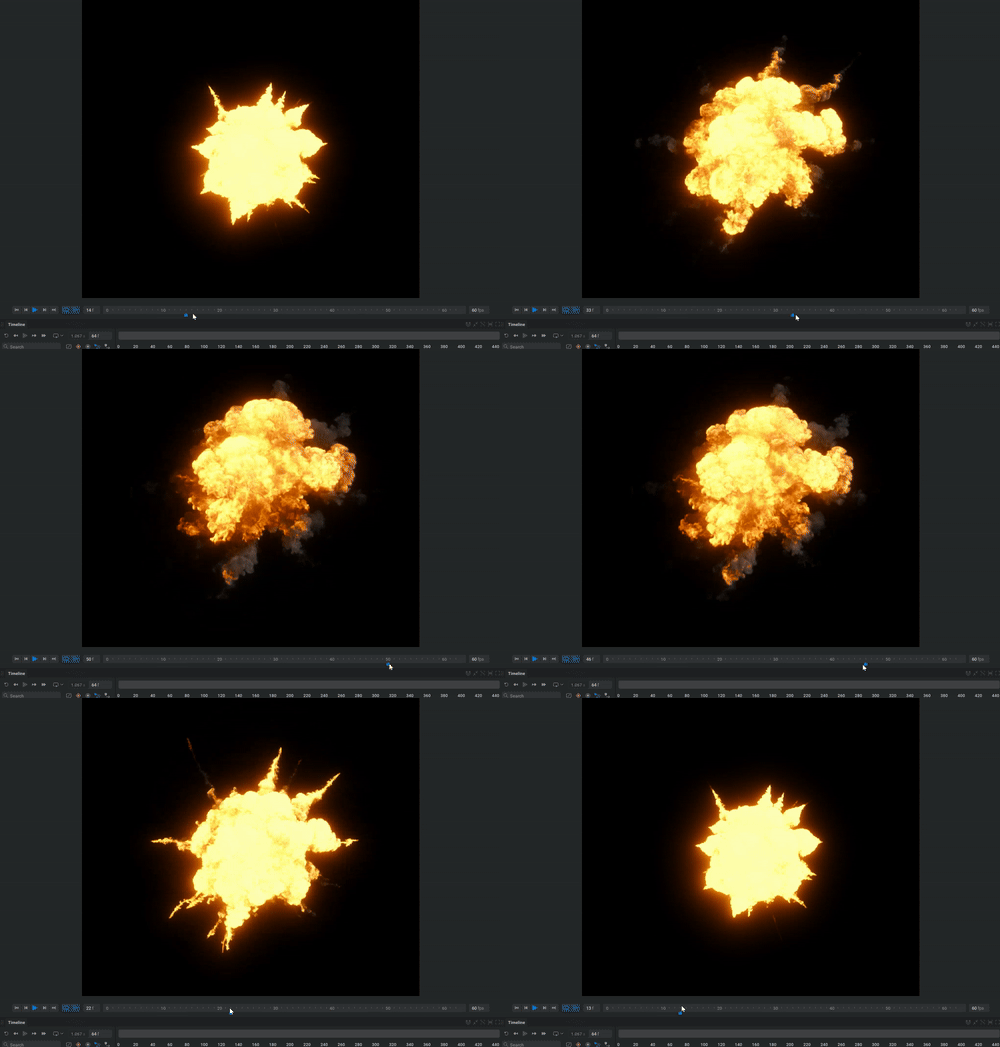
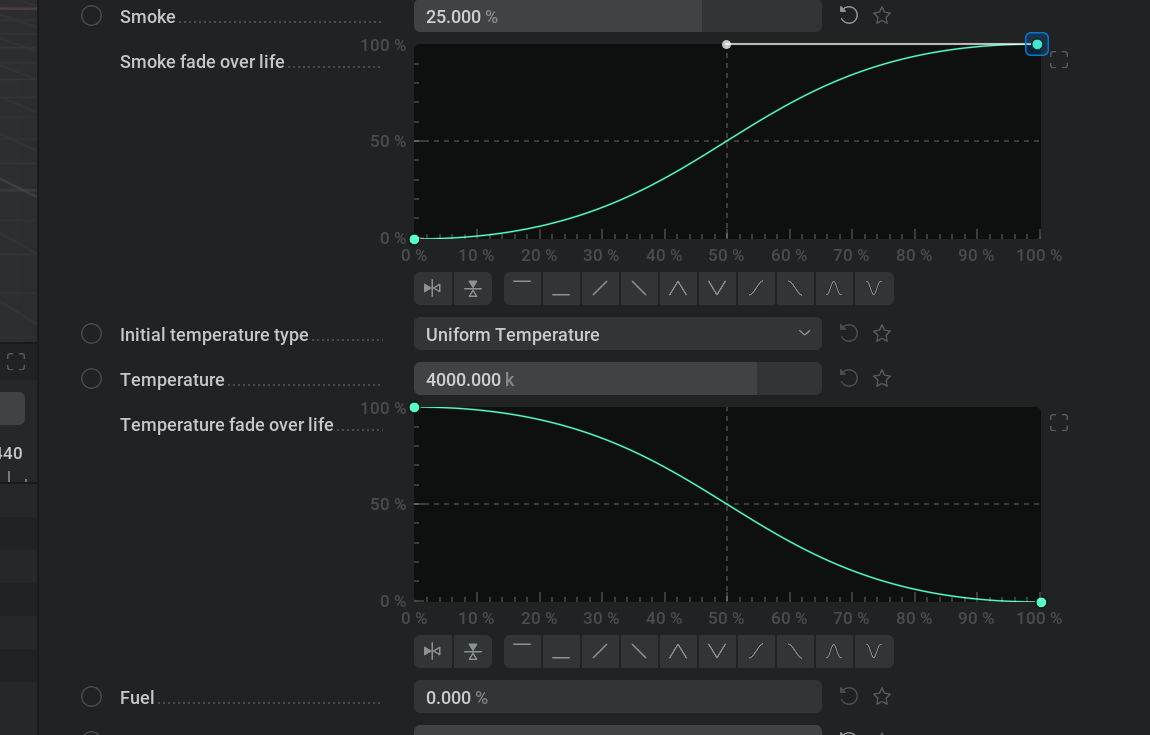
Combustion in EmberGen 1.0 is convoluted and difficult to get right with a wide array of difficult to understand parameters. In EmberGen 2.0, you have full control over how fast, big, and bad ass your combustion simulation is. Streamlined and easy to understand, more realistic combustion has never been easier.

Header Image

MacOS Support on M-Series Chipsets

Status IconOn Target

Feature Header Image

MacOS Support on M-Series Chipsets

User Avatar

Nicholas Seavert

Posted on April 17, 2025

Status IconOn Target

You've asked for years, and we are delivering. EmberGen will run on compatible M-series MacOS devices.

Header Image

Import VDB Files

Status IconCompleted

Feature Header Image

Import VDB Files

User Avatar

Nicholas Seavert

Posted on April 17, 2025

Status IconCompleted

Import static and animated VDB files. The data is usable by the simulation to resume the cached simulation state, even if it is from another tool.

Inject: Fuel, Fire, Smoke, Temperature, and Velocity

Header Image

Spline Shapes & Forces

Status IconOn Target

Feature Header Image

Spline Shapes & Forces

User Avatar

Nicholas Seavert

Posted on April 17, 2025

Status IconOn Target

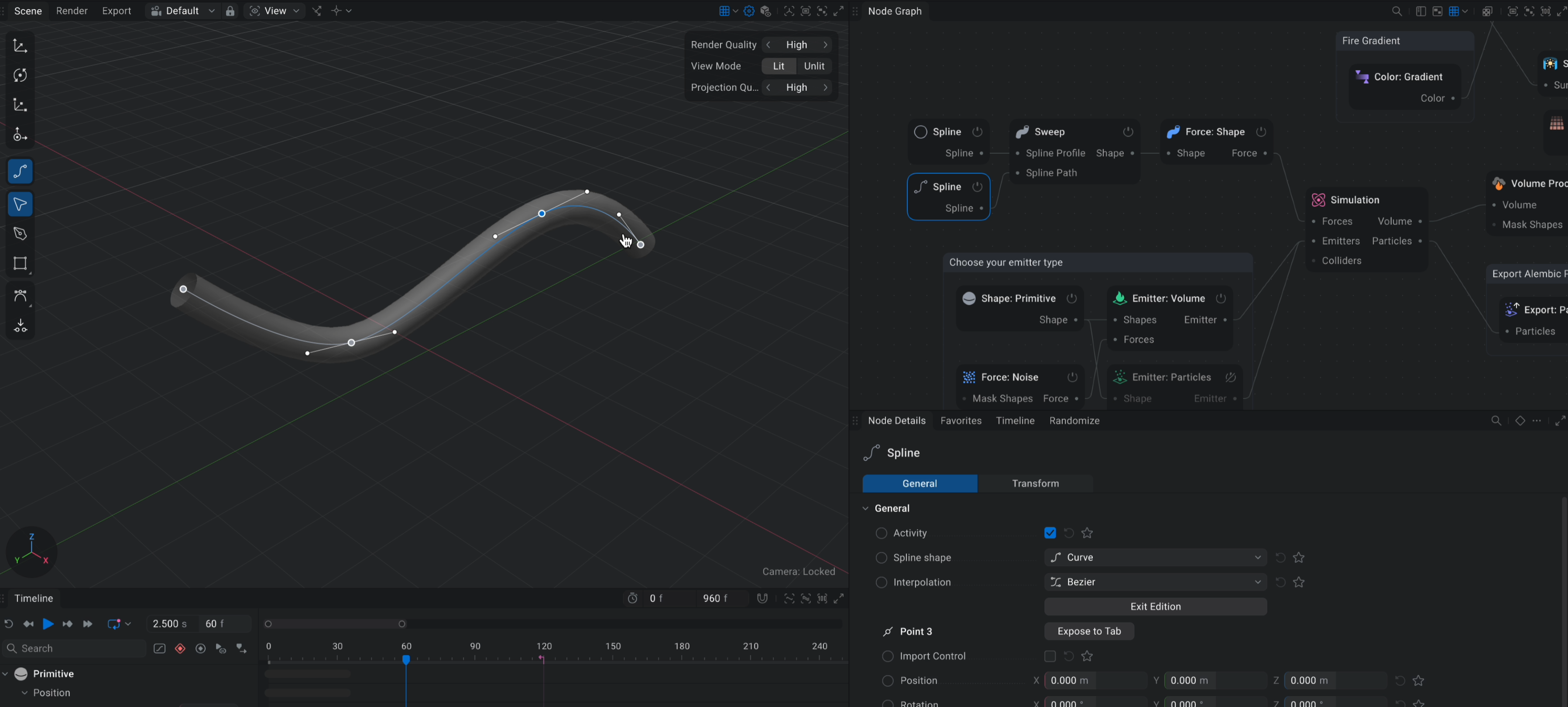
Long asked for, finally delivered.. create custom shapes and force fields with the new spline tool in EmberGen. Export splines as JSON.

Header Image

Selectable Viewport Items

Status IconOn Target

Feature Header Image

Selectable Viewport Items

User Avatar

Nicholas Seavert

Posted on April 17, 2025

Status IconOn Target

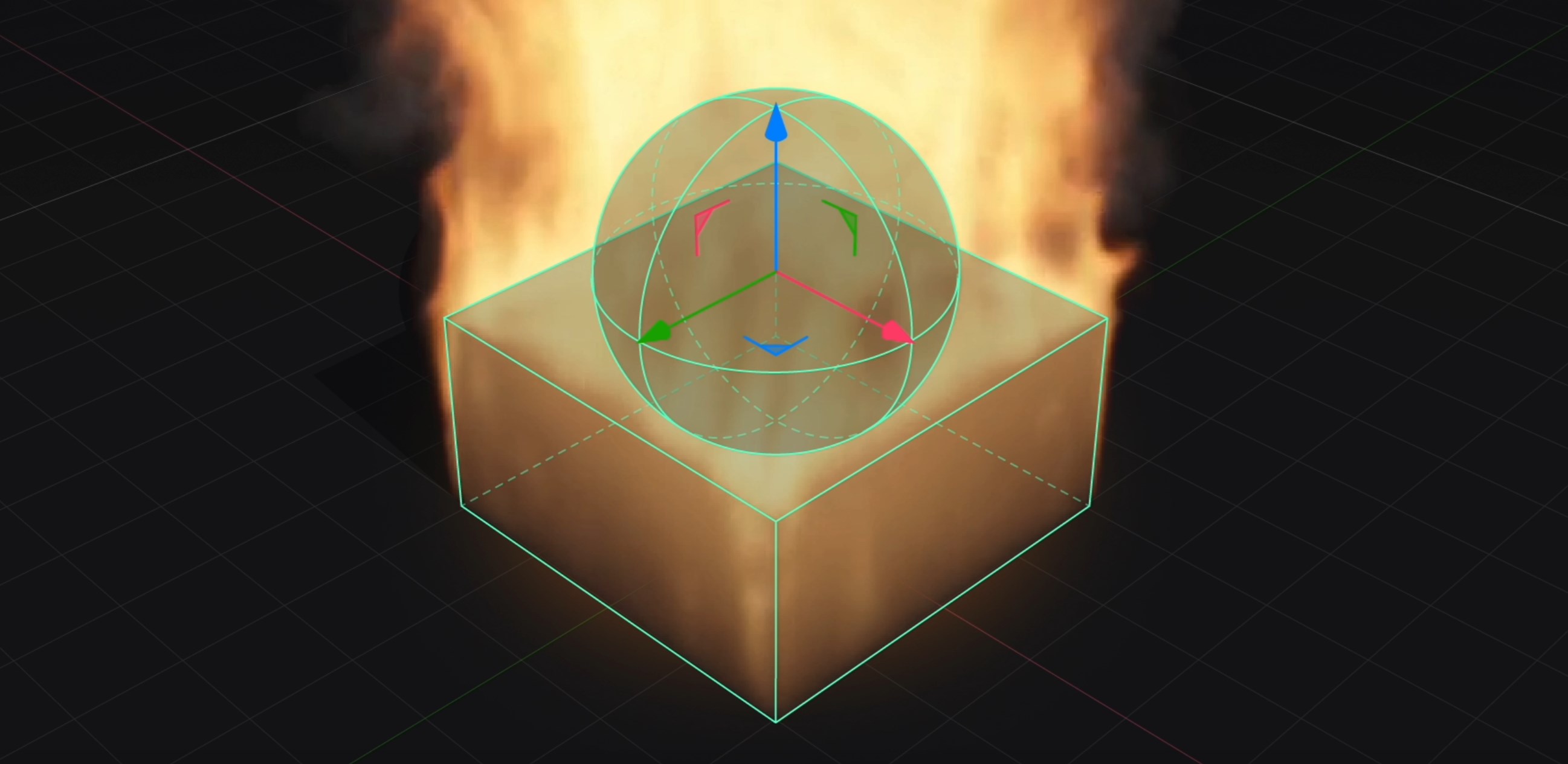
In the viewports of all products, shapes, emitters, colliders, and more generally aren't selectable, but we are working on changing that. All items will be selectable with new gizmo graphics and shaders to go along with this new feature.

Header Image

Curve controls for more parameters

Status IconOn Target

Feature Header Image

Curve controls for more parameters

User Avatar

Nicholas Seavert

Posted on April 17, 2025

Status IconOn Target

The curve UI Widget is relatively new to EmberGen 1.x and was a by product of GeoGen development. There are a lot of parameters in EmberGen that could benefit from being remapped via in-node curves and we plan to investigate more use cases for these curves during and after the development of EmberGen 2.0.

Header Image

HDRI Support for Skyboxes

Status IconCompleted

Feature Header Image

HDRI Support for Skyboxes

User Avatar

Nicholas Seavert

Posted on April 17, 2025

Status IconCompleted

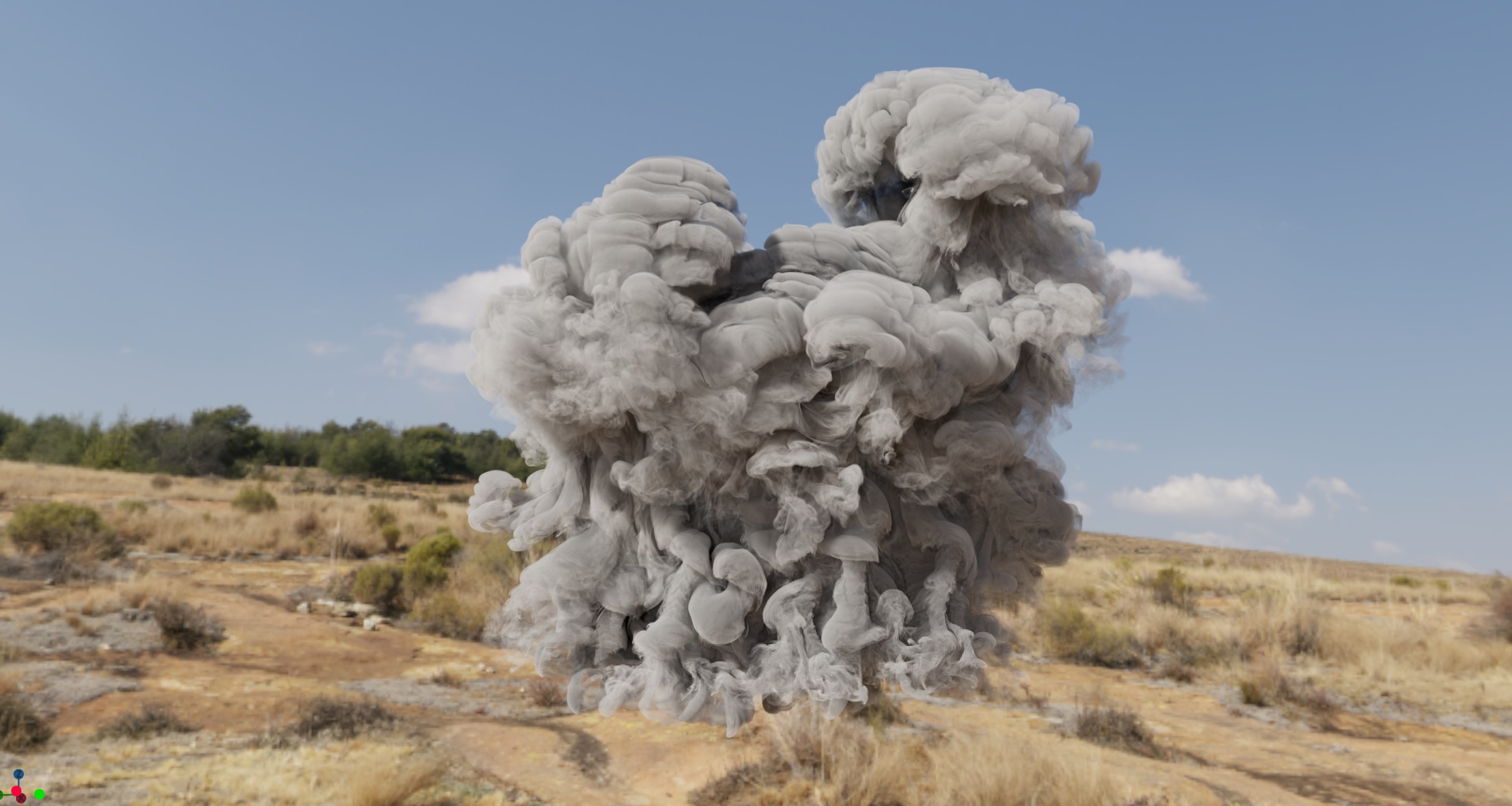
Fully dynamic indirect lighting will be supported by sampling from an environment map, typically a HDRI or a simulated atmosphere.

We will support an adaptive refinement scheme, where the result is coarse (but good!) during preview and while simulating heavy scenes, and it will progressively improve itself as the simulation is paused, or during exports.

The technique used effectively gives you correct ambient occlusion (effectively average visibility) for free. The performance is generally quite good, and will always be turned on.

Supports rotating the environment map as well for fine tuning of your lighting.

Header Image

Mesh Based Particles - Debris & Mesh Instancing

Status IconOn Target

Feature Header Image

Mesh Based Particles - Debris & Mesh Instancing

User Avatar

Nicholas Seavert

Posted on April 17, 2025

Status IconOn Target

Sometimes you want to be able to instance meshes onto particles inside of EmberGen for debris simulations and this enables that behavior.

Header Image

Animated 3D/4D Volume Textures for Games

Status IconOn Target

Feature Header Image

Animated 3D/4D Volume Textures for Games

User Avatar

Nicholas Seavert

Posted on April 17, 2025

Status IconOn Target

4D Volume slice exports for games

Header Image

Variable Component Injection - Custom Voxel Data (Multi-sim)

Status IconOn Target

Feature Header Image

Variable Component Injection - Custom Voxel Data (Multi-sim)

User Avatar

Nicholas Seavert

Posted on April 17, 2025

Status IconOn Target

With EmberGen 1.0 there are a lot of limitations as to what information voxels can store and hold on to.

With variable component injection you will be able to store different values for fuel types, smoke color, and more to allow for multiple unique simulations and voxel types within your scene. A great use case to think of is if you have a bomb that explodes in the dirt, you would have a mix of white smoke from the bomb and brown smoke from the dirt. You may also have a scene where there are two types of fuel present that give off varying colors of both fire and smoke.

Header Image

Emission from textures

Status IconOn Target

Feature Header Image

Emission from textures

User Avatar

Nicholas Seavert

Posted on April 17, 2025

Status IconOn Target

We used to have it, then we didn't, now we do.. :)

Header Image

Retiming Simulations & True Scene FPS Options

Status IconOn Target

Feature Header Image

Retiming Simulations & True Scene FPS Options

User Avatar

Nicholas Seavert

Posted on April 17, 2025

Status IconOn Target

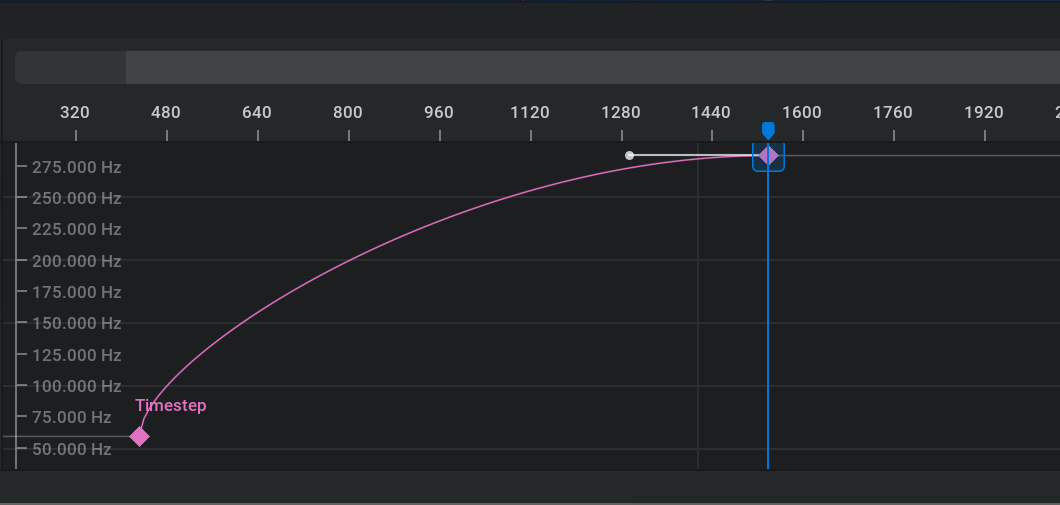
Users need the ability to retime simulations to match the desired frame rate, or have variable frame rates to support transitions to super slow motion, etc. Depending on your project you may need unique frame rates outside of EmberGen's default 60 frames per second. Easily switch your scene to run at 24, 25, 30, or even 23.97 frames per second if you're weird.

Header Image

USD Format Support

Status IconOn Target

Feature Header Image

USD Format Support

User Avatar

Nicholas Seavert

Posted on April 17, 2025

Status IconOn Target

Import and export support for USD (Universal Scene Description) files.

Header Image

Wedging & Batch Processing UI

Status IconOn Target

Feature Header Image

Wedging & Batch Processing UI

User Avatar

Nicholas Seavert

Posted on April 17, 2025

Status IconOn Target

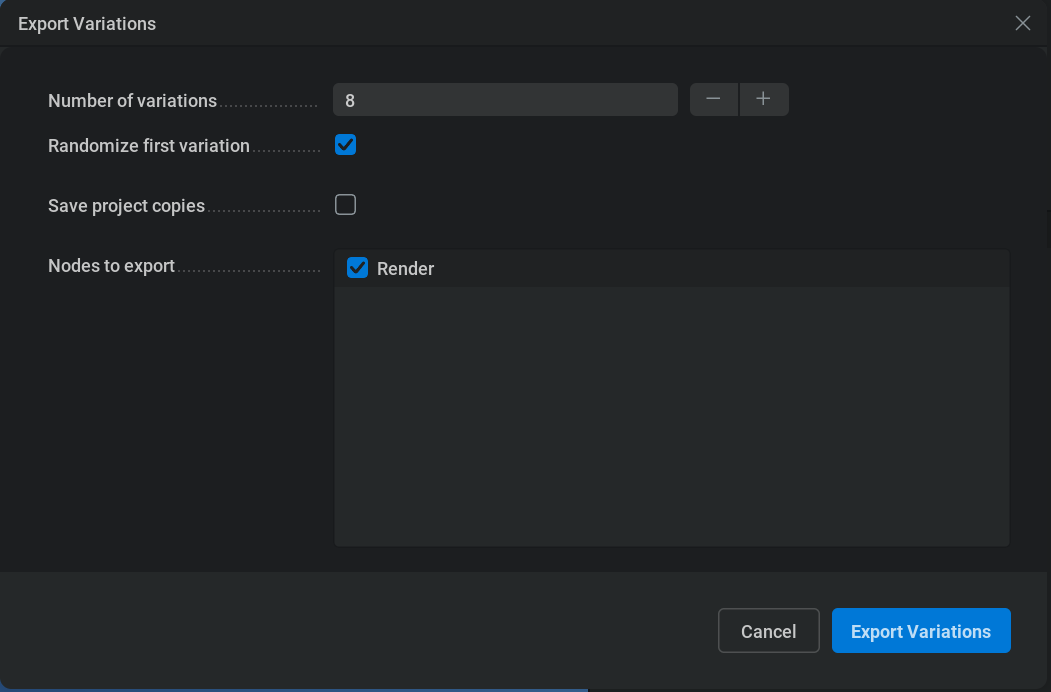
You can already export infinite variations within EmberGen within the file menu tab. We will add further UI enhancements to make variation exports more accessible.

Header Image

Scriptable API

Status IconOn Target

Feature Header Image

Scriptable API

User Avatar

Nicholas Seavert

Posted on April 17, 2025

Status IconOn Target

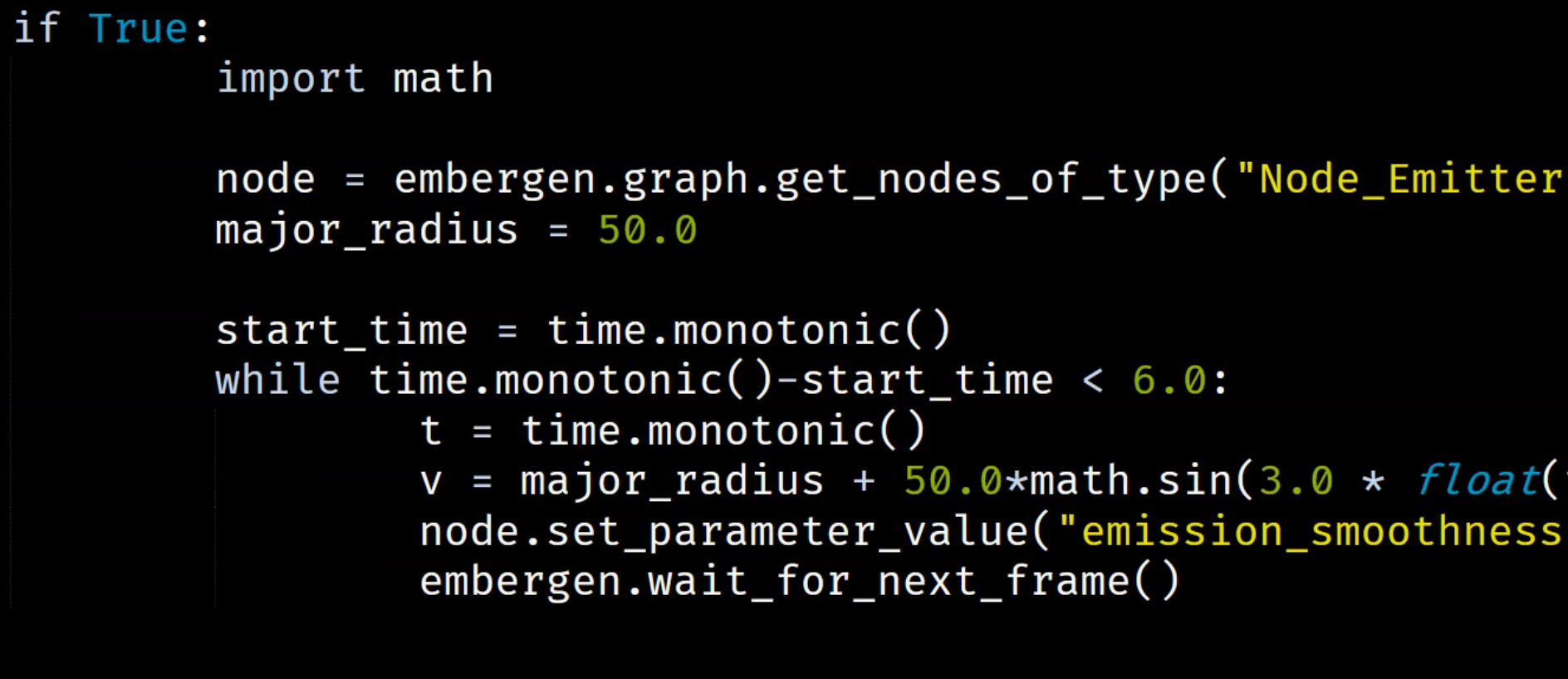
Use a scripting language of your choice to interface with, and automate our products.


Shipped: 1.2.5 - Bug Fix Patch (October 22nd, 2025)

Collapse Section

Header Image

EmberGen 1.2.5 Changelog

Status IconCompleted

Feature Header Image

EmberGen 1.2.5 Changelog

User Avatar

Nicholas Seavert

Posted on October 13, 2025

Status IconCompleted

Fixes

  • Fixed sixpoint normal pass direction mapping
  • Fixed duplicate particle IDs in Alembic exports

Shipped: 1.2.4 - Bug Fix Patch (June 17th, 2025)

Collapse Section

Header Image

1.2.4 Changelog

Status IconCompleted

Feature Header Image

1.2.4 Changelog

User Avatar

Nicholas Seavert

Posted on July 2, 2025

Status IconCompleted

Fixed some artifacts on some GPUs in six point lighting render passes Fixed straight alpha particle rendering


Shipped: 1.2.3 - Bug Fix Patch (June 2nd, 2025)

Collapse Section

Header Image

Six Point Lighting & Normals Fixes

Status IconCompleted

Feature Header Image

Six Point Lighting & Normals Fixes

User Avatar

Nicholas Seavert

Posted on April 22, 2025

Status IconCompleted

  • Fixes an issue where there were undesirable rendering artifacts (lines) due to bad mips.
  • Fixes an issue where our six point lighting shader mapping for Top, Left Right, was actually incorrect.
  • Adds six point lighting settings back to the render tab so that you can adjust values for each light.
  • Fixes an issue where "Six points black background" parameter was affecting the six points normal pass, even though that parameter does not show up when that pass is selected. We have changed the normal pass to work as if that parameter is off regardless of its actual state.
  • Fixes an issue where 6 point normals & lighting would break looping flipbooks.
Header Image

Alembic Particle Exports Investigation

Status IconCompleted

Feature Header Image

Alembic Particle Exports Investigation

User Avatar

Nicholas Seavert

Posted on April 28, 2025

Status IconCompleted

We're currently looking into general widespread issues with our EmberGen particle exports such as:

  • inconsistent id values due to us recycling particles for perf reasons
  • no usable age attribute due to inconsistent ID's
  • no animated color attribute
  • nan positions
  • other various problems.

We're also adding the ability set custom attribute names per export channel for particles like we do for VDB exports. For instance, your external DCC may require a velocity attribute called .vel when we export .velocity and as such you will be able to easily rename this.

The risk here is that the inconsistent ID issue may not be fixable due to how we originally coded the particle system and if that's the case then it will only be fixed in EmberGen 2.0 and not a 1.x patch.

Header Image

1.2.3 Changelog

Status IconCompleted

Feature Header Image

1.2.3 Changelog

User Avatar

Nicholas Seavert

Posted on May 27, 2025

Status IconCompleted

EmberGen 1.2.3

  • Removed legacy "Particle max limit" parameter in the simulation node
  • Fixed an issue with skybox rendering in "Shapes Scattering" and "Shapes Shadow"
  • Added custom nested property/attribute names when exporting Alembic Particles
  • Improved stability of alembic exports via semi-unique particle IDs
  • Removed the upper cap of particles injections of smoke, flames, temperature and velocity
  • Added step-back-once (Shift+Z) to timeline, allowing stepping back only the timeline without affecting simulation, ideal for timeline and imported animation workflows
  • Added transform pin to particle export node, fixing coordinate system transforms for specific export options
  • Added search to dropdown menus
  • Changed reset shortcut to reset export preview playhead
  • Enhanced variation export system to check for $(variation) variable in export nodes, disabling variation export with a message if absent
  • Fixed an issue where there were undesirable rendering artifacts (lines) due to bad mips
  • Fixed an issue where our six point lighting shader mapping for Top, Left Right, was actually incorrect
  • Added six point lighting settings back to the render tab so that you can adjust values for each light
  • Fixed an issue where the "Six point black background" parameter was affecting the six point normal pass, even though that parameter does not show up when that pass is selected
    • The normal pass now works as if that parameter is off regardless of its actual state
  • Fixed an issue where the "Static Blend" blending mode would break looping flipbooks
Cookie Icon
We use third-party cookies to provide you with the best user experience and for performance analytics. Learn more.
Close Button