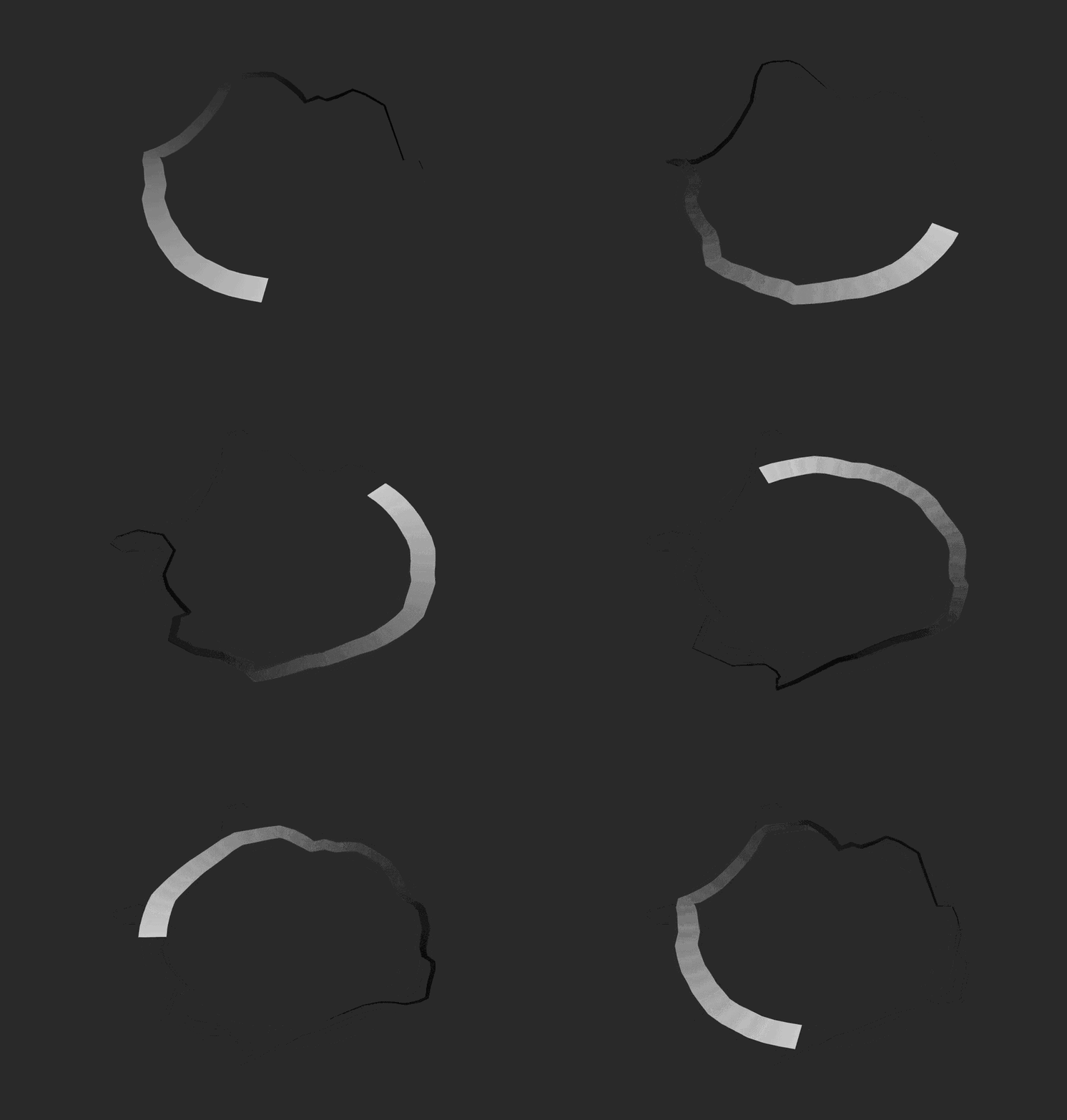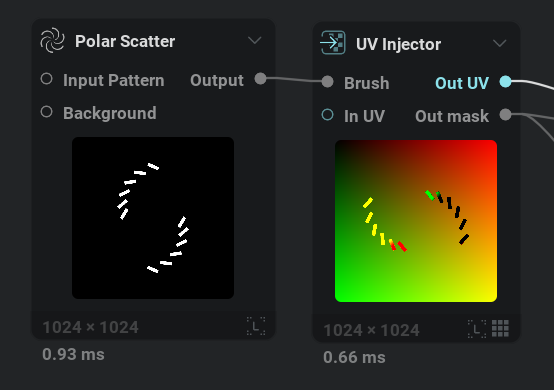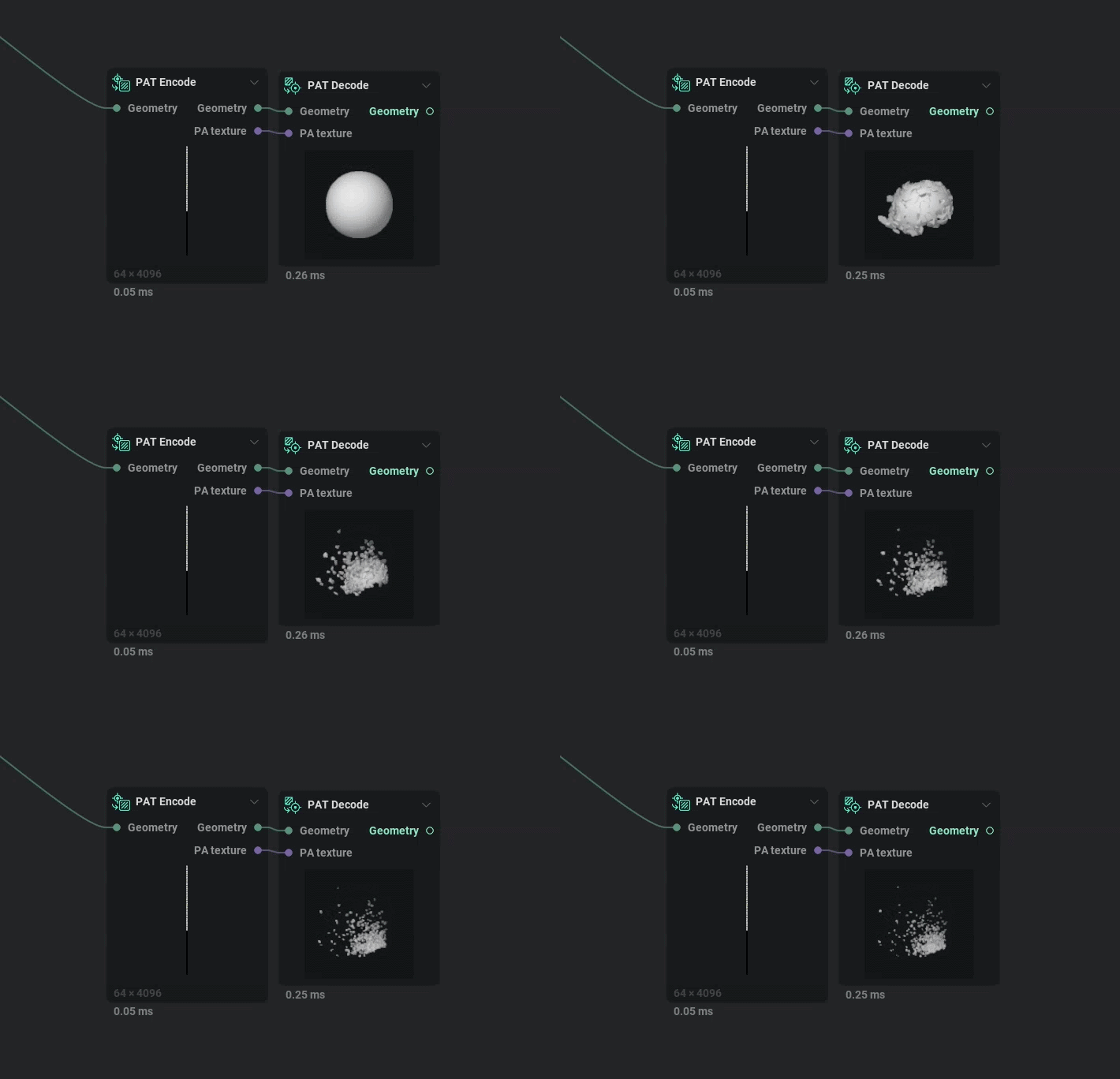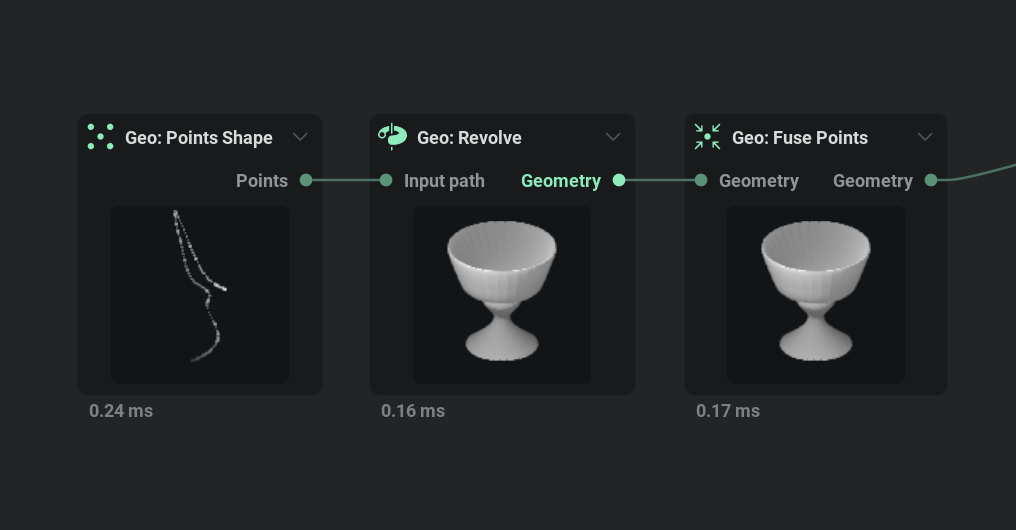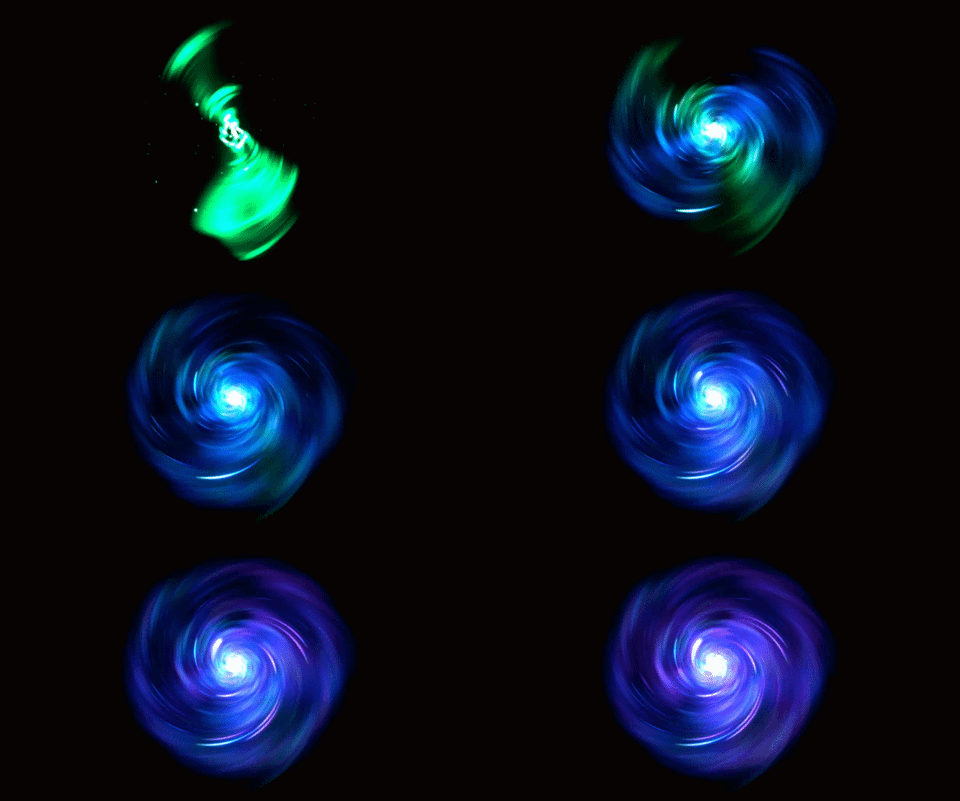
This roadmap reflects our current development cycle and we plan to update it regularly. This roadmap does not guarantee which features will be included in a specific software version. All plans are tentative and subject to change without notice.

Discover Upcoming Features and Ideas

Catch up on upcoming features, vote, comment, and submit new ideas.

59 cards
Everything
Arrow Down
On Target

On Target

The feature is on track to be included in a particular release.

Delayed

Delayed

The feature is delayed and it is highly likely it won't make it into a particular release.

At Risk

At Risk

The feature is at risk of being delayed due to running into unforeseen difficulties or is taking longer than anticipated.

Completed

Completed

The feature is completed internally. This does not mean the feature is available publicly.

Released

Released

The feature has been released and is available in public builds.

Everything
On Target Icon On Target
At Risk Icon At Risk
Delayed Icon Delayed
Completed Icon Completed
Released Icon Released
Editor's pick
Arrow Down
Editor's pick
Most recent
Most upvoted

Version 1.2.0 (8/19/2026)

Collapse Section

Feature Preview

1.2.0 Changelog

Status IconReleased

Feature Preview

1.2.0 Changelog

User Avatar

Nicholas Seavert

Posted on September 21, 2026

Status IconReleased

The feature has been released and is available in public builds.

1.2.0

New Additions

  • Added an Accumulate node that combines a range of timeline frames into a single image, supporting grayscale, color, UV and normal textures
  • Added a custom curve mode and weighted scale for the accumulation in the Sheet Encode node; this also fixes a scaling issue in the sample weight, and old presets keep their behavior
  • Added a histogram overlay to the 2D viewport (toolbar button or Ctrl+Shift+5); shows the 256-level distribution of grayscale images or of the red, green, blue and alpha channels of color images
  • Added an Equalize node that equalizes the histogram of an image so every level is equally represented, with Luminance and Per Channel modes for color images and a Strength control
  • Renderer gained three tonemapping operators: GT7 (Gran Turismo 7), AgX and Khronos PBR Neutral
  • Color Interpolate and Color Gradient nodes gained OKLCh, Spectral, HSV Smooth, CIELAB, RYB and Beer-Lambert interpolation modes
  • Added a Geo Subdivide node that applies up to 6 levels of Catmull-Clark subdivision to geometry; hard edges are kept sharp (creased)
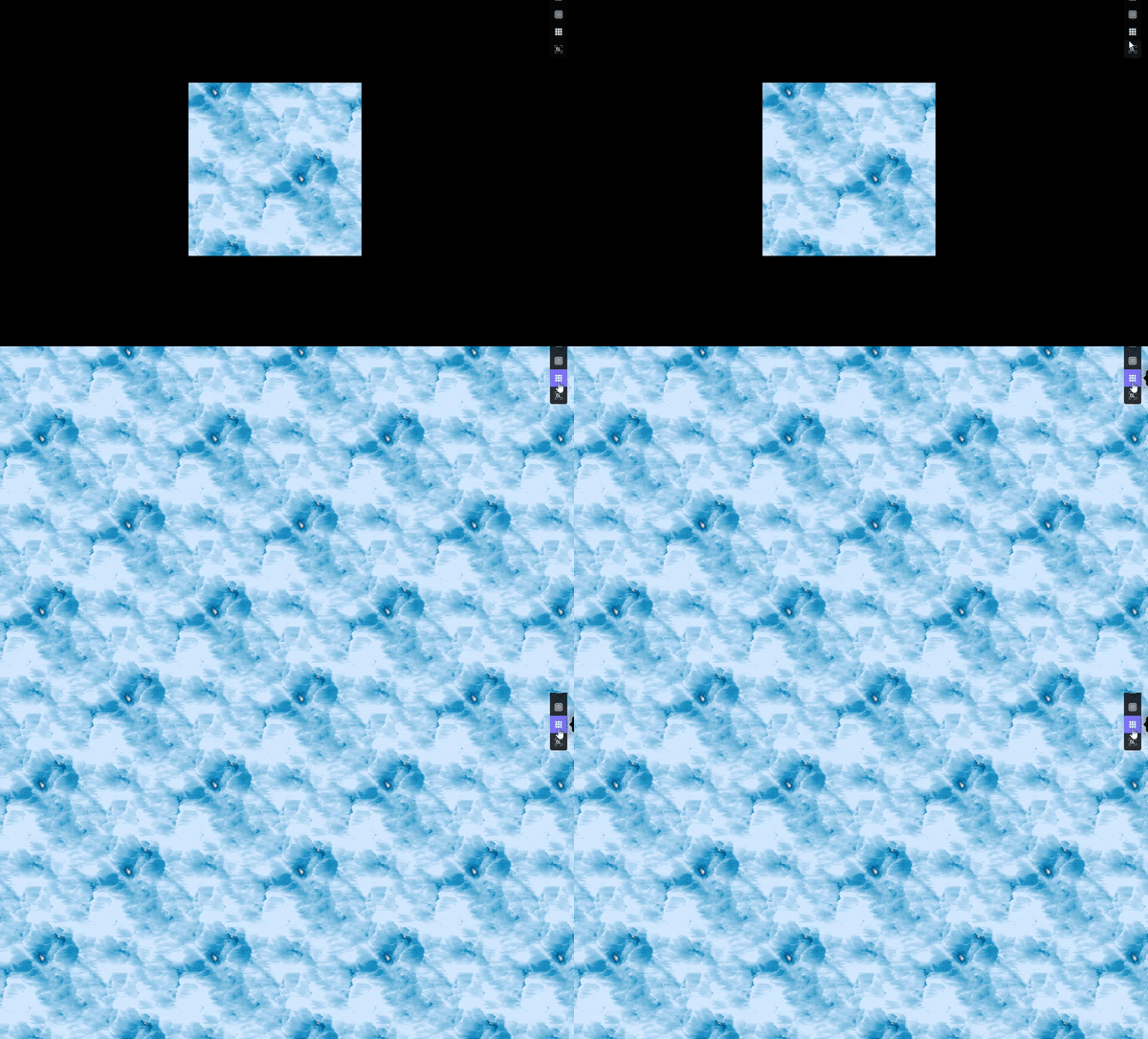
  • Grid node gained a Tileable option; the hexagonal grid now tiles seamlessly at any width, and its islands output merges hexagons split across edges into single islands
  • Added a Snap to angle option to the rotation randomization of the Grayscale Fractal, Color Fractal, Grayscale Polar Scatter, Islands to Gradient and Islands to UV nodes (snaps the random rotation to the nearest multiple of the given angle, 0 disables it); the Grayscale Tiler Snap rotation dropdown gained a matching Custom option
  • Added a Viewport Dithering preference that reduces 8-bit color banding in the 2D and 3D viewports (on by default)
  • Added an Image to Material node that extracts albedo (de-lit), height (with optional edge-preserving denoise) and roughness maps from a photo; supports tiling so the maps stay seamless for a seamless input (heuristic, frequency-based; best for flat-lit material photos)
  • UV Noise node gained an Add Z axis option with Z position and Z layers for animatable noise that loops seamlessly (Z position 0% and 100% match)
  • Tile node techniques gained a Blend mode option: Linear, OKLab (avoids muddy seams), or Soft Blend (keeps detail and contrast — per-frequency on Mirror/Scale, variance-preserving on Voronoi)
  • Added snap-to-frames support to the timeline
  • Geo Shapes:
    • Cone gained a Top radius option
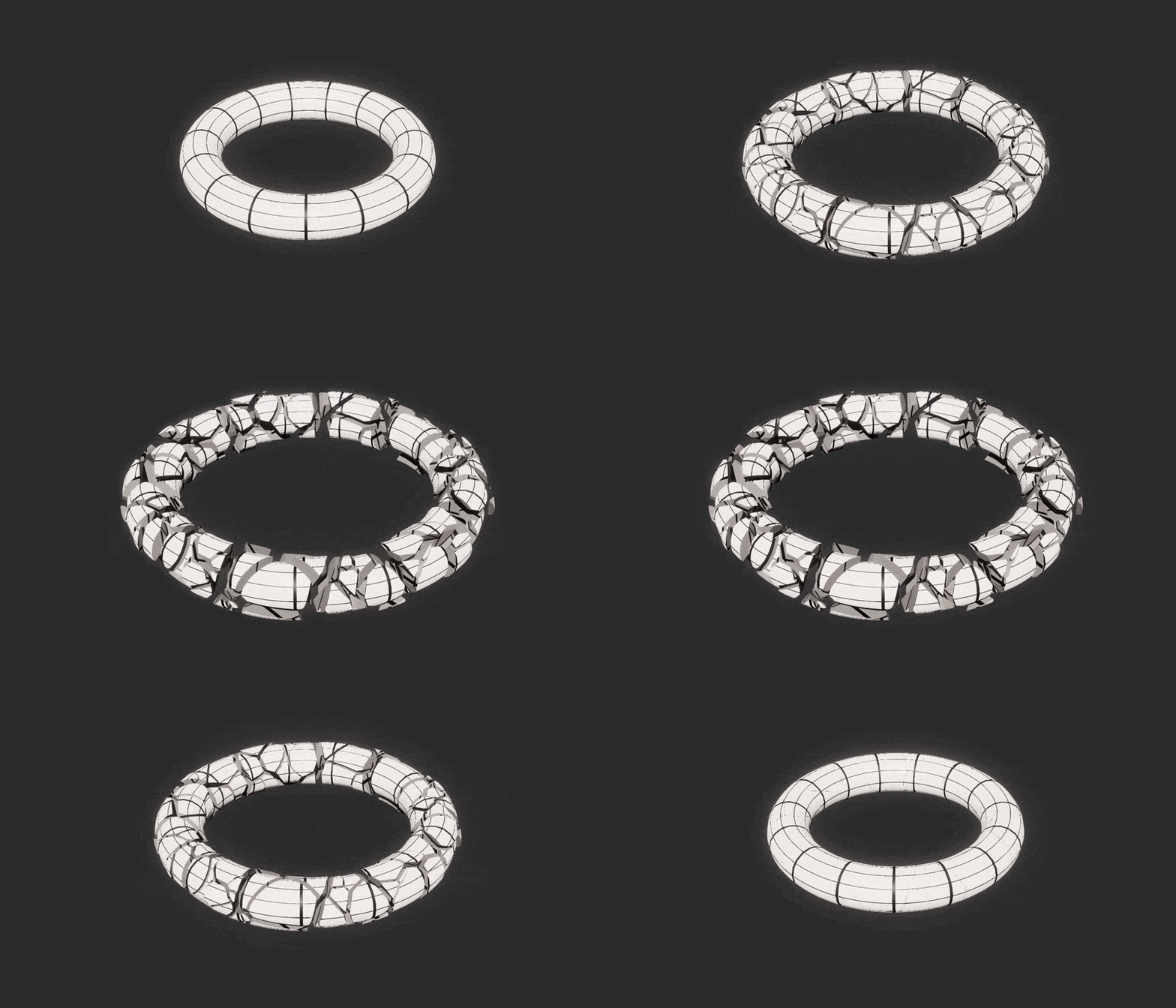
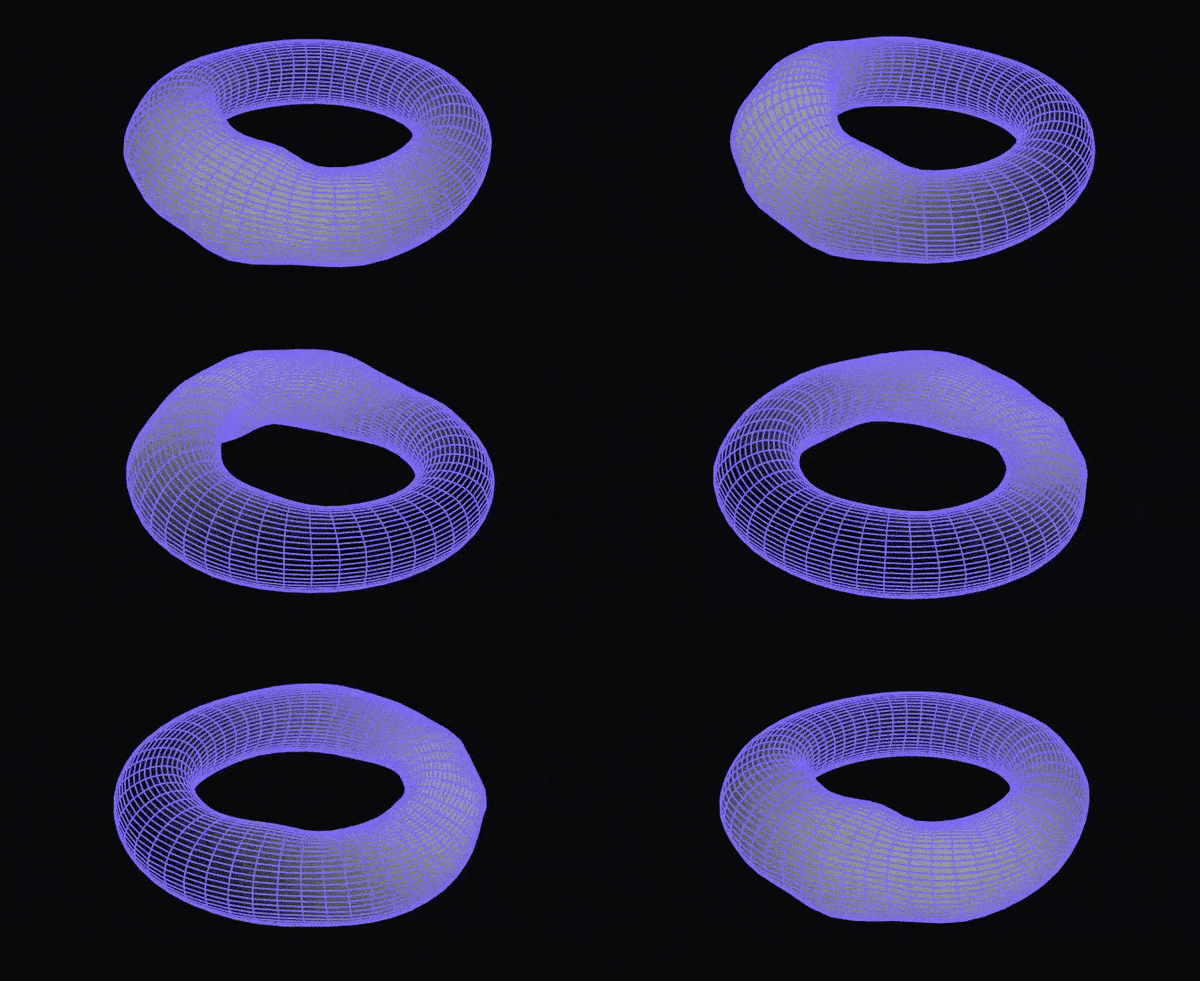
    • Torus now uses dedicated Minor radius parameters; old presets are migrated automatically
    • Added a Pivot at bottom option
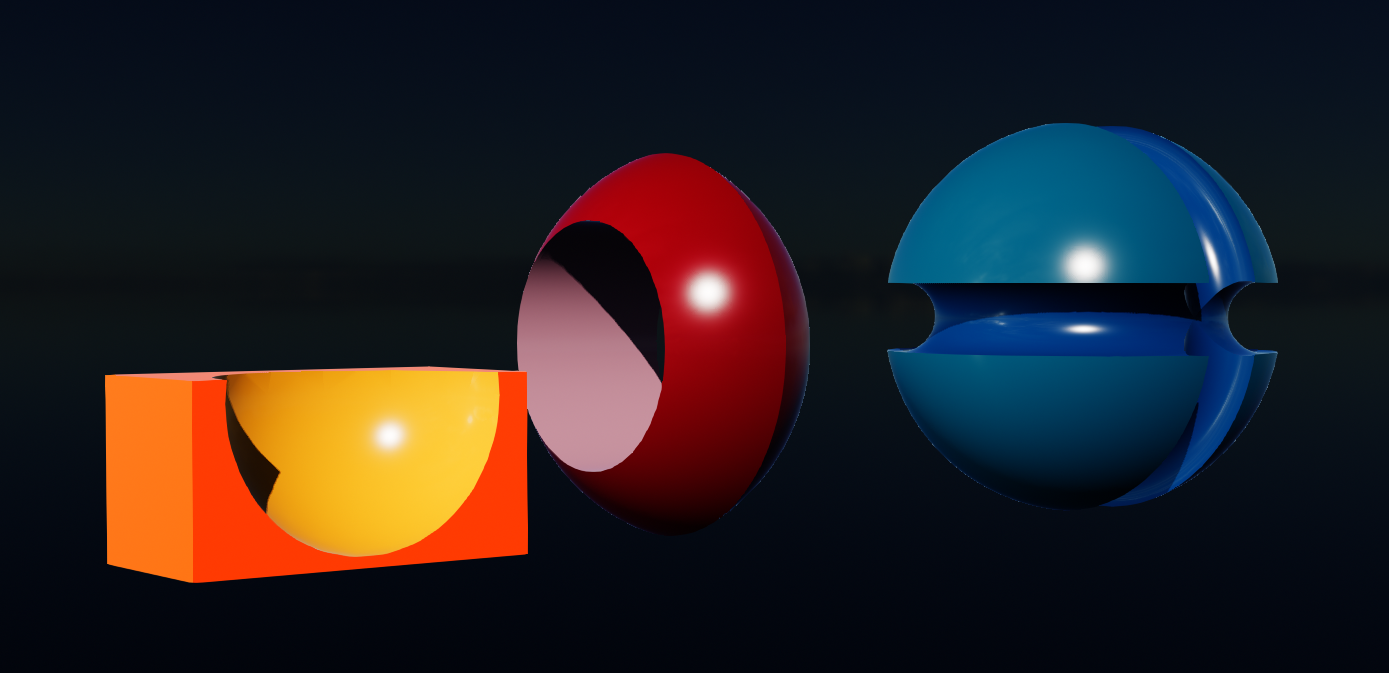
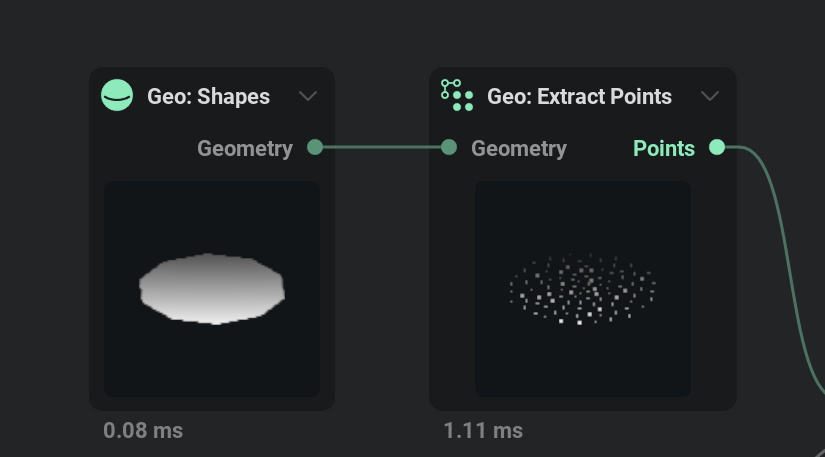
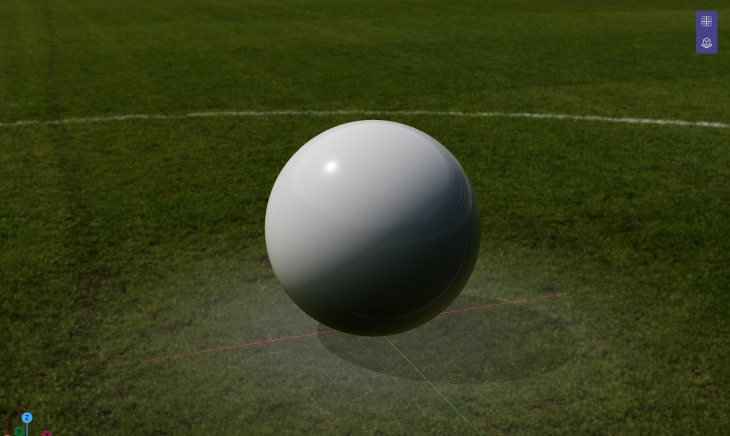
    • Added a Geodesic Sphere primitive (subdivided icosahedron)
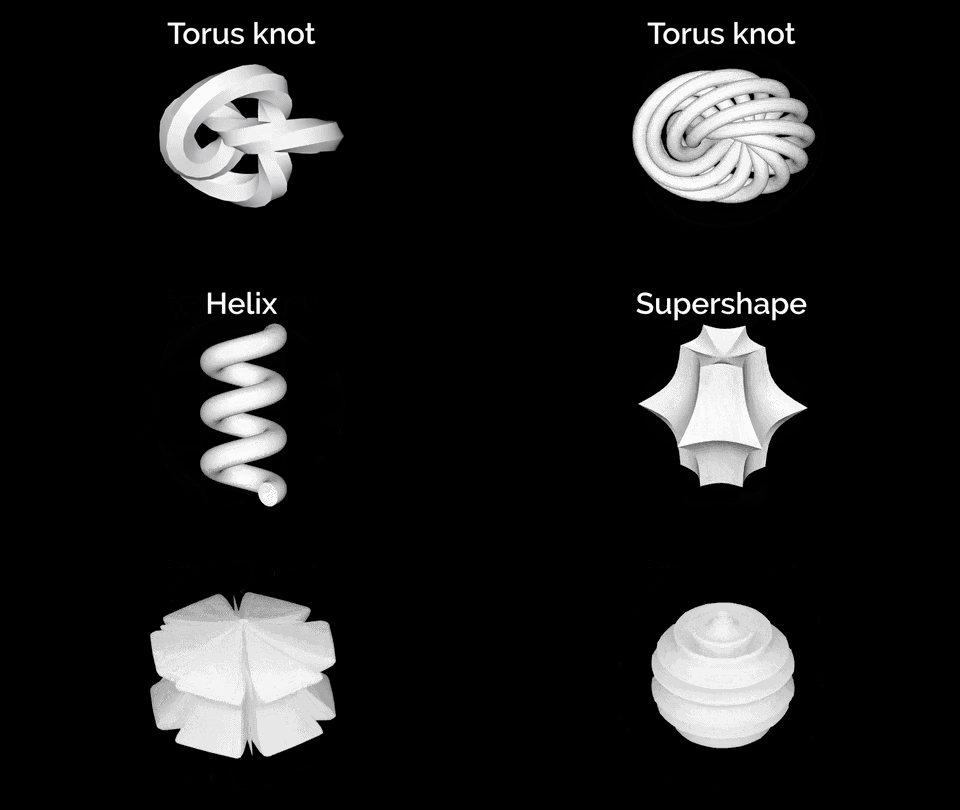
  • Added a Geo Complex Shapes node:
    • Supershape — organic/star-like forms from the Gielis superformula
    • Torus Knot — a tube swept along a (P, Q) knot curve
    • Helix — a tube swept along a coil
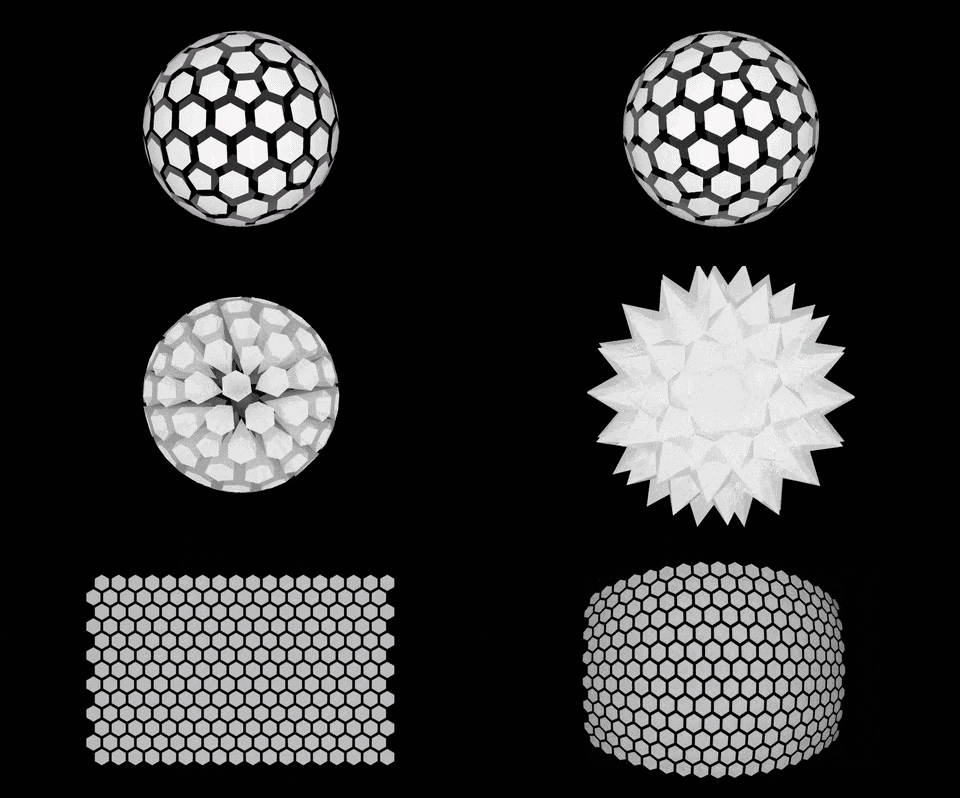
  • Added a Geo Honeycomb Shapes node:
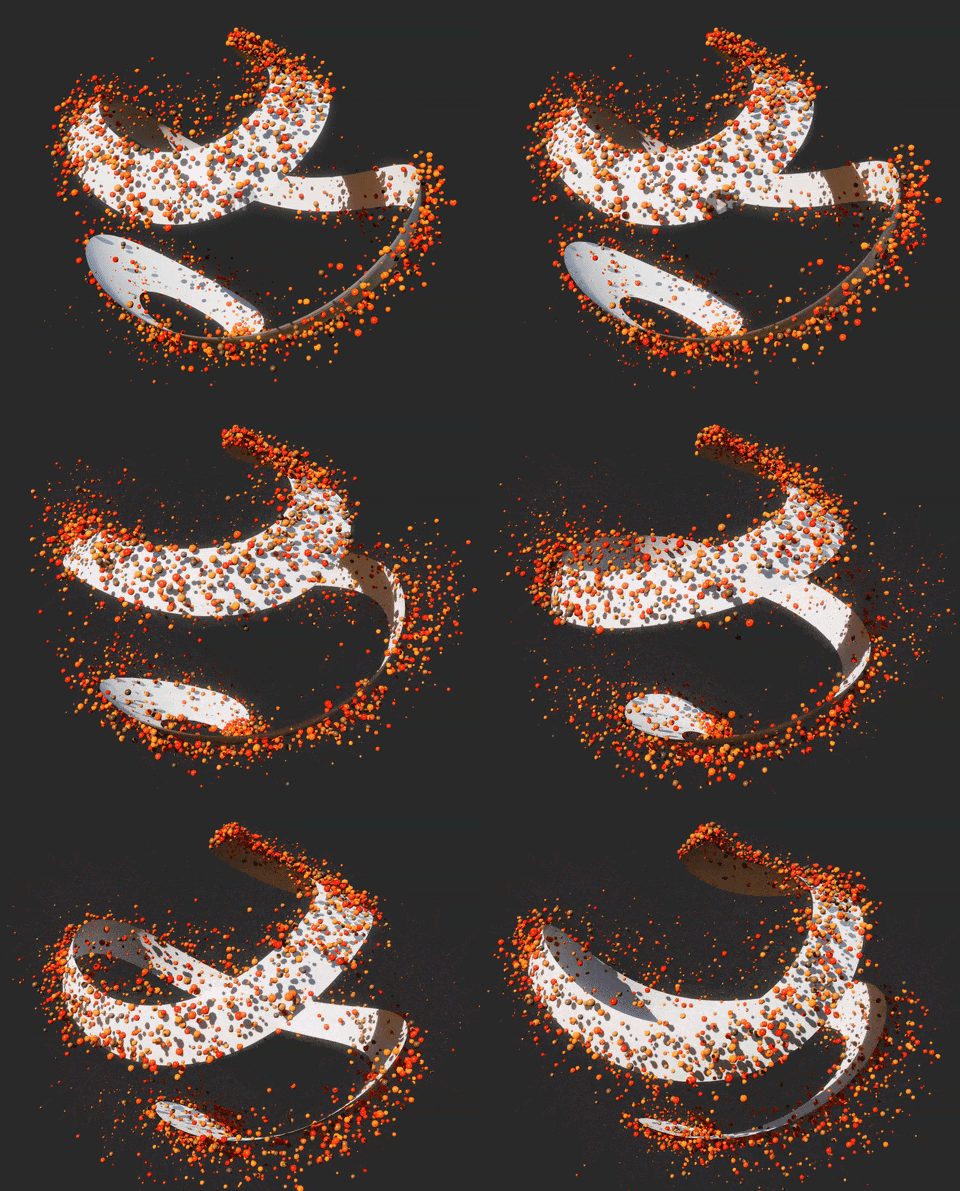
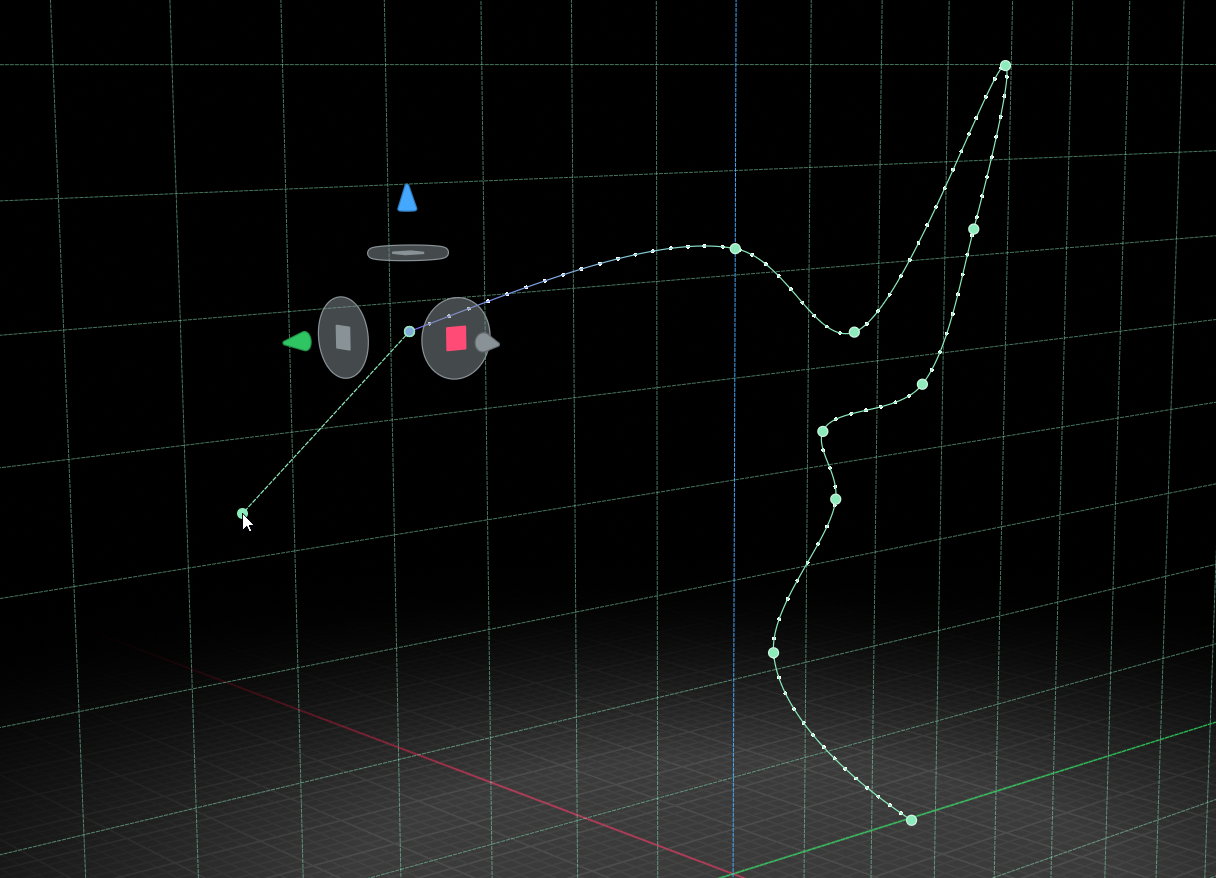
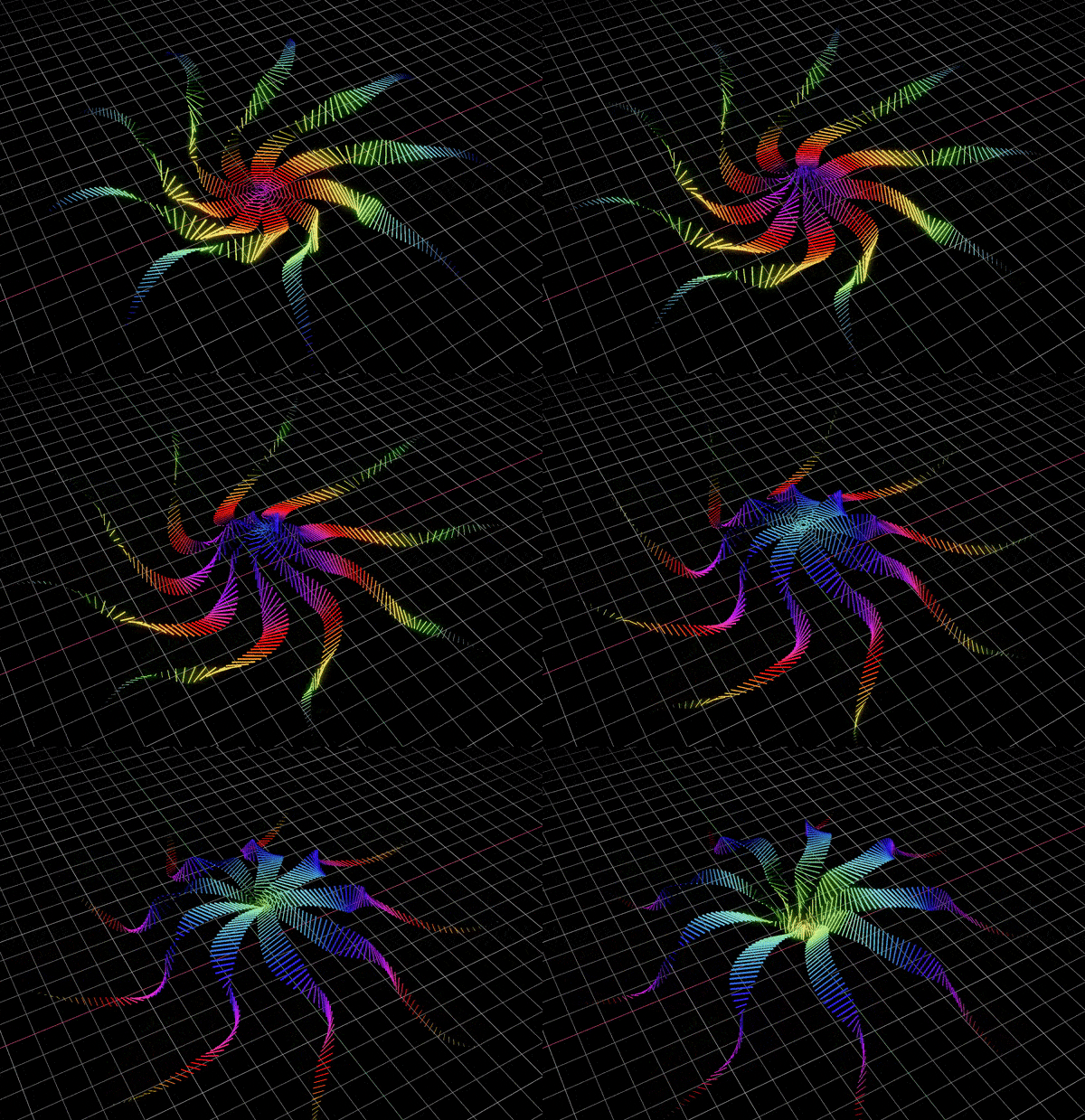
    • Spline-sweep mode: connect control points and the node wraps a honeycomb strip along the spline (uses the points' orientation to roll the tube when present, otherwise a rotation-minimizing frame)
    • Sphere
    • Plane (with Bend X and Bend Y options to bend up to a torus)
    • Hexagonal patch
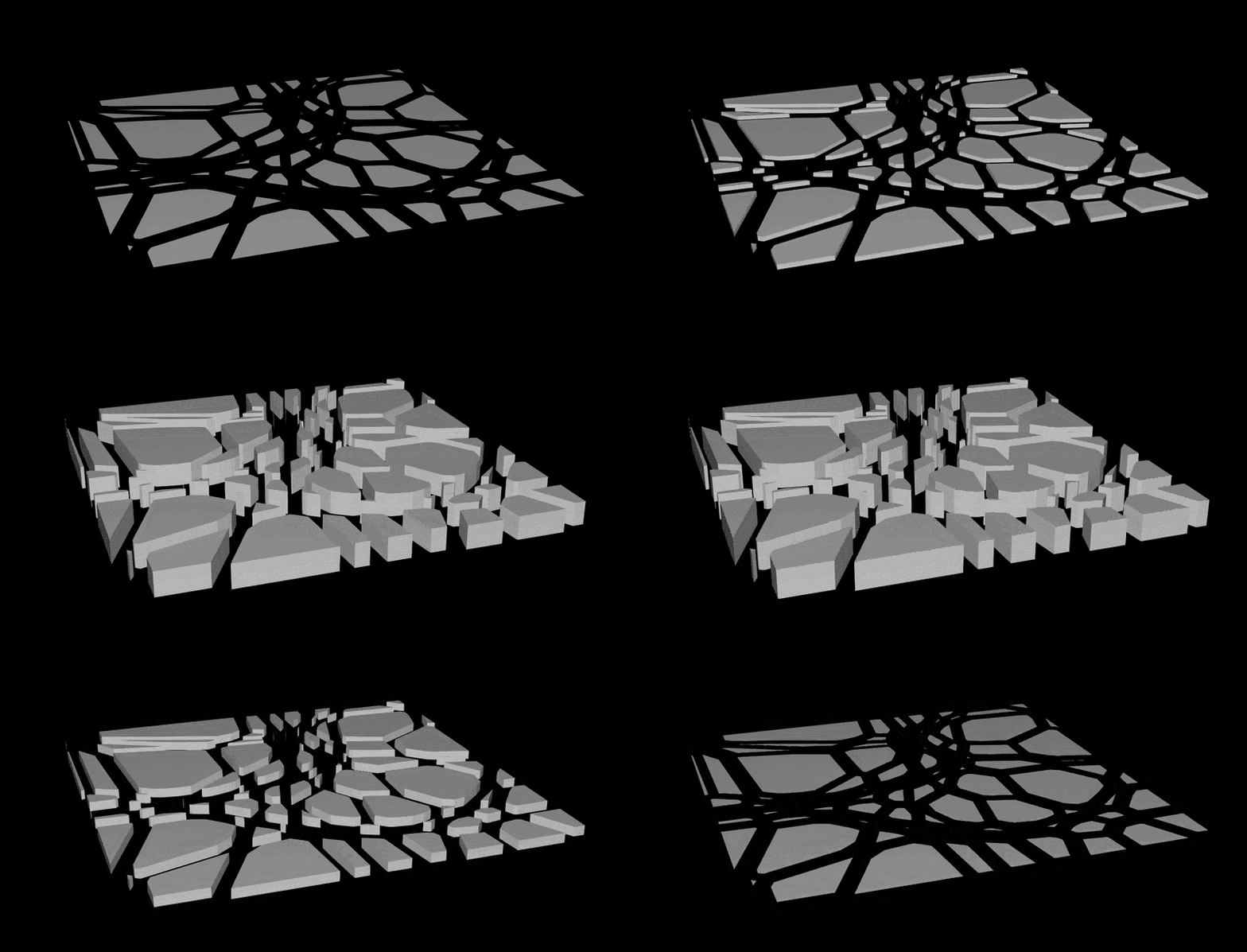
    • All of the above with an adjustable gap between cells and a cell height for raising cells into spikes or sinking them into holes, plus an option to bake a per-cell pivot, orientation and id
  • Added per-node timings to the node graph (can be enabled from the preferences under Show GPU Timings)
  • Added graph frame rate and UI frame rate to stats
  • Added interpolation mode selection for all keys at once in the curve menu
  • Added a Keep relative center position option to the Auto Crop node, with an adjustable Pivot gizmo

Improvements

  • Improved the 3D viewport bloom:
    • Anamorphic radii (for horizontal or vertical streaks)
    • Dirt/dust masks, with support for normal maps
    • A much larger maximum bloom radius
    • Frequency modification (effectively allowing you to change the blur's falloff shape)
    • Firefly/sparkle reduction
    • Up to 2x faster than before on Apple Silicon
  • Improved load balancing performance and stability for graphs that require high amounts of GPU time
  • Optimizations:
    • Directional Blur node optimized, output is identical
    • Blur node uses a two-pass filter when its radius isn't modulated, output is close to the previous version
    • Grayscale Filter blur (Gaussian/Sharpen/High-pass) uses a faster mip-bounded separable Gaussian, output is close to the previous version
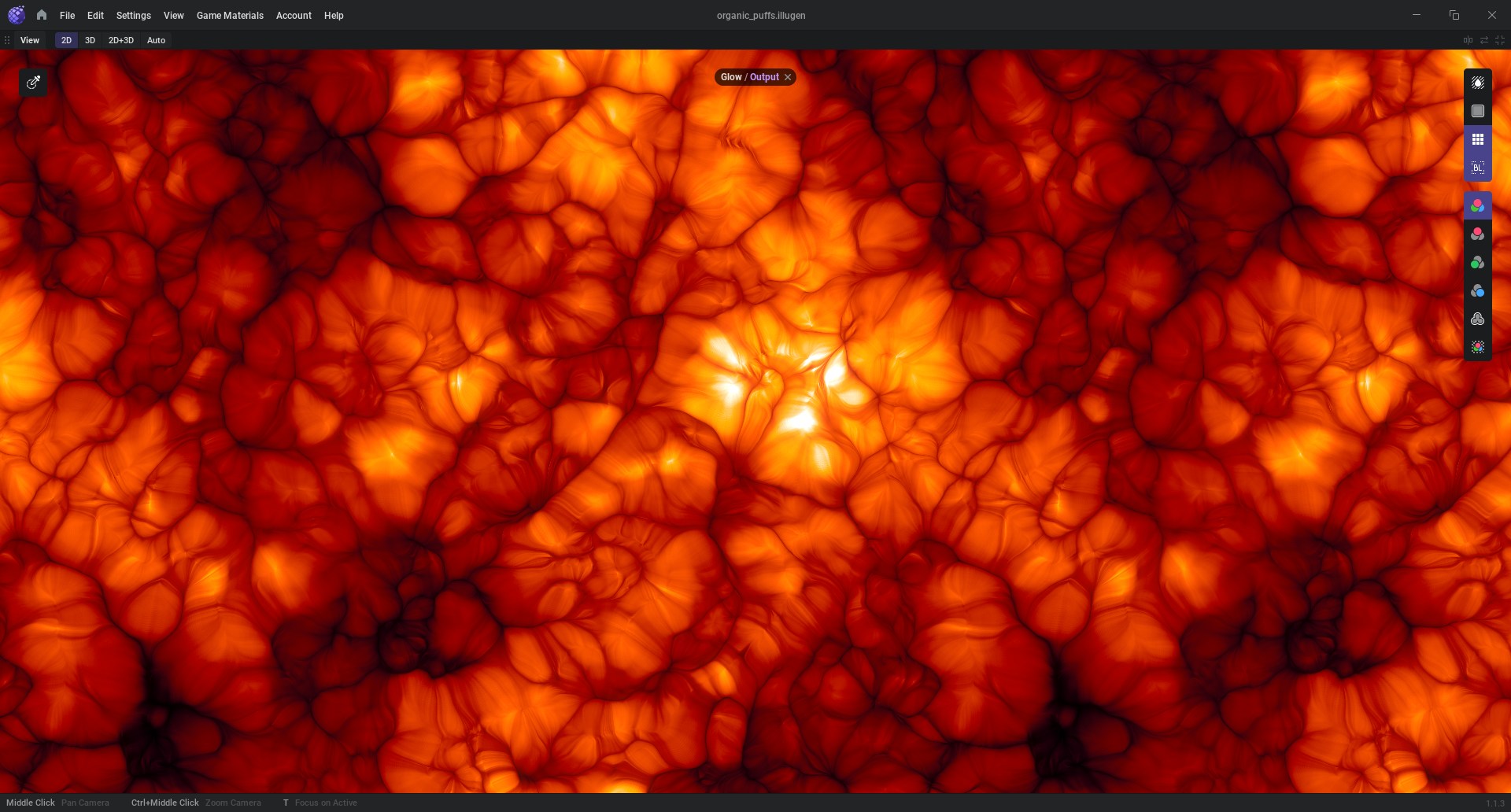
    • Glow node uses a separable multi-scale bloom, output is close to the previous version

Changes

  • Renamed the Auto Crop node's Uniform cropping option to Keep aspect ratio

Fixes

  • Fixed Color Gradient alpha being gamma-corrected in the RGB and OKLab modes; alpha now interpolates linearly
  • Fixed 'autolink' for dangling reroute nodes
  • Fixed the Import Model node forgetting which mesh layer was selected when reloading a project
  • Fixed the color picker not working on macOS
  • Fixed Auto Crop node cropping for non-square sizes and mismatched resolutions
Feature Preview

New Node: Accumulate

Status IconReleased

Feature Preview

New Node: Accumulate

User Avatar

Nicholas Seavert

Posted on September 21, 2026

Status IconReleased

The feature has been released and is available in public builds.

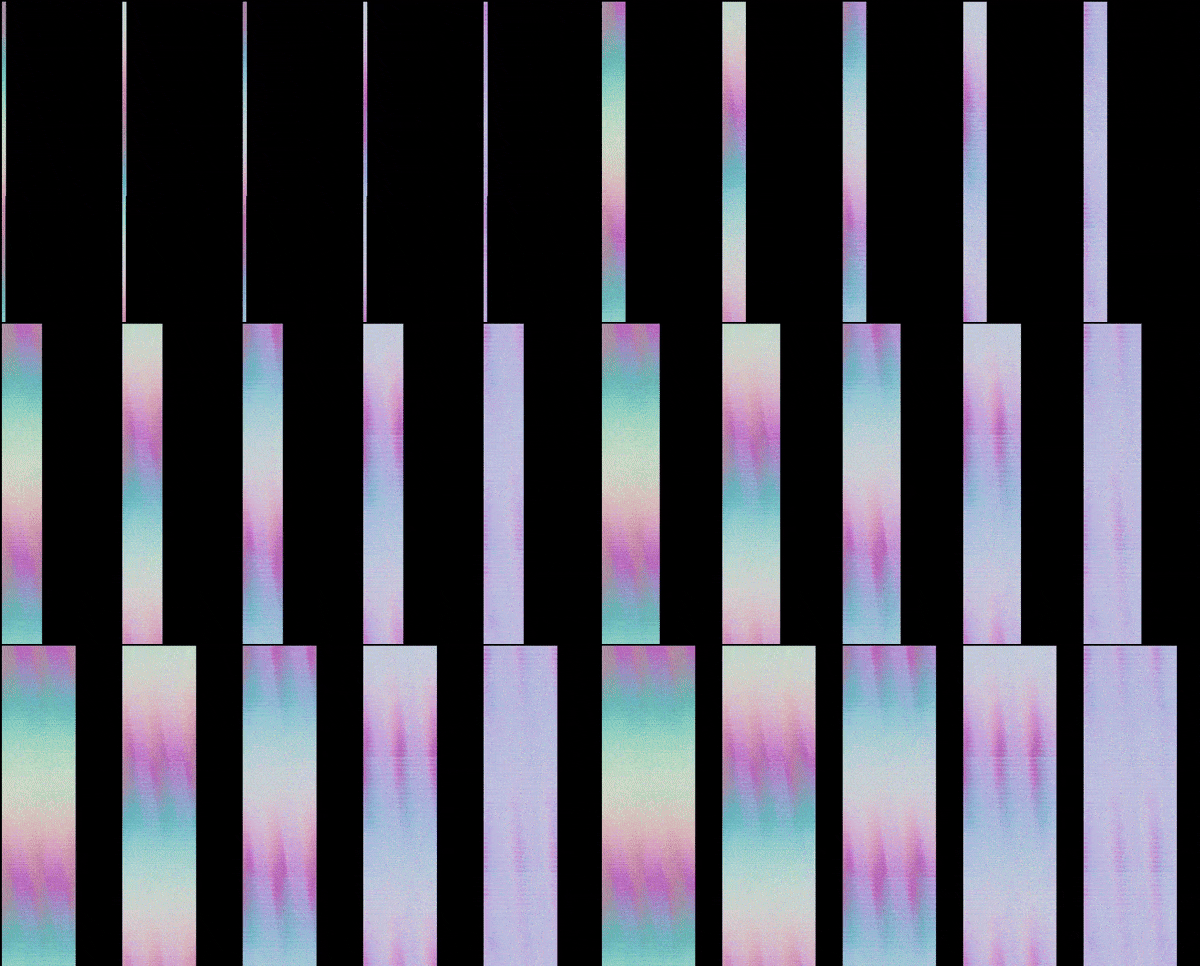
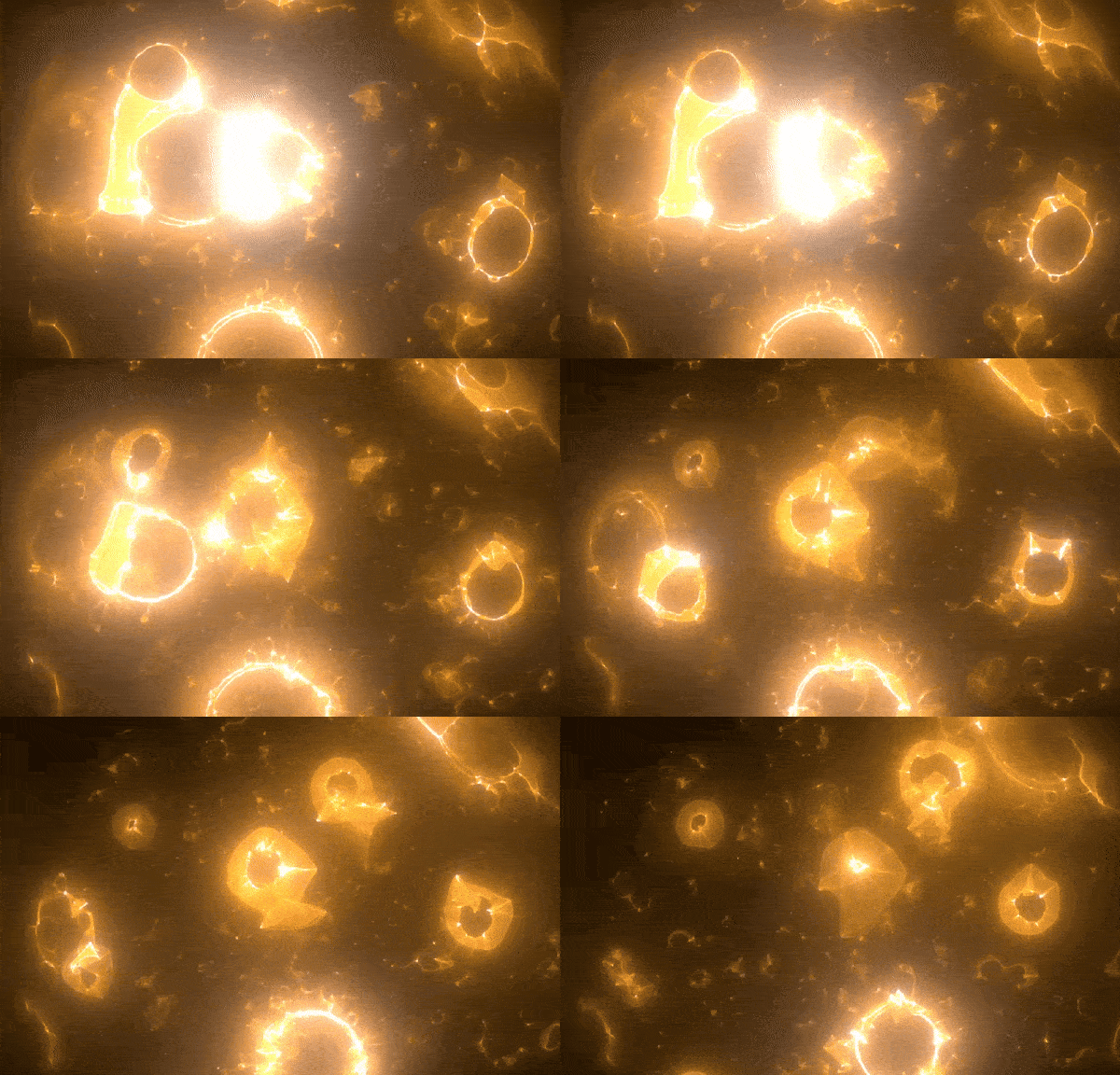
Added an Accumulate node that combines a range of timeline frames into a single image, supporting grayscale, color, UV and normal textures. We still have the accumulate function inside of the sheet encode node, but felt that it was better to copy the functionality to its own dedicated node. This also allows us to support many input types.

Feature Preview

UI: Histogram

Status IconReleased

Feature Preview

UI: Histogram

User Avatar

Nicholas Seavert

Posted on September 21, 2026

Status IconReleased

The feature has been released and is available in public builds.

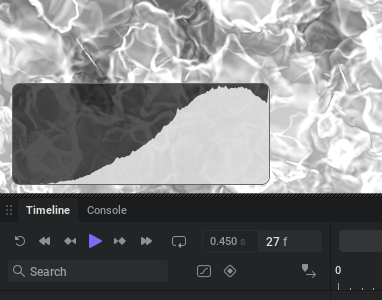
Added a histogram overlay to the 2D viewport (toolbar button or Ctrl+Shift+5); shows the 256-level distribution of grayscale images or of the red, green, blue and alpha channels of color images

Feature Preview

New Node: Equalize

Status IconReleased

Feature Preview

New Node: Equalize

User Avatar

Nicholas Seavert

Posted on September 21, 2026

Status IconReleased

The feature has been released and is available in public builds.

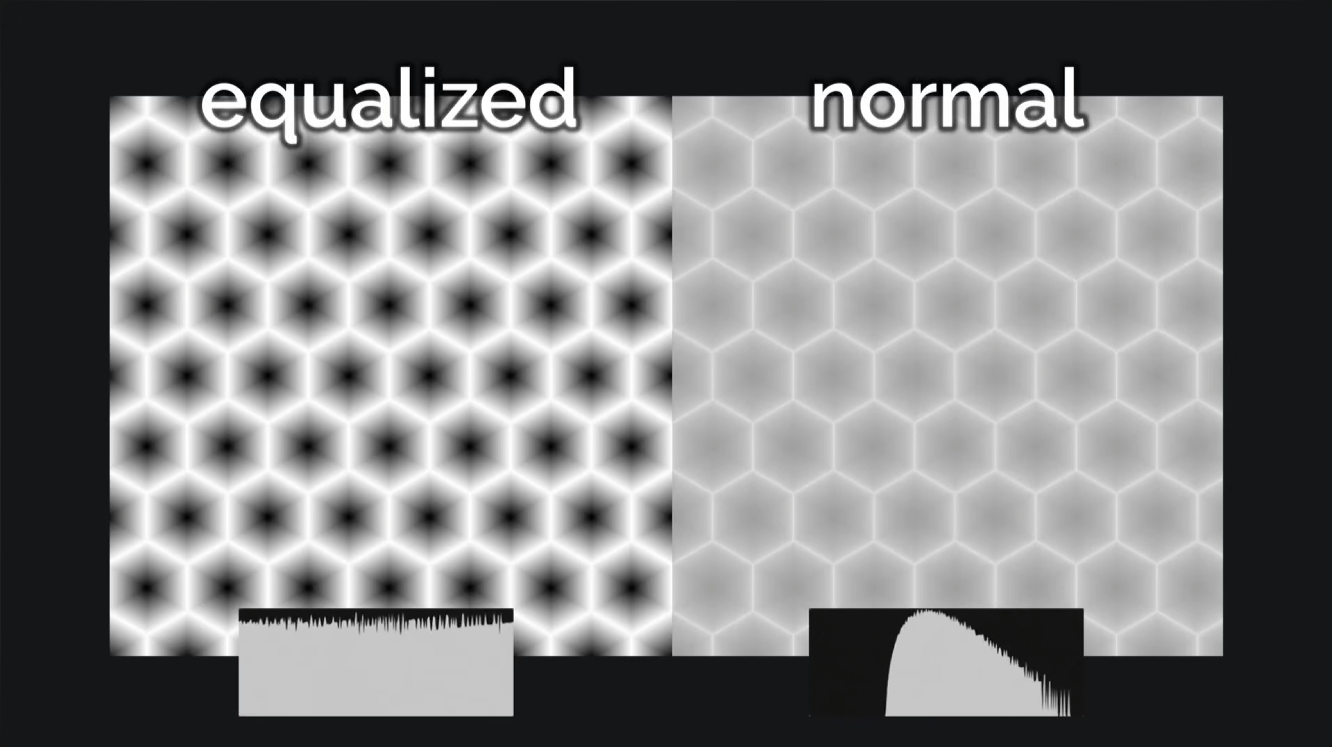
Added an Equalize node that equalizes the histogram of an image so every level is equally represented, with Luminance and Per Channel modes for color images and a Strength control

Feature Preview

New Node: Geo Subdivide

Status IconReleased

Feature Preview

New Node: Geo Subdivide

User Avatar

Nicholas Seavert

Posted on September 21, 2026

Status IconReleased

The feature has been released and is available in public builds.

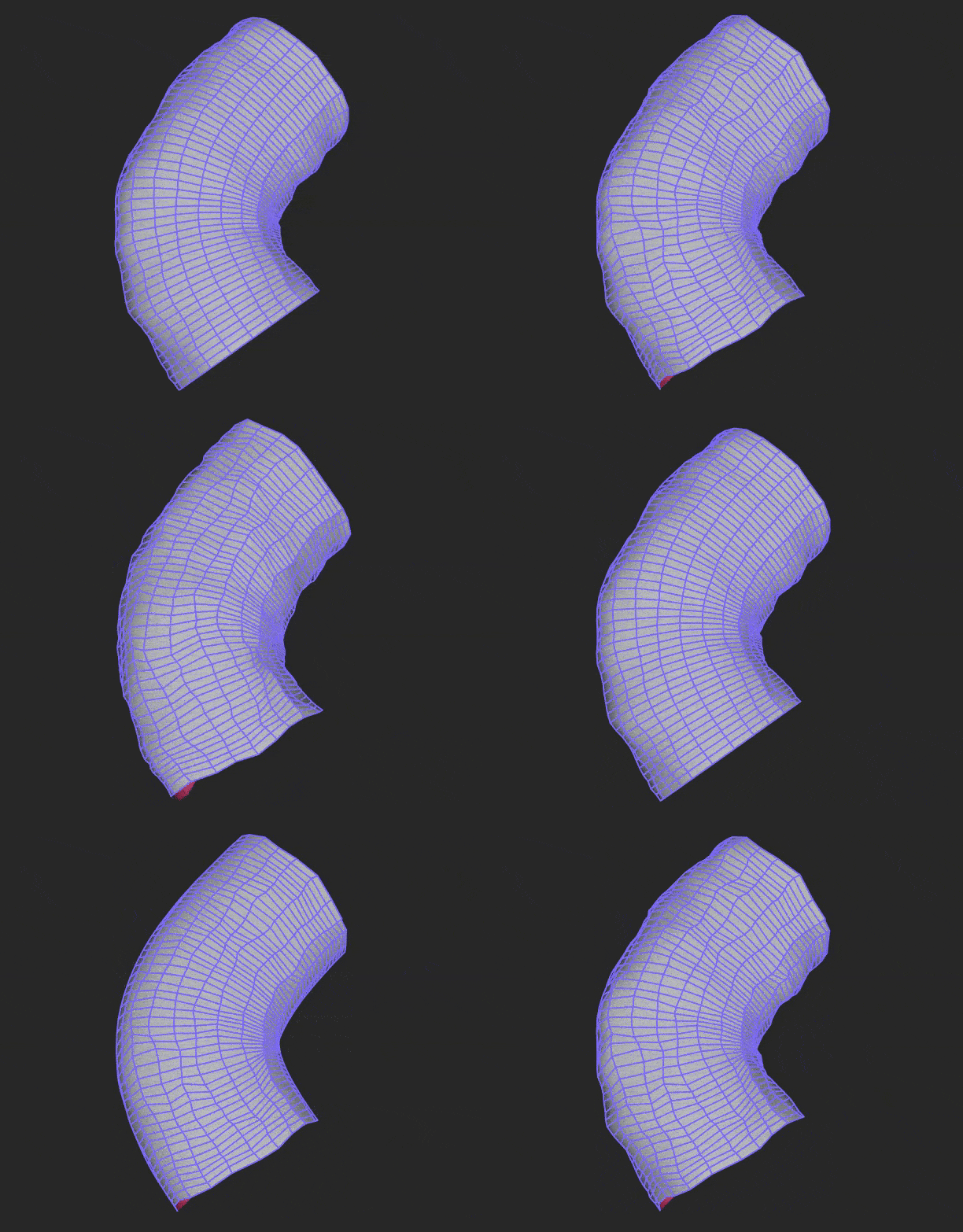
Added a Geo Subdivide node that applies up to 6 levels of Catmull-Clark subdivision to geometry; hard edges are kept sharp (creased)

Feature Preview

New Node: Image to Material

Status IconReleased

Feature Preview

New Node: Image to Material

User Avatar

Nicholas Seavert

Posted on September 21, 2026

Status IconReleased

The feature has been released and is available in public builds.

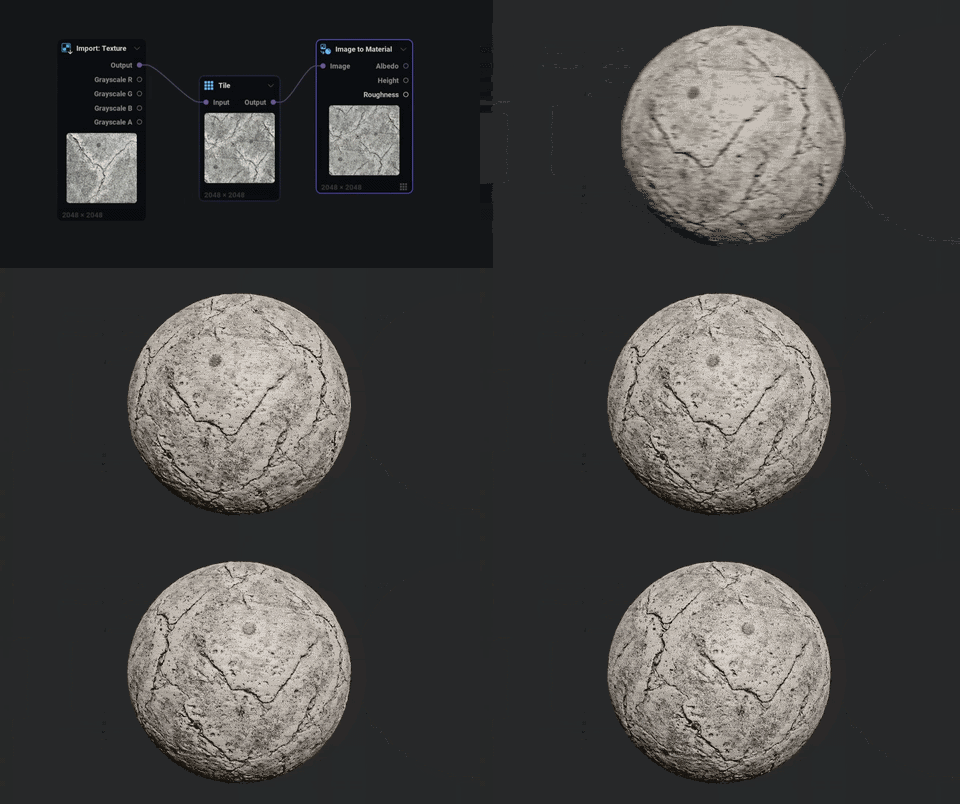
Added an Image to Material node that extracts albedo (de-lit), height (with optional edge-preserving denoise) and roughness maps from a photo; supports tiling so the maps stay seamless for a seamless input (heuristic, frequency-based; best for flat-lit material photos)

Feature Preview

New Node: Geo Complex Shapes

Status IconReleased

Feature Preview

New Node: Geo Complex Shapes

User Avatar

Nicholas Seavert

Posted on September 21, 2026

Status IconReleased

The feature has been released and is available in public builds.

  • Added a Geo Complex Shapes node:
    • Supershape: organic/star-like forms from the Gielis superformula
    • Torus Knot: a tube swept along a (P, Q) knot curve
    • Helix: a tube swept along a coil
Feature Preview

New Node: Geo Honeycomb Shapes

Status IconReleased

Feature Preview

New Node: Geo Honeycomb Shapes

User Avatar

Nicholas Seavert

Posted on September 21, 2026

Status IconReleased

The feature has been released and is available in public builds.

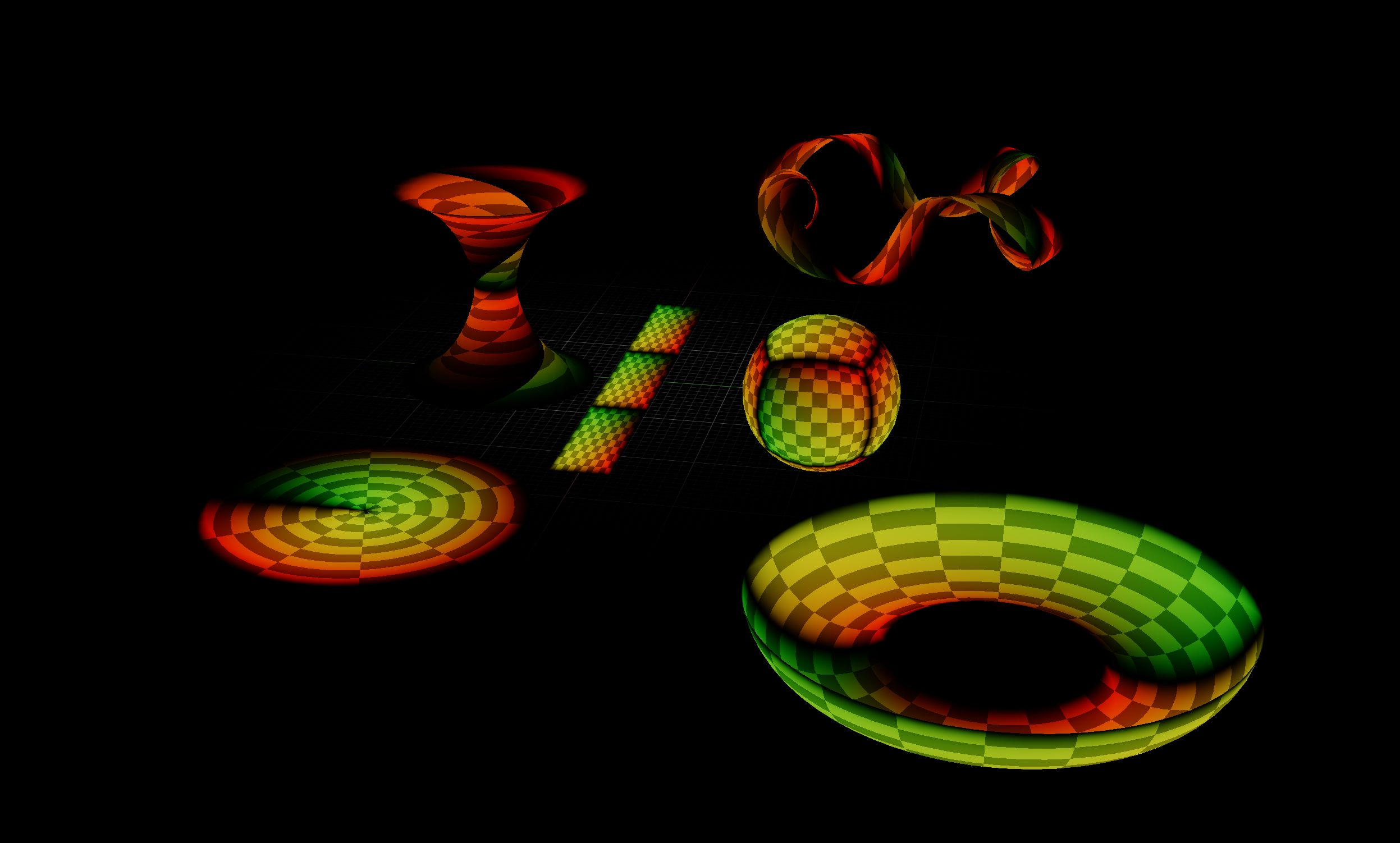
  • Added a Geo Honeycomb Shapes node:
    • Spline-sweep mode: connect control points and the node wraps a honeycomb strip along the spline (uses the points' orientation to roll the tube when present, otherwise a rotation-minimizing frame)
    • Sphere
    • Plane (with Bend X and Bend Y options to bend up to a torus)
    • Hexagonal patch
    • All of the above with an adjustable gap between cells and a cell height for raising cells into spikes or sinking them into holes, plus an option to bake a per-cell pivot, orientation and id
Feature Preview

UI: GPU Timings Per Node

Status IconReleased

Feature Preview

UI: GPU Timings Per Node

User Avatar

Nicholas Seavert

Posted on September 21, 2026

Status IconReleased

The feature has been released and is available in public builds.

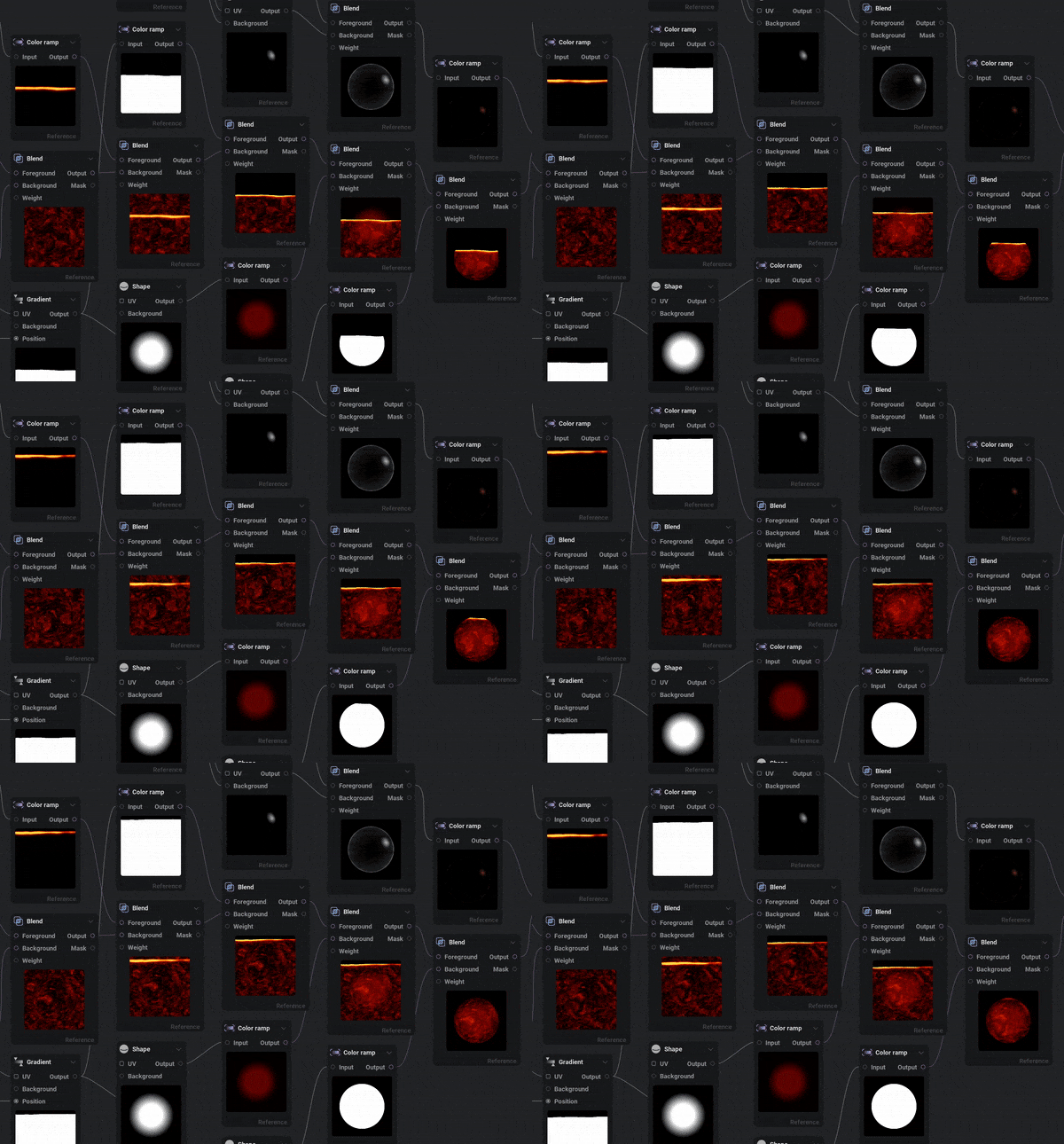
Added per-node timings to the node graph (can be enabled from the preferences under Show GPU Timings)


Version 1.1.6 (7/15/2026)

Collapse Section

Feature Preview

1.1.6 Changelog

Status IconReleased

Feature Preview

1.1.6 Changelog

User Avatar

Nicholas Seavert

Posted on September 21, 2026

Status IconReleased

The feature has been released and is available in public builds.

IlluGen 1.1.6

Fixes

  • Fixed issues when exporting animated geometry on Windows
  • Fixed custom normals not being included with exported geometry
  • Fixed the 3D viewport not updating when auto previewing a 2D node

Version 1.1.5 (6/24/2026)

Collapse Section

Feature Preview

1.1.5 Changelog

Status IconReleased

Feature Preview

1.1.5 Changelog

User Avatar

Nicholas Seavert

Posted on September 21, 2026

Status IconReleased

The feature has been released and is available in public builds.

IlluGen 1.1.5

New Additions

  • Added a Points input to the Text node: each space-separated word is placed on a point (word 0 on point 0, and so on), oriented by the point's XY position and right axis
  • Added a Per point mode to the Text node Points input: one word per point (default) or one letter per point
  • Added an Orientation mode to the Geo Points Shape orientation attribute: Default (derived from the emitter shape) or Direct (an explicit X/Y/Z rotation applied to every point)
  • Added support for automatically connecting all selected nodes when dropping a pending link onto the graph's empty area to create a node
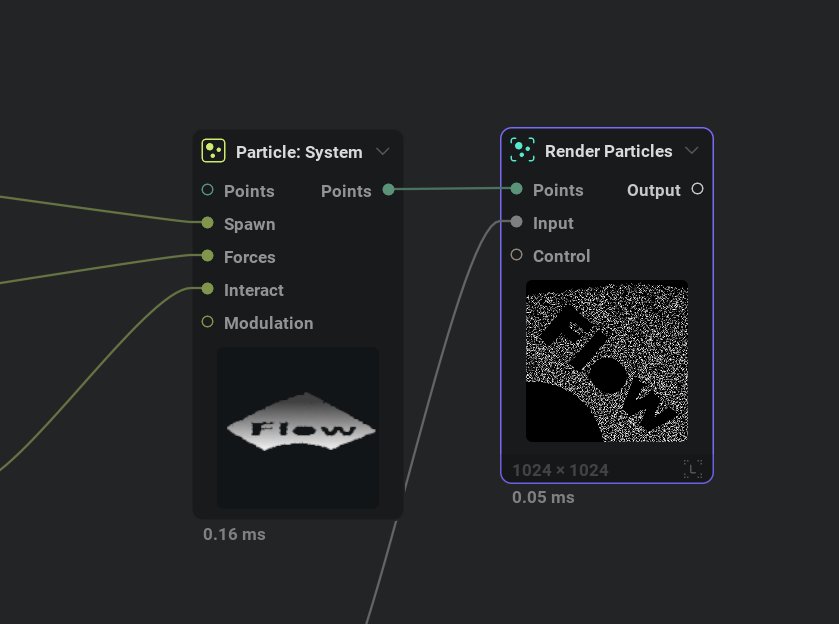
  • Added Flow Stylization node
  • Added Geo Spline node that fits a spline through the input points and outputs a configurable number of points along it (range, phase, include end position, closed-loop, orientation, and UV and color transfer options)
    • Added Transfer point scale, Transfer point UV, and a Transfer orientation dropdown (Disable / From spline / From points)
  • Added perceptual quantization to the Pixelizer node
  • Added Send to / Receive from options to wireless node context menus
  • Added the ability to select an 'Island' of nodes
  • Added a 'Swap With...' option to input pins
  • Added a 'Swap first two inputs' shortcut (unbound by default)
  • Added Contrast Luminosity utils node
  • Added an OKLab blend toggle to the Utils Blend and Color Fractal nodes
  • Added Quantization to the grayscale Fractal node
  • Added Flow spread options to the Directional Blur node
  • Added an Islands to UV Identity mode that allows random per-island transformations of the identity UVs
  • Added a UV input pin to the Tiler node to force tile orientation/alignment
  • Added Frequency Splitter grayscale node to split an input into low frequency and high frequency (residual, 0.5 biased) outputs
  • Added Text grayscale node, rendering .ttf/.otf glyphs directly from outline curves on the GPU (resolution-independent, with bundled and user-supplied fonts, anchor, position, rotation, scale, and arc layout)
  • Added 'from max size' and 'from area' modes to the Islands to Grayscale node
  • Added Transform manipulators to the spline gizmo
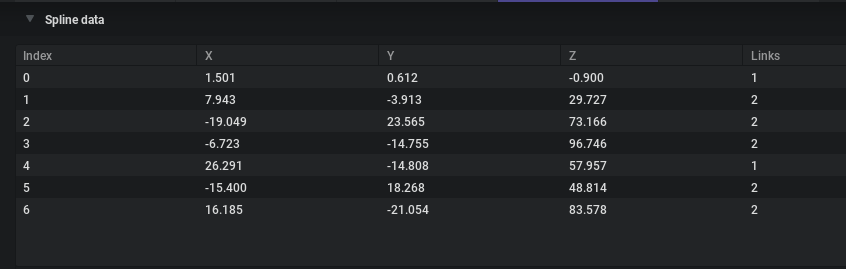
  • Added row highlighting to the Spline Data table when a Control Point is selected
  • Added an Import next frame option to the Import: Texture node, which streams in both the current and next texture in the sequence
  • Added support for binding the enter-subgraph command to a shortcut (this can be bound in the preferences)
  • Added the ability to rotate the skybox and directional lights in the 3D viewport with the mouse
  • Added Color Alpha Premultiply node, which can be used to premultiply and unpremultiply alpha from your textures
  • Added the ability to sample slope for the initial gradient direction in the Islands to Gradient node
  • Added support for multiple split previews on the viewport (Ctrl+Click previewable node outputs)
  • Added preferences for preview scale on the matrix, dropdown menus, and node menu
  • Preview matrix:
    • Added support for opening the preview matrix from a node's context menu
    • Added support for setting how many samples a numerical row should use
    • Fixed the default shortcut key on macOS

Improvements

  • Improved memory usage of geometry nodes and increased the geometry limit from 96MB to 2GB
  • Improved Islands nodes:
    • Islands generate up to 40x faster, removing the need to define the longest search path
    • Islands padding now takes the 'Padding distance' into account to limit the expansion
    • Fixed Islands padding in tiling mode
    • Fixed Islands to Gradient and Islands to UV center being offset on irregular shapes
    • Added a uniform scale option to the Islands to Gradient node
    • Improved random value generation on regular/aligned islands
  • Improved grayscale Filter node:
    • Reduced Gaussian blur ringing
    • Improved High Pass intensity result
    • Rewrote Expand/Shrink to produce circular shapes instead of axis-aligned boxes, with an HQ supersampling option
    • Expand and Shrink now produce pixel-exact sharp edges
    • Added Smooth Expand and Smooth Shrink filter types
  • Improved Pixelizer node:
    • Fixed mip selection for non-square inputs and the No-dithering rounding offset
    • Replaced Blueish noise dither with Interleaved Gradient Noise
    • Added a Halftone dot-screen dither option
    • Added a Dither pattern input pin
  • Improved Color Adjust node:
    • Added Temperature and Tint white-balance controls
    • Added Chroma color/Chroma strength
    • Added a Mask remap curve on the Mask input
    • Added texture filtering options
    • Reorganized tabs as HSV / Grading / Mask
    • Fixed shadows/midtones/highlights gamma and gain
  • Improved Utils Blend node:
    • Added the ability to blend the alpha channel using the same blend mode as the color channels; this is now the default alpha blending mode
    • Added division zero and division retain blend modes
    • Exposed a foreground color/value parameter when nothing is plugged into the Foreground pin
    • Added auto level to the grayscale Fractal node, Distance node, Tiler node, Noise node, and Utils Blend node
    • Added a Clamp output option to the Utils Blend node (when auto level is active)
    • Added an Output remap curve to the Utils Blend node
  • Made non-basic parameters searchable from the parameter palette (Ctrl+P)
  • Improved the geometry readout at the top of Node Details on geometry nodes

Changes

  • Parameter name is now inherited when exposing a parameter to a subgraph
  • Rewrote Color Replace in OKLab, with a Preserve luminance toggle
  • Color Adjust, Color Ramp, Color Interpolate, and Color Hue Spread hue/saturation/value adjustments are now in OKLab
  • Hue parameters are now in degrees, consistent across all nodes
  • Changed node preset saving to allow overwriting existing presets without deleting first

Fixes

  • Fixed the Phase on the Geo Points Shape Fibonacci disc and sphere distributions so it loops seamlessly (0% and 100% match)
  • Fixed Geo Render to Texture aspect ratio with an orthographic camera on non-square textures
  • Fixed subgraph previews not showing on the node menu
  • Fixed preview matrix flicker when changing node parameters
  • Fixed the UV Transform node when no UV texture is connected
  • Fixed the Distance node in tiling mode
  • Fixed visible repetition in the Fractal node at small scale
  • Fixed UV Blur node tiling issues
  • Fixed atlas modulation element indexing in the Fractal and Tiler nodes
  • Fixed some crashes related to reroute nodes and wireless nodes

Version 1.1.4 (6/16/2026)

Collapse Section

Feature Preview

1.1.4 Changelog

Status IconReleased

Feature Preview

1.1.4 Changelog

User Avatar

Nicholas Seavert

Posted on September 21, 2026

Status IconReleased

The feature has been released and is available in public builds.

IlluGen 1.1.4

Fixes

  • Fixed export corruption on MESA (AMD+Linux)

Version 1.1.3 (4/29/2026)

Collapse Section

Feature Preview

1.1.3 Changelog

Status IconReleased

Feature Preview

1.1.3 Changelog

User Avatar

Nicholas Seavert

Posted on April 28, 2026

Status IconReleased

The feature has been released and is available in public builds.

1.1.3

New Additions

  • Added several new node presets
    • Find the correct node when searching for terms such as Quantize, Invert, Bevel, etc.
  • Added previews to all node dropdown menus (Note: This can be disabled in the preferences)
  • Added preview to node menu (Note: This can be disabled in the preferences)
  • Added Create Next Node shortcut (Ctrl+K) to open the add-node menu from the active node’s first output pin
  • Added parameter preview matrix accessible from the 'View' menu or by the default shortcut Ctrl+Shift+M
  • Added a reduction level to the Pixelizer node to pixelize an image while keeping its original resolution
  • Added a grid view of spline control points on all nodes using splines, with manual position editing
  • Added snap to grid options when editing splines
  • Added average blend mode to the Multi Blend node
  • Added context menu to home screen items
  • Added ‘Simplify’ option to the color gradient’s menu
  • Added current preview node and pin text on the viewport
  • Added support for pasting an image directly into the node graph
  • Added support for pasting a file path directly onto the node graph
  • Added support for project-relative paths
    • This can be disabled in the preferences
  • Added Bokeh Blur utils node
  • Added Looper utils node to loop a non-looping sequence of images
  • Added Send/Receive (wireless connection) nodes
  • Added crash handling and reporting

Improvements

  • Improved slider/number widget’s textbox behavior
    • Removed the unit from text mode while editing
    • Added support for Shift + Up/Down to increment or decrement by steps of 10
  • Improved parameter palette (Ctrl+P)
  • Improved zooming smoothness in the node graph
  • Improved connected pin rendering to draw the line up to the pin instead of stopping at the edge of the node
  • Improved tooltip behavior to carry over when hovering items in quick succession
  • Improved timeout behavior for the licensing service

Changes

  • Swapped order of filtering / tiling on graph’s menubar to match the order in the Node Details panel
  • Swapped sides for text and icons on node footers to match section header

Fixes

  • Fixed deleting hex values in the color picker removing the gradient key
  • Fixed viewport toolbar tooltips
  • Fixed incorrect icon on message box when trying to overwrite a read-only file
  • Fixed tiling on the Lattice node
  • Fixed tiling in the Advect node
  • Fixed graph crashing when the app runs out of GPU resources
  • Fixed importing OBJ files being stuck in an infinite loop
  • Fixed Geo UV spherical and polar projection seam and pole
  • Fixed not being able to link the Mod: Ease node to anything
  • Fixed UV polar, UV rotational and Advection with non square textures
  • Fixed a bug with multiple floating license server connections
Feature Preview

New Node Presets For Common Terms

Status IconReleased

Feature Preview

New Node Presets For Common Terms

User Avatar

Nicholas Seavert

Posted on April 28, 2026

Status IconReleased

The feature has been released and is available in public builds.

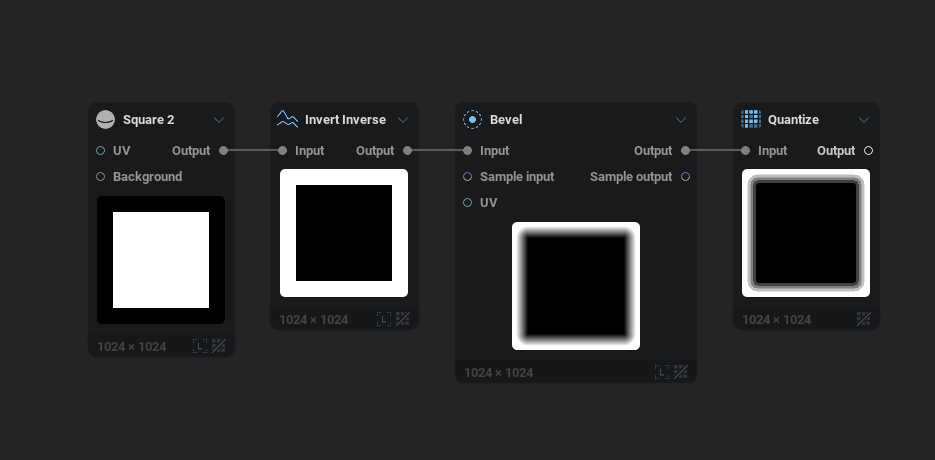
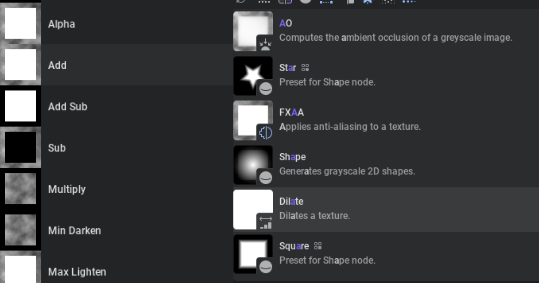
We've added new node presets for common terms:

  • Square 2
  • Triangle
  • Star
  • Ring
  • Pentagon
  • Inverse Invert
  • Quantize
  • Bevel
  • Blend Add Sub
  • Blend Add
  • Blend Alpha
  • Blend Burn
  • Blend Dodge
  • Blend Hardlight
  • Blend Max Lighten
  • Blend Min Darken
  • Blend Mix
  • Blend Multiply
  • Blend Overlay
  • Blend Screen
  • Blend Softlight
  • Perlin (noise)
  • Voronoi (noise)
  • Gabor (noise)
  • Shard (noise)
  • Cubist (noise)
  • etc.
Feature Preview

Dropdown & Node Menu Previews

Status IconReleased

Feature Preview

Dropdown & Node Menu Previews

User Avatar

Nicholas Seavert

Posted on April 28, 2026

Status IconReleased

The feature has been released and is available in public builds.

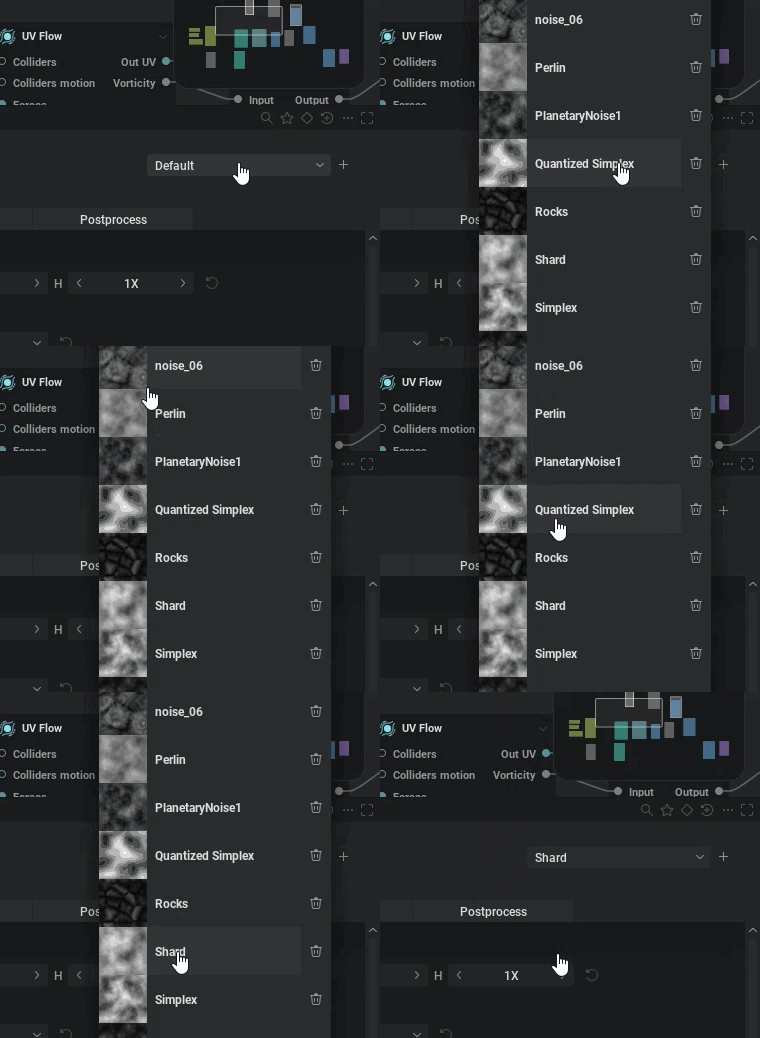
I had a big issue where I was always using the arrow keys to see previews of how each blending mode worked for any given situation. I figured the way it should be done is to actually have a live preview based on your exact situation for ALL dropdowns. Once we implemented this, we decided to also add previews to the node menu as well, so when you drag off of a pin to add a new node, it'll give you a preview of all nodes.

Feature Preview

Parameter Comparison Preview Matrix

Status IconReleased

Feature Preview

Parameter Comparison Preview Matrix

User Avatar

Nicholas Seavert

Posted on April 28, 2026

Status IconReleased

The feature has been released and is available in public builds.

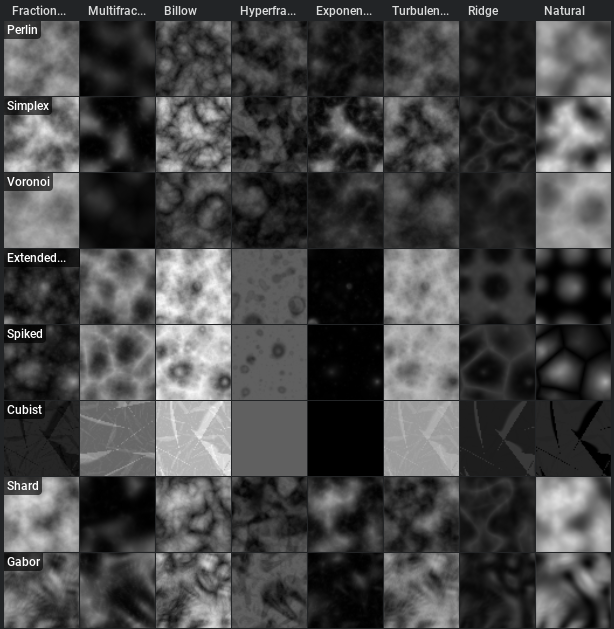
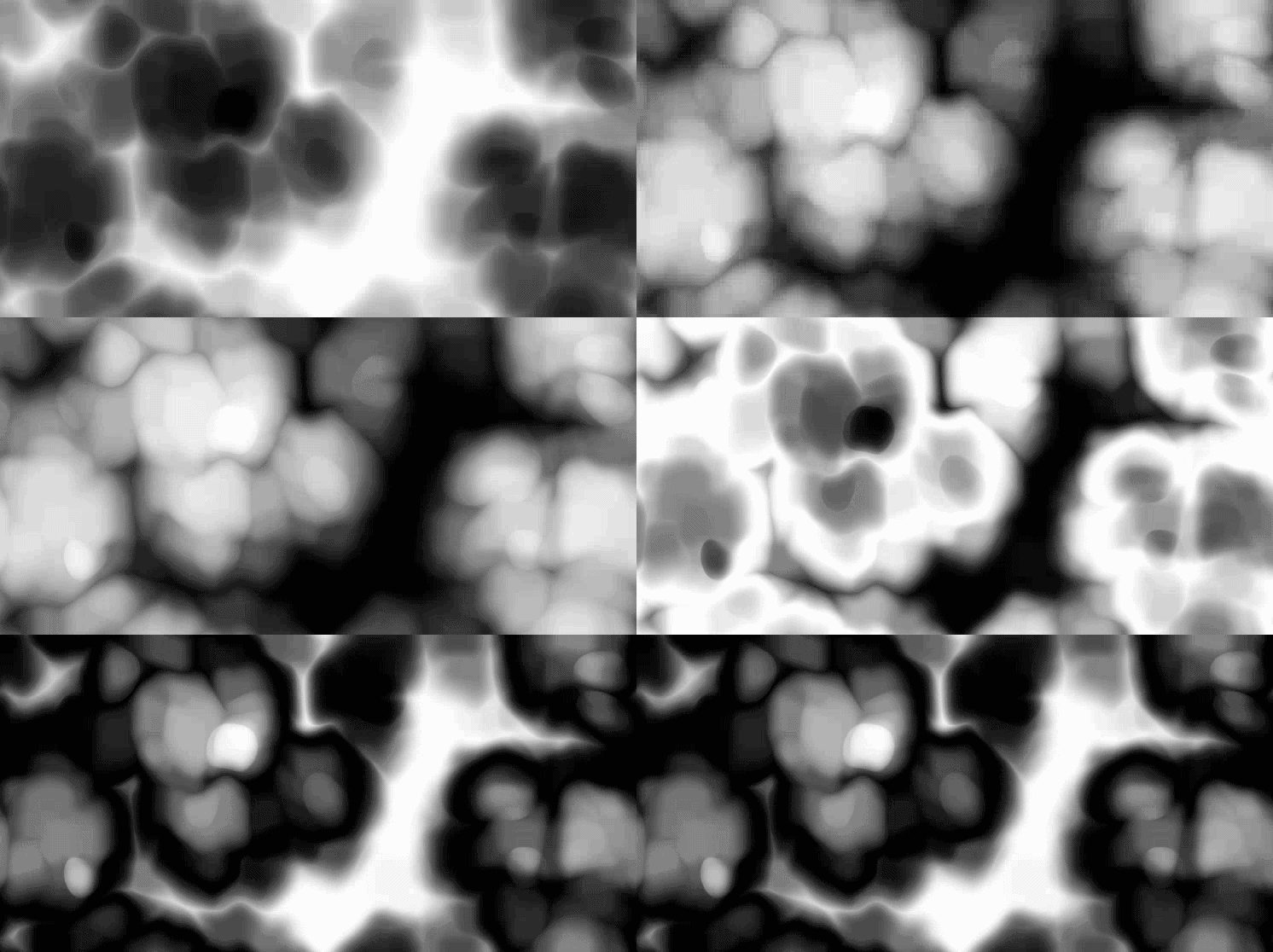
Some nodes have a lot of information and it's hard to get an idea for how flexible the node is, or what all of your options are for the various parameters. You can now use CTRL + SHIFT + M on a node to open the preview matrix and compare two parameters. In the future we may add a way to compare against 3 parameters. Clicking any preview will select the correct settings for that to overwrite what you currently have in the node.

This is super useful for comparing noise types along with octave blending modes, directional blur modes, blend modes, and more.

Feature Preview

Node: Looper

Status IconReleased

Feature Preview

Node: Looper

User Avatar

Nicholas Seavert

Posted on April 28, 2026

Status IconReleased

The feature has been released and is available in public builds.

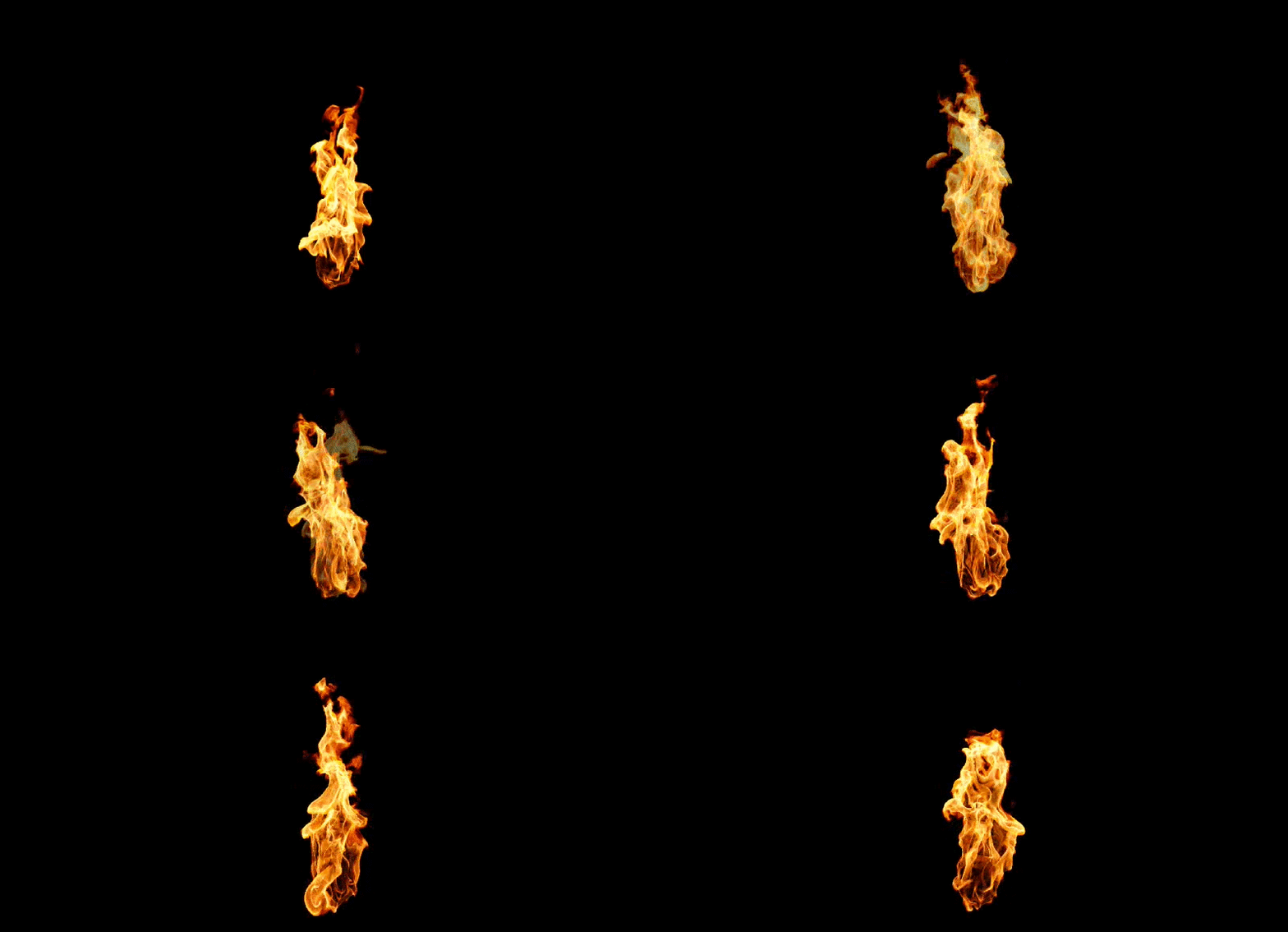
We've added a new node that's able to loop image sequences by cross fading frames. In practice you could export 80 frames from EmberGen and then pack the blend into a 64 frame looped flipbook with IG.

Feature Preview

Node: Bokeh Blur

Status IconReleased

Feature Preview

Node: Bokeh Blur

User Avatar

Nicholas Seavert

Posted on April 28, 2026

Status IconReleased

The feature has been released and is available in public builds.

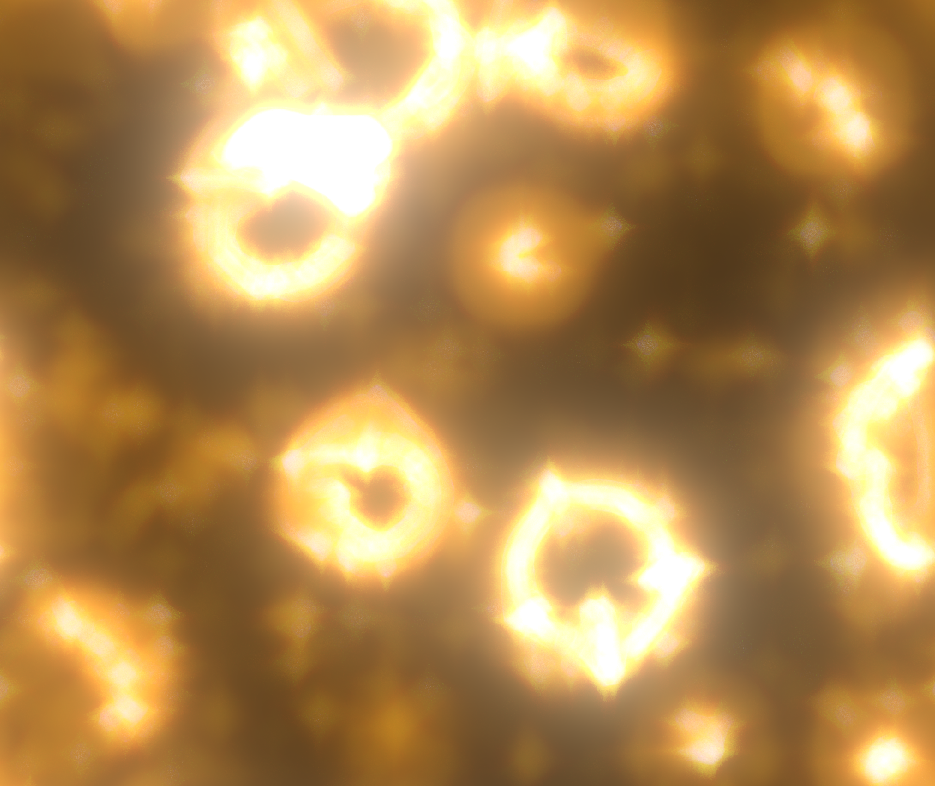
We've added a new Bokeh Blur node which allows you to do things like blurred chromatic aberration, add custom bokeh shapes, and more.

Feature Preview

Editable Spline Data Tables

Status IconReleased

Feature Preview

Editable Spline Data Tables

User Avatar

Nicholas Seavert

Posted on April 28, 2026

Status IconReleased

The feature has been released and is available in public builds.

We added the ability to edit each point for a spline in a data table view in the node details panel. This isn't a perfect solution to fixing spline editing, but at least you can zero out an axis to ensure that a spline is on the axis' you want.


Version 1.1.2 (02/25/2026)

Collapse Section

Feature Preview

1.1.2 Changelog

Status IconReleased

Feature Preview

1.1.2 Changelog

User Avatar

Nicholas Seavert

Posted on April 27, 2026

Status IconReleased

The feature has been released and is available in public builds.

IlluGen 1.1.2

New Additions

  • Added Slope Blur node to simulate edge damage on heightmaps
  • Added grayscale Tiler node that generates regular patterns of shapes.
  • Added flip face option to the Transform node for negative scale transforms
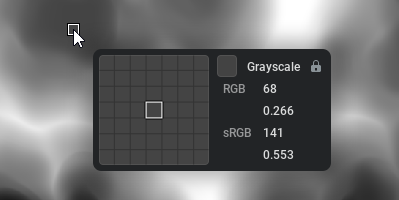
  • Added a Color Meter to the 2D viewport, toggled with the Toggle Color Meter button
    • The color meter shows a magnified view of the pixels under the cursor and the value of the pixel under the mouse cursor
    • You can lock the color inspector to a specific pixel by left-clicking the viewport and unlock it by clicking again
    • Color textures show RGBA values in sRGB space
    • Grayscale textures show values in both RGB and sRGB space
    • UV textures show the absolute UV value and the relative offset from the inspected pixel
    • Normal textures show the normal direction
    • Island textures show the island ID and size
  • Added timeline lane visibility "unsolo" support when shift-clicking a soloed lane
  • Added a Utils Advect node to advect textures along UV each animation frame
  • Added operator selection in the Threshold node (Greater than - legacy, Less than, In range, Out of range)
  • Added "Duplicate from" in GeoUV to duplicate a UV set to another one
  • Added Geo Render Camera Control node to control the Geo Render To Texture node
  • Added Geo Delete Points node that deletes points using a mask selection
  • Added Geo Fuse Points node that can merge points in the same position in space
  • Added a high-pass filter option to the grayscale filter node
  • Added a splash screen on Windows and Linux

Improvements

  • Updated UI string truncation to use middle truncation for improved readability of long file paths
  • Improved Frequency parameter on modulator nodes
    • Divisions of the loop region, frames, and seconds are now supported as units for this parameter
  • Improved backwards compatibility handling for node presets
  • Made Node Details panel content resize dynamically based on panel width
  • Improved Cartesian to Polar node
    • Added HQ supersampling option
    • Added aperture angle and width to define full disk coverage
    • Added option to clamp out-of-range texels
    • Added distance options (Euclidean, Chebyshev, Squircle) plus pinch and perspective
  • Improved Texture Transform node
    • Added HQ supersampling option
    • Added optional safe transform toggle that allows any rotation angle and any scale when tiling is active
  • Improved auto-scrolling when dragging off the edge of a panel (e.g. when selecting nodes)
  • Improved import streaming by auto-detecting filename formatting
  • Fixed pop-out curve editor window closing unexpectedly when undoing

Changes

  • Renamed the texture antialiasing option to HQ supersampling
  • Made the "NEW" badge show in the What's New section of the home screen when there are changes
  • Previewing a texture node now shows the texture applied to best matching geometry rather than a flat plane

Fixes

  • Fixed crash when overwrite dialog box was shown while trying to do variation export
  • Fixed the "Export complete" dialog sometimes not showing
  • Fixed the application not entering power saving mode when the task manager was open
  • Fixed some elements overlapping when panels were made very narrow
  • Fixed Ctrl+Click selecting two nodes on the node graph
  • Fixed Copy and Transform Y flipped pivot position and improved label naming
  • Fixed Directional Blur tiling and noise
  • Fixed exposing parameters as pins on multi nodes
  • Fixed missing extension when saving project files on Linux
  • Fixed flip options when tiling was higher than 1
  • Fixed Islands to UV tiling issue
  • Fixed Geo Points Shape UVs
  • Fixed crash when importing geometries too big. It shows an error instead
  • Fixed crash when "collapsing" reroute node onto pin on Mac
Feature Preview

Node: 2D Advection

Status IconReleased

Feature Preview

Node: 2D Advection

User Avatar

Nicholas Seavert

Posted on January 1, 2026

Status IconReleased

The feature has been released and is available in public builds.

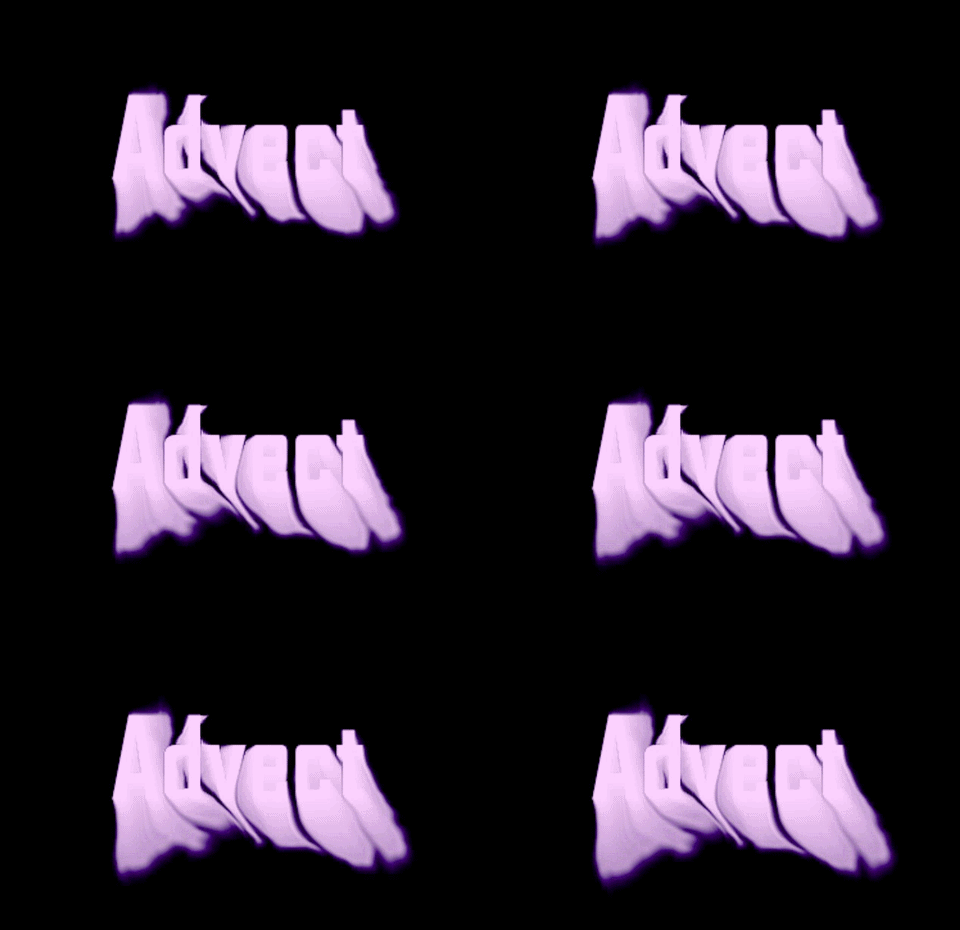
Utilize basic loops to run advection simulations based on UV inputs. Will become more advanced over time.

Feature Preview

Oscillators: Easily Define Loop Ranges

Status IconReleased

Feature Preview

Oscillators: Easily Define Loop Ranges

User Avatar

Nicholas Seavert

Posted on January 1, 2026

Status IconReleased

The feature has been released and is available in public builds.

Oscillators are usually difficult to loop. Being inspired by DAW software (Audio) we're using their industry standard method of looping now for oscillators providing 4 distinct loop types:

  • HZ
  • Frames
  • Loop Divisions
  • Seconds
Feature Preview

HDRI Support

Status IconReleased

Feature Preview

HDRI Support

User Avatar

Nicholas Seavert

Posted on November 11, 2025

Status IconReleased

The feature has been released and is available in public builds.

You can now import HDRI skyboxes for lighting objects and previewing materials.

Feature Preview

Node: Threshold - Range Options

Status IconReleased

Feature Preview

Node: Threshold - Range Options

User Avatar

Nicholas Seavert

Posted on April 28, 2026

Status IconReleased

The feature has been released and is available in public builds.

We've added the ability to use the threshold node to select specific ranges:

  • Greater Than
  • Less Than
  • In A Range
  • Out Of A Range
Feature Preview

Pixel Inspector

Status IconReleased

Feature Preview

Pixel Inspector

User Avatar

Nicholas Seavert

Posted on April 28, 2026

Status IconReleased

The feature has been released and is available in public builds.

Inspect individual pixel values and lock the tool to individual pixels until you get the value you're looking for.

Feature Preview

Node: Grayscale Tiler

Status IconReleased

Feature Preview

Node: Grayscale Tiler

User Avatar

Nicholas Seavert

Posted on April 28, 2026

Status IconReleased

The feature has been released and is available in public builds.

Similar to the Fractal node, the Tiler node allows you to place shapes in grid patterns. One major difference is that the Tiler node has infinitely more control in the placement, size, scale, and ordering of your tiles/cells.

Feature Preview

Node: Slope Blur

Status IconReleased

Feature Preview

Node: Slope Blur

User Avatar

Nicholas Seavert

Posted on April 28, 2026

Status IconReleased

The feature has been released and is available in public builds.

We've added a slope blur node which behaves similar to SD's slope blur. This is useful for creating details such as edge chips, and directionally blurring pixels based on a heightmaps direction.

Feature Preview

Node: Geo Fuse Points

Status IconReleased

Feature Preview

Node: Geo Fuse Points

User Avatar

Nicholas Seavert

Posted on April 28, 2026

Status IconReleased

The feature has been released and is available in public builds.

In previous iterations of IG, it wasn't possible to seal meshes and fuse vertices together. You can now fuse vertices and close gaps to make sure a mesh won't come apart at the seam.

Feature Preview

High Pass Filter in Node: Grayscale Filter

Status IconReleased

Feature Preview

High Pass Filter in Node: Grayscale Filter

User Avatar

Nicholas Seavert

Posted on April 28, 2026

Status IconReleased

The feature has been released and is available in public builds.

We added a high pass filter option to the Grayscale Filter node.

Feature Preview

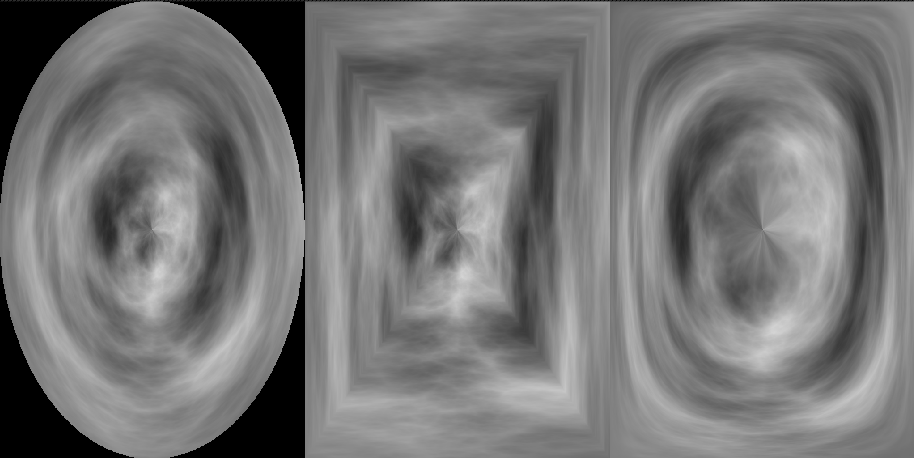
Cartesian to Polar Options

Status IconReleased

Feature Preview

Cartesian to Polar Options

User Avatar

Nicholas Seavert

Posted on April 28, 2026

Status IconReleased

The feature has been released and is available in public builds.

We added a few additional options to the Cartesian to Polar node:

  • Aperature
  • Distance type
  • Squircle
  • Chebyshev
  • Euclidean

Version 1.1.0 (Dec 17th, 2025)

Collapse Section

Feature Preview

VAT (Vertex Animated Texture) Imports and Exports

Status IconReleased

Feature Preview

VAT (Vertex Animated Texture) Imports and Exports

User Avatar

Nicholas Seavert

Posted on September 5, 2025

Status IconReleased

The feature has been released and is available in public builds.

VAT creation support with vertex positions, normals, tangents, and colors with VAT Encode node. VAT playback supported as well with VAT Decode node.

Feature Preview

1.1.0 Changelog

Status IconReleased

Feature Preview

1.1.0 Changelog

User Avatar

Nicholas Seavert

Posted on December 1, 2025

Status IconReleased

The feature has been released and is available in public builds.

New Additions

  • Added Geometry masks. They are defined using Node: Geo Mask and can be applied to all Geometry nodes modifying the geometry
  • Added more displacement modes in Geo Noise Node : Along normal, 3D world (legacy), 3D local and on tangent plane and option to use point orientation or vertices normal and tangent
  • Added Super sampling AA option to spritesheet encoding, edge extension for looping textures
  • Added import streaming to import nodes for image sequences
    • Import nodes can now stream in multiple files over time that match the current timeline frame
  • Added support for variables in the import node's filename
    • This can for example allow you to import files relative to the project's directory
  • Added wrap mode to renderer
  • Added srgb view for grayscale. This allows you to view grayscale nodes in an encoding similar to color nodes
  • Added Opacity mask input and vertex color alpha opacity in geo render to texture node
    • Blend node will now account for the alpha channel when blend mode is set to 'alpha'
    • Grayscale blend mode 'alpha' will blend the inputs like the alpha channel of color blend
    • Previous behaviour of blend mode 'alpha' can be performed by using the new blend mode 'mix'
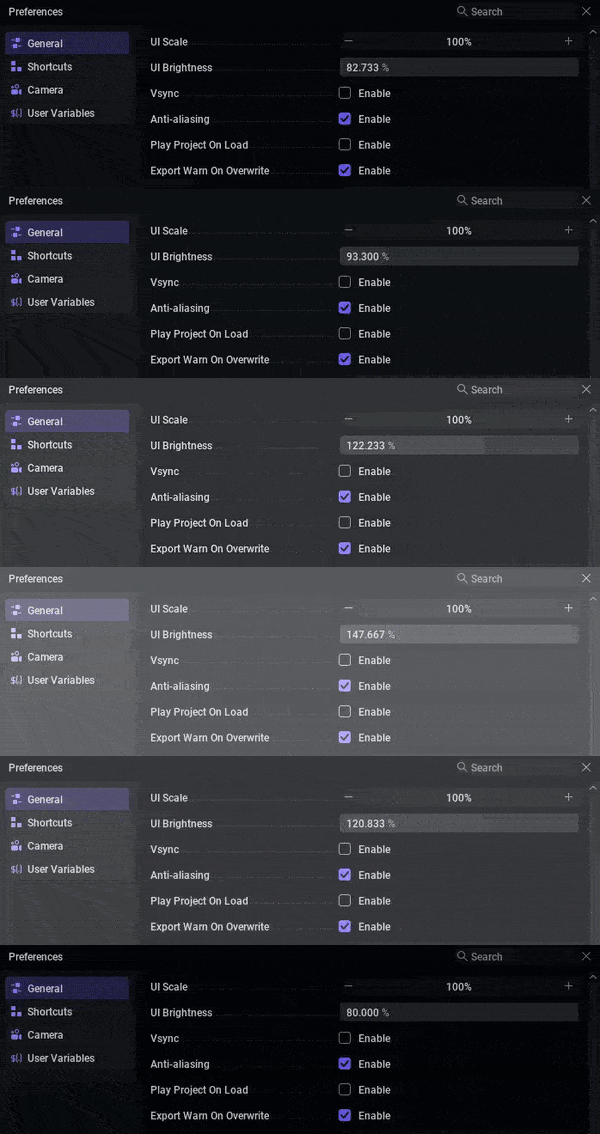
  • Added 'UI Brightness' setting to preferences
  • Added 'Invert Y channel' to 'Export: UV', 'UV to Color', 'Color to UV', 'UV Split' and 'UV Merge'
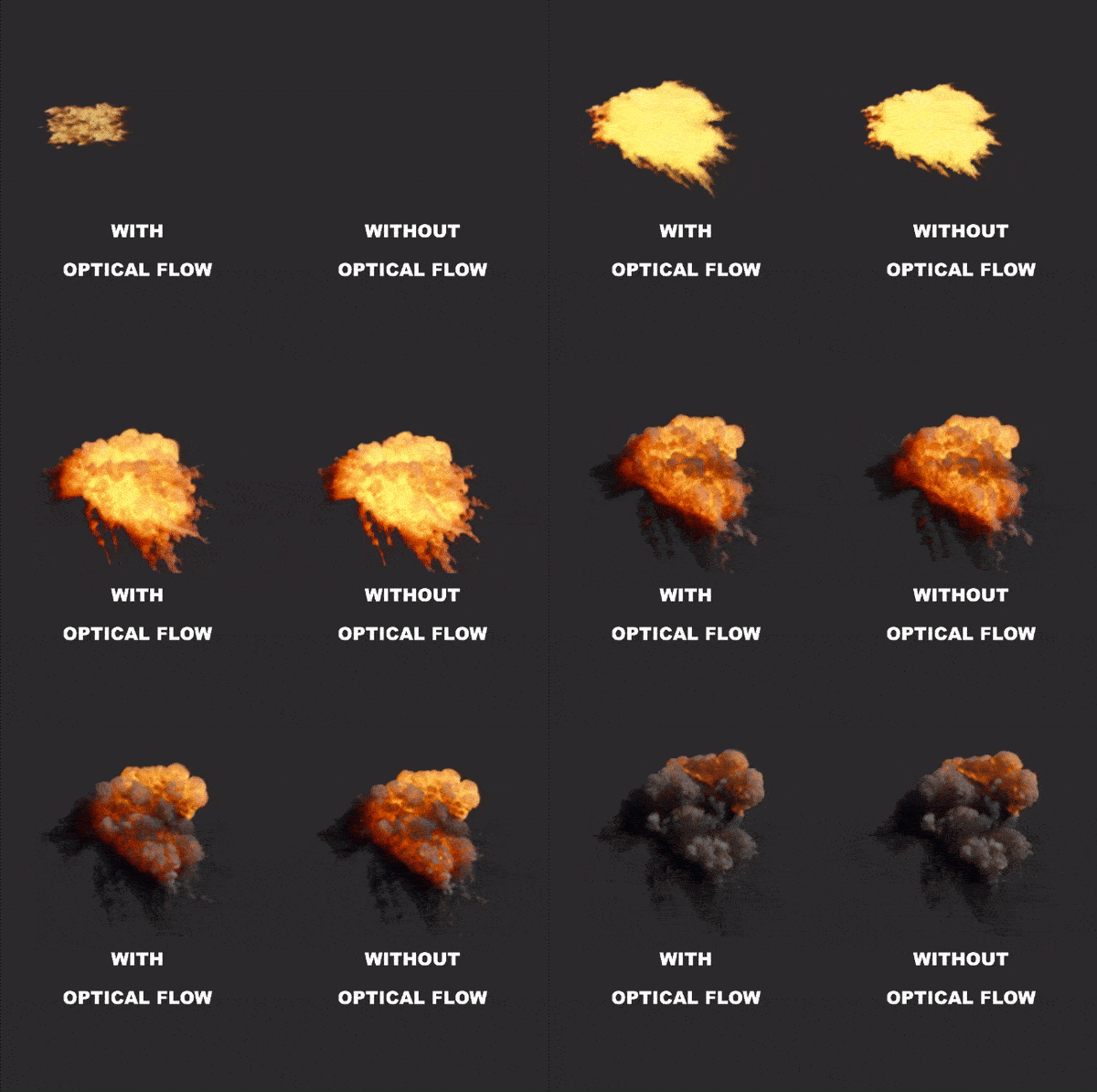
  • Added Optical Flow node:
    • Analyses how pixels move from one frame to another
    • Can be used to produce flowmaps for smooth flipbook playback
  • Added Flow Blend node:
    • Blends 2 images together using a flowmap
  • Added support for out-of-bound values from modulator output preview
  • Added neutral tonemapper to the tonemapping options of the renderer node
  • Added derivative options to the uv from grayscale node
  • Added 'Linear to sRGB' and 'sRGB to Linear' presets in node Levels

Improvements

  • Improved export performance in various cases
  • Improved Sheet Decode to decode multiple frames at once and to have a frame perfect mode
  • Improved timeline playback and scrubbing to make animated parameters more reproducible
  • Enabled node preset support for all nodes
  • Updated UI layout when searching node menu

Changes

  • BREAKING: All combine nodes have been renamed and modified to expose parameters in a clearer way:
    • Geo Combine Transform -> Geo XForm
    • Geo Combine Scale -> Geo Scale Points
    • Geo Combine Color -> Geo Color
  • Changed exporting to export textures at the input nodes resolution rather than the project resolution
  • Made content of group show in node menu if only one group is present

Fixes

  • BREAKING: Fixed orientation inconsistencies with pivots
  • Fixed fractal nodes randomization degenerating on extreme scaling
  • Fixed erroneous context menu on gradient/curve preset browser special categories
  • Fixed clicking off textbox on Node Details panel sometimes not registering the new value
  • Fixed copy and transform pivot baking
  • Fixed aspect ratio in geo render to texture node
  • Fixed rare bug where exiting textbox state might have resulted in a crash
  • Fixed alpha channel being dropped with blend nodes
  • Fixed export progress bar exceeding 100% progress
  • Fixed Sheet Encode
    • to encode the first frame rather than last frame of a sequence when in stride mode
    • to be frame perfect
    • to be pixel perfect
  • Fixed issues with backwards compatibility handling when subgraphs were used
  • Fixed Geo UV node
    • Bad UV generation with triangle geometry
    • Incoherent UI in 'keep current' mode + exposing mirror and rotations
  • Fixed background color being inconsistent when the grid is on
  • Fixed point orientation in geo copy to points, geo copy and transform, geo points shape
  • Fixed geo copy and transform node
    • Jitter position was not aligned to point orientation when points pin was used
    • Distribution and skip last are removed when points pin was used
  • Fixed directional blur uv filtering
  • Fixed point orientation in geo space warp
  • Fixed alpha channel being displayed in the wrong color space when using RGBA toggles in the viewport
Feature Preview

[Geo Noise] - Displacement Spaces

Status IconReleased

Feature Preview

[Geo Noise] - Displacement Spaces

User Avatar

Nicholas Seavert

Posted on December 1, 2025

Status IconReleased

The feature has been released and is available in public builds.

New displacement spaces added where you may want noise to have effect in various direction types such as:

  • Along Normal
  • In 3D World Space
  • In 3D Local Space
  • On Tangent Plane

For now this does not apply to the Geo Displace Node and is only available through Geo Noise.

Feature Preview

Independent Node Resolutions

Status IconReleased

Feature Preview

Independent Node Resolutions

User Avatar

Nicholas Seavert

Posted on December 1, 2025

Status IconReleased

The feature has been released and is available in public builds.

2D nodes can now have independent resolutions on a per node basis. We have 3 inheritence or setting options:

Size Source

  • From Parent: Inherits scaling based on the parent node connected to it
  • From Graph: Inherits scaling based on the global graph settings in the top hot bar.
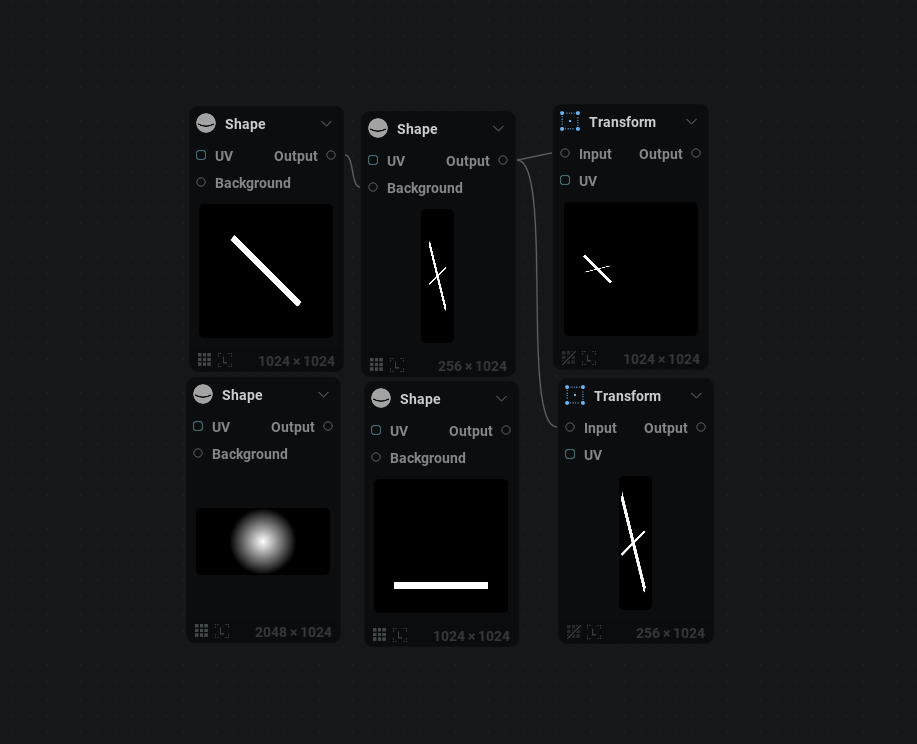
  • Absolute: Allows you to set a direct resolution without using multipliers i.e 256x1024

With this also comes direct, separate, relative width and relative height settings.

Because the node settings for the "texture tab" are now rather large, when clicking a node we will jump directly to node specific content and you would need to scroll up to edit the texture tab info directly. This is a QOL change.

Feature Preview

Import Streaming Image Sequences

Status IconReleased

Feature Preview

Import Streaming Image Sequences

User Avatar

Nicholas Seavert

Posted on December 1, 2025

Status IconReleased

The feature has been released and is available in public builds.

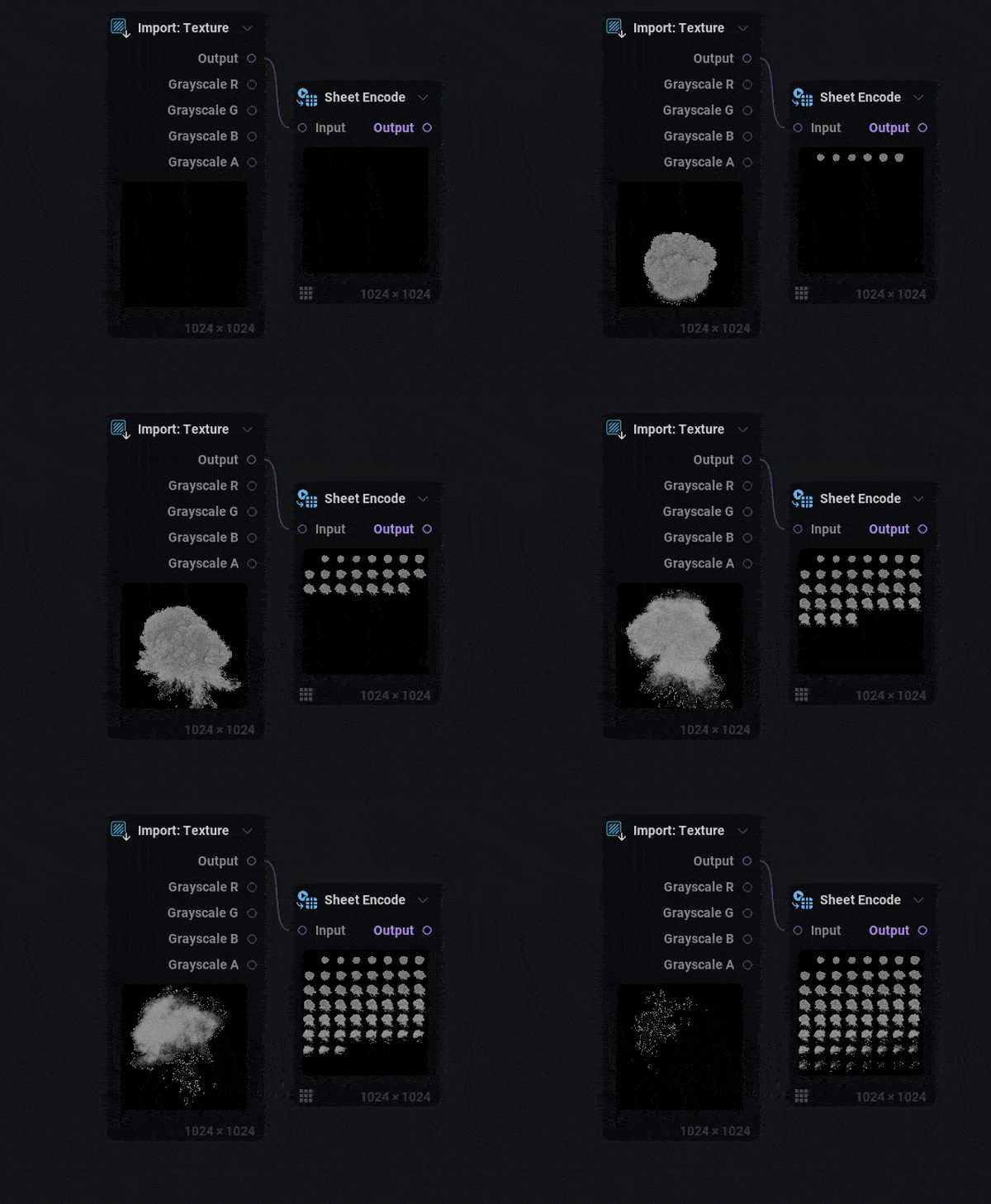
Using the import texture node, you can now stream in image sequences. If your file is named smoke_01, smoke_02 etc you would need to stream it with a file path edit like .../Smoke_##.png with two hashtags where each individual tag equals one number position.

Feature Preview

Preferences: UI Brightness Slider

Status IconReleased

Feature Preview

Preferences: UI Brightness Slider

User Avatar

Nicholas Seavert

Posted on December 1, 2025

Status IconReleased

The feature has been released and is available in public builds.

A number of customers have requested a UI brightness slider, so here it is!

Feature Preview

BREAKING CHANGES

Status IconReleased

Feature Preview

BREAKING CHANGES

User Avatar

Nicholas Seavert

Posted on December 1, 2025

Status IconReleased

The feature has been released and is available in public builds.

Breaking Changes

  • All combine nodes have been renamed and modified to expose parameters in a clearer way:
    • Geo Combine Transform -> Geo XForm
    • Geo Combine Scale -> Geo Scale Points
    • Geo Combine Color -> Geo Color

Fixes That Break Stuff

  • Fixed orientation inconsistencies with mesh pivots. Some of your projects may be disconnected or scaled in a different way.
Feature Preview

Node: Geo Mask

Status IconReleased

Feature Preview

Node: Geo Mask

User Avatar

Nicholas Seavert

Posted on December 1, 2025

Status IconReleased

The feature has been released and is available in public builds.

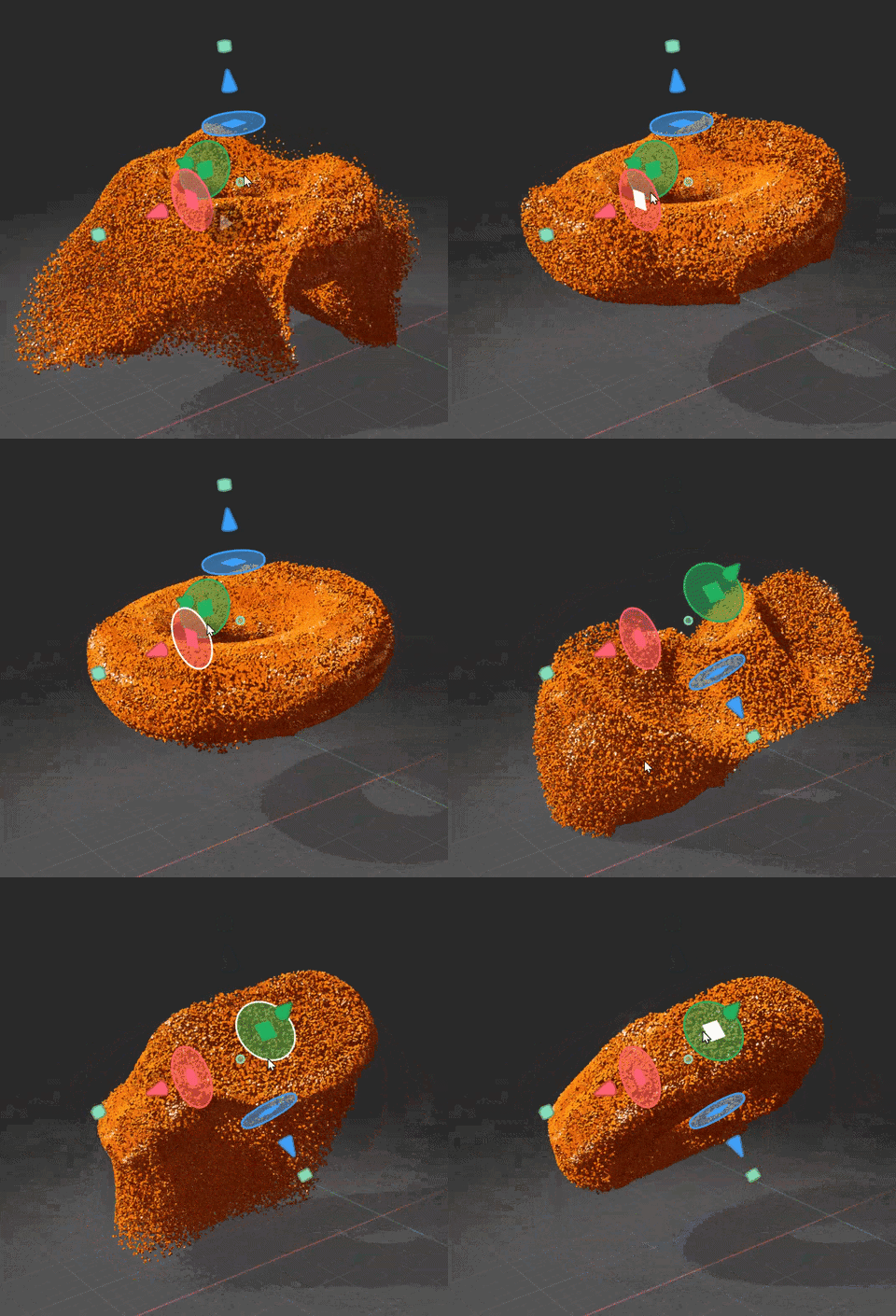
Added Geometry Masking capabilities. Geo Masks are defined using the Geo Mask node and can be applied to all geometry node types. These masks are useful when you want to apply geometry operations to specific mesh locations. In the Gif seen above we have an animated mask based on the distance from the animated position of the Geo Mask gizmo.

Feature Preview

Optical Flow/Motion Vector Generation

Status IconReleased

Feature Preview

Optical Flow/Motion Vector Generation

User Avatar

Nicholas Seavert

Posted on October 8, 2025

Status IconReleased

The feature has been released and is available in public builds.

Optical flow as a method is more accurate than something like EmberGen's motion vector pass. IlluGen will allow you to create motion vectors for any animated input.

Optical Flow Node: Generates the optical flow map based on a number of settings within the node. We support standard motion vector outputs, flow pin, and dual flow outputs, which is a combination of the flow and inverse flow pins. Blend Flow Node: Allows for playback of a flow map of any sort (UV input, Optical Flow, Motion Vector).

With the optical flow feature comes 3 new projects detailing how and when to use specific settings for creating optical flow maps and the settings required. Project optical_flow_3 details how to use the dual flow optical flow method. This method for Dual Flow was suggested to us by "Crestycomb" on discord and we've added this experimental functionality based on those suggestions.


Version 1.0.3 (October 22nd, 2025)

Collapse Section

Feature Preview

[Edge Detect] - New Edge Detection Methods

Status IconReleased

Feature Preview

[Edge Detect] - New Edge Detection Methods

User Avatar

Nicholas Seavert

Posted on December 1, 2025

Status IconReleased

The feature has been released and is available in public builds.

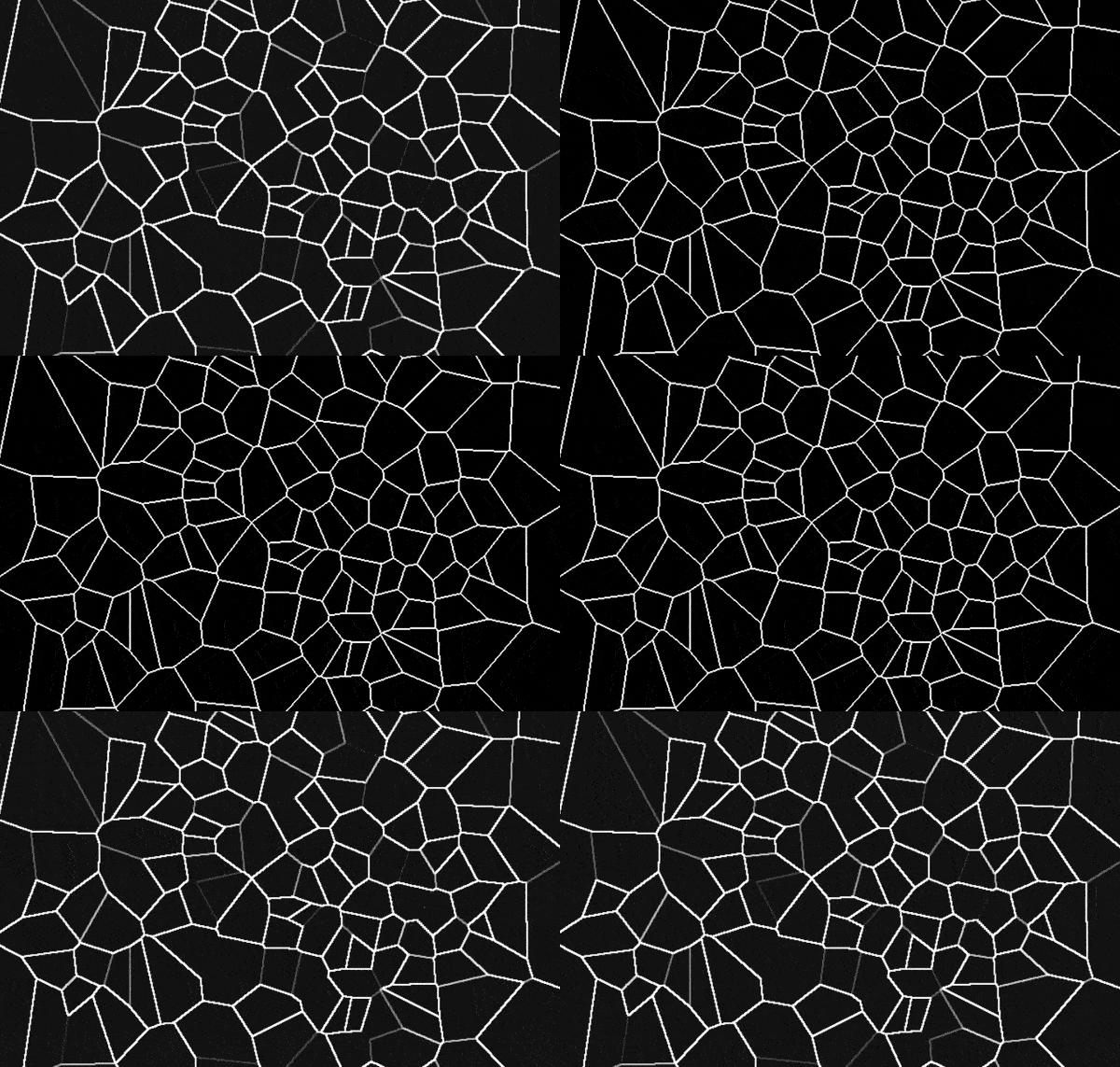
Techniques Available Now

  • Sobel
  • Scharr
  • Central Difference
  • Corner Difference
  • Sharp Voronoi Edge

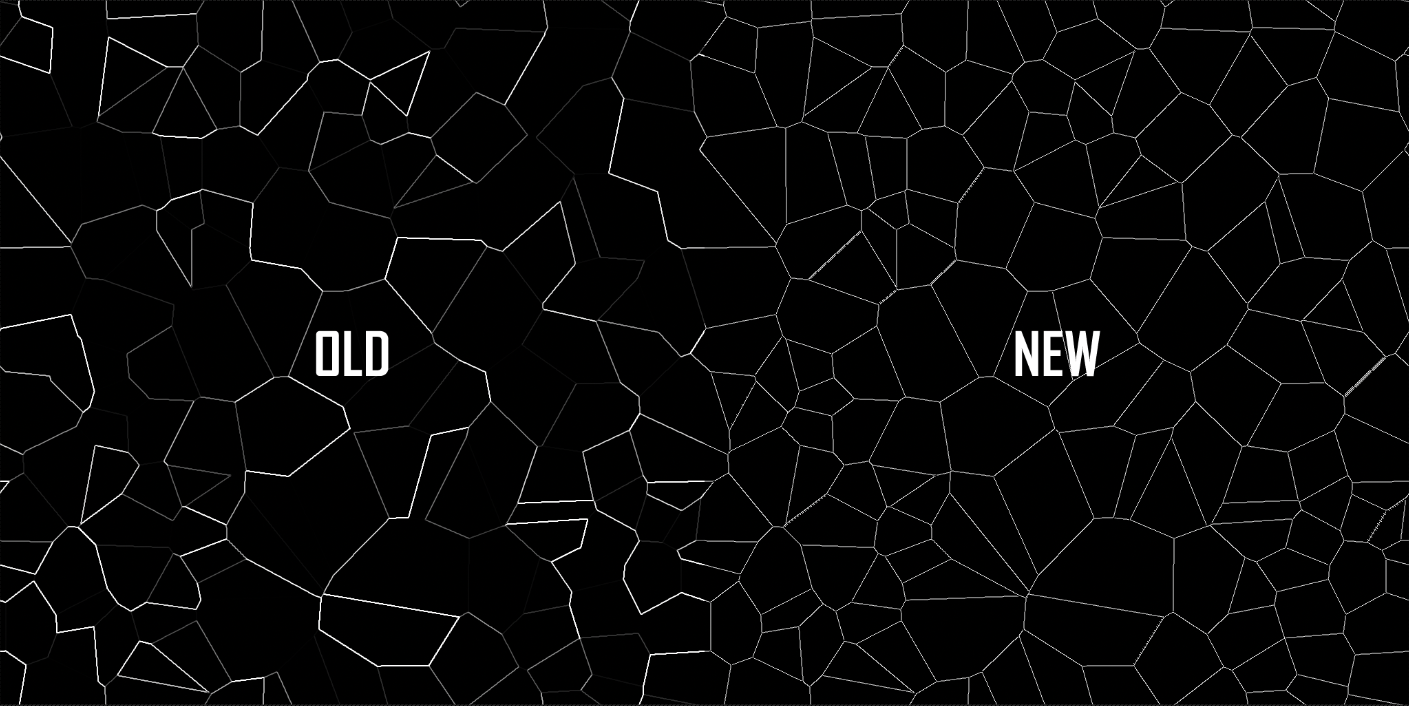
Sharp Voronoi Edge is particularly useful because it ensures that all edges/lines are the same color when the edge may have not been precise enough with other methods. Sharp Voronoi Edge allows you to skip using a threshold node to try and boost the color of some lines in the case where you may be making cracks in the ground etc.

Feature Preview

Geometry to Texture Render Targets

Status IconReleased

Feature Preview

Geometry to Texture Render Targets

User Avatar

Nicholas Seavert

Posted on September 5, 2025

Status IconReleased

The feature has been released and is available in public builds.

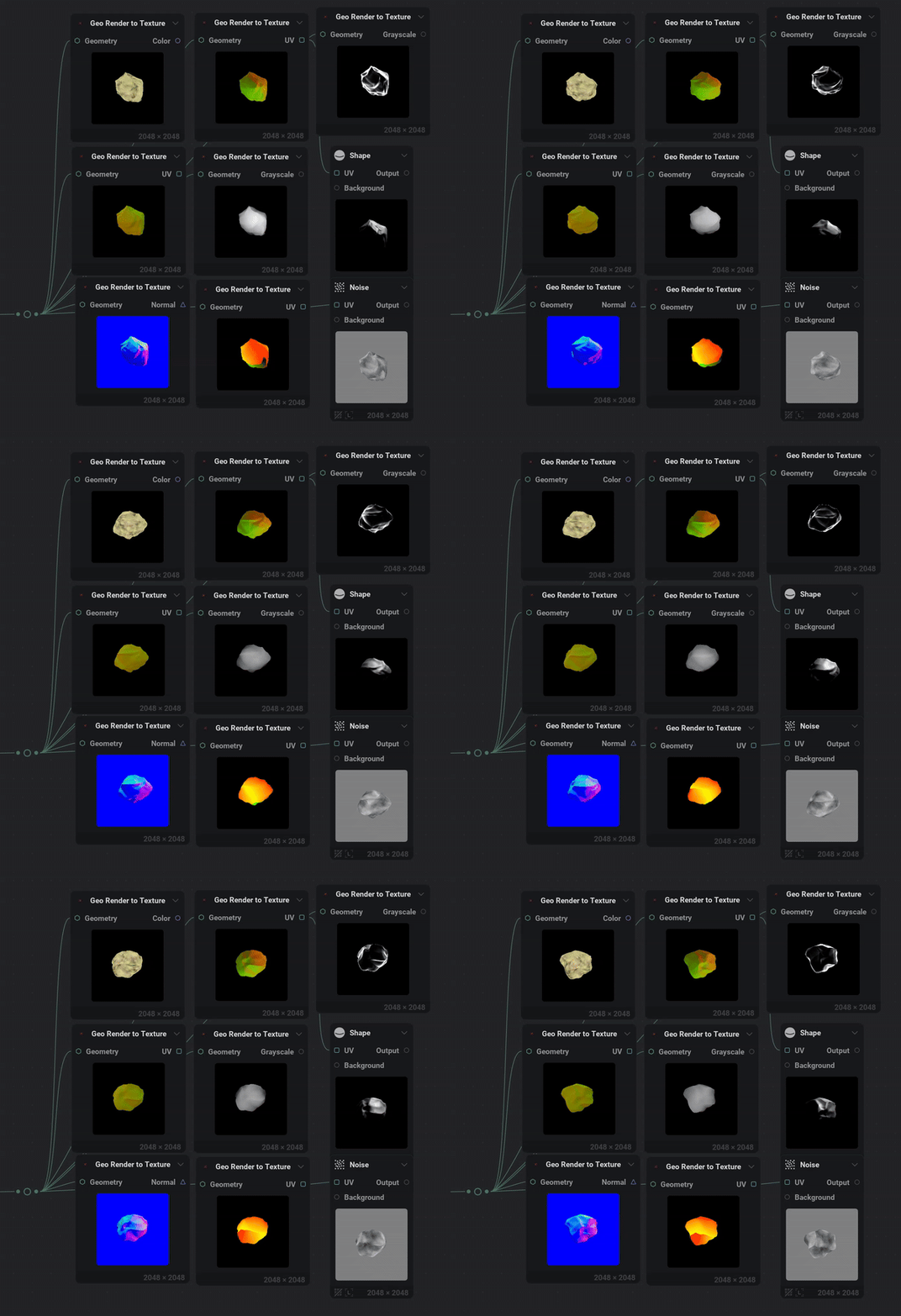
There are often scenarios where you want to create 2D impostors of a 3D object, or situations where you want to bake a 3D render down into a 2D texture for splatting the object or using it's UV's for custom effects.

This node will have Geometry to Texture features that supports these render passes:

Color:

  • Vertex color
  • Point color
  • 3D positions uniform
  • 3D position scaled per axis

UV:

  • vertex UV0 ->UV3
  • point UV
  • Reflection distortion
  • Refraction distortion
  • From normal

Grayscale:

  • Depth
  • Mask
  • Fresnel

Normal (screen or world):

  • Vertex normal
  • Point normal
  • Reflection vector
  • Refraction vector
Feature Preview

1.0.3 Changelog

Status IconReleased

Feature Preview

1.0.3 Changelog

User Avatar

Nicholas Seavert

Posted on October 13, 2025

Status IconReleased

The feature has been released and is available in public builds.

New Additions

  • Added option in Geo sweep to transfer point color to vertex color
  • Added Geo Render to Texture node:
    • Color: Vertex color, Point color, 3D positions uniform, 3D position scaled per axis
    • UV: vertex UV0 -> UV3, point UV, Reflection distortion, Refraction distortion, Normal to UV
    • Grayscale: Depth, Mask, Fresnel, Diffuse lighting
    • Normal (screen or world): Vertex normal, Point normal, Reflection vector, Refraction vector
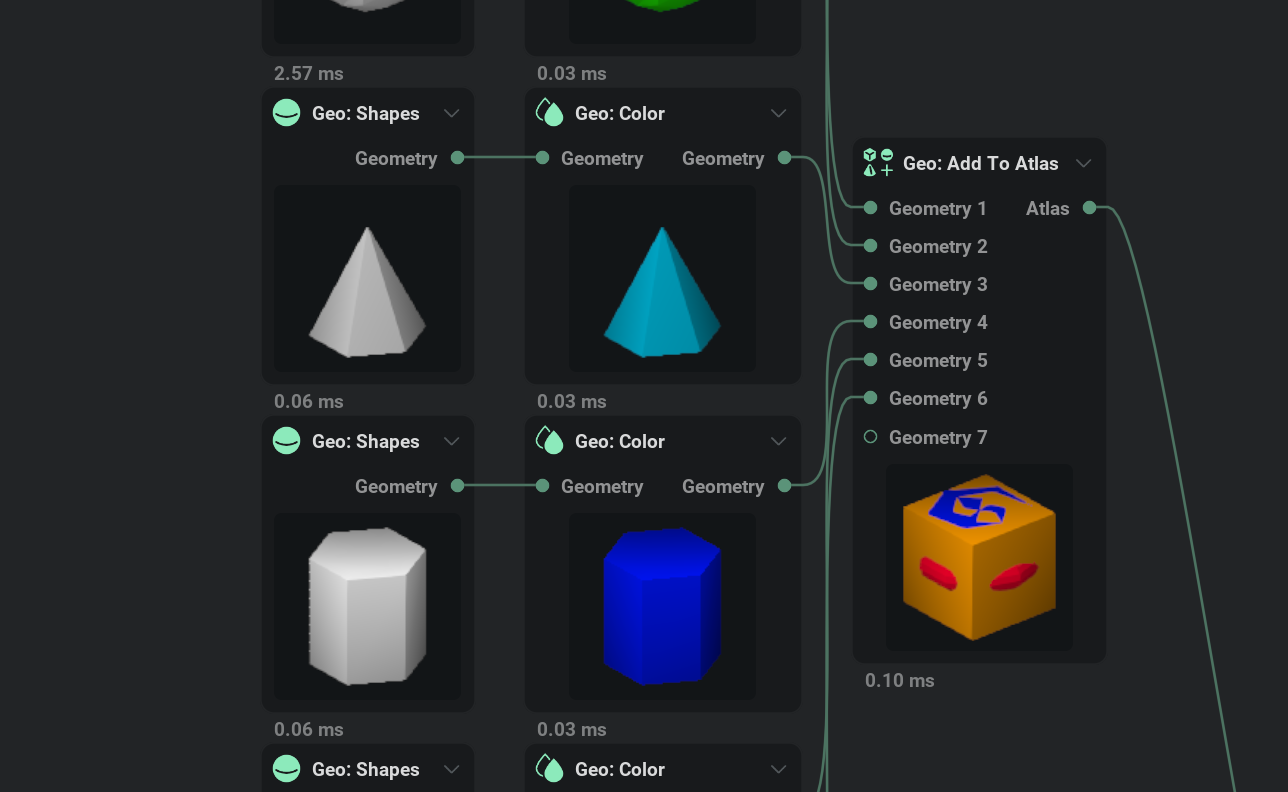
  • Added Multi packer node to easily create atlases
  • Added Pixelizer node to reduce and quantize textures
  • Added the ability to select a custom resolution for Export Viewport node
  • Added new techniques to the Edge Detect node

Improvements

  • Improved Geo copy and transform by adding pre rotation, pre scale, extent or spacing distribution as well as curves
  • Improved rendering of geometry when only the emissive pin is used

Changes

  • Made shortcut key name in preferences expand when resizing window and added tooltip

Fixes

  • Fixed import model to work with larger sized models
  • Fixed integer values sometimes showing as different when multi-editing nodes
  • Fixed fractal nodes randomization degenerating on extreme scaling
  • Fixed space warp node unwanted translation when moving origin

Version 1.0.2 (September, 10th, 2025)

Collapse Section

Feature Preview

1.0.2 Changelog

Status IconReleased

Feature Preview

1.0.2 Changelog

User Avatar

Nicholas Seavert

Posted on September 5, 2025

Status IconReleased

The feature has been released and is available in public builds.

1.0.2

New Additions

  • Added geometry self shadowing
  • Added intensity parameter to color to normal node
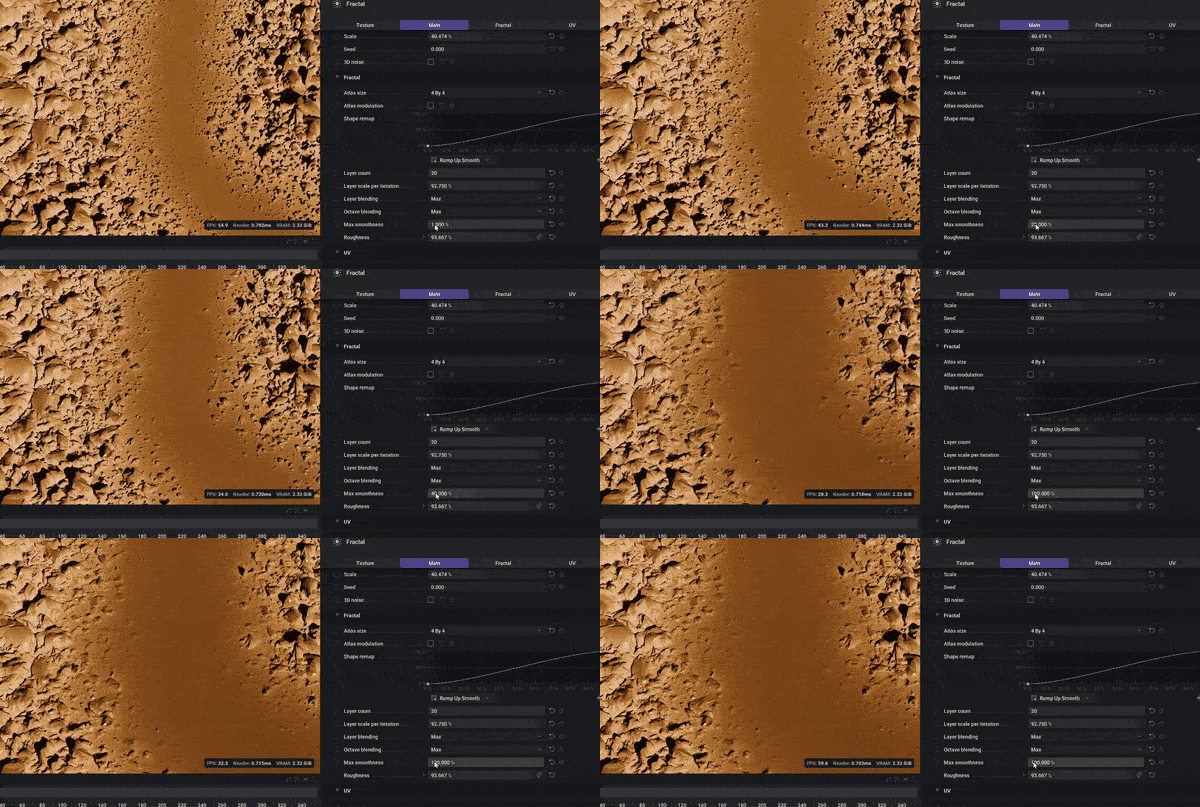
  • Added maximum smoothness intensity to Polar Scatter node and Grayscale Fractal nodes
  • Added support for dropping multiple files onto the node graph
  • Added automatic capture of thumbnails for projects
  • Added geo displacement node, this removes the displacement pin in the renderer
  • Added a scale reference to grayscale shape node to define the texture axis used to define the size of the shape
  • Added preset to all nodes missing them
  • Added color to normal intensity slider
  • Added copy + paste support to curves and gradients
  • Added a 'regular' chaos type to UV radial

Improvements

  • Improved floating viewport when a panel is fullscreen to display all viewport modes
  • Improved grid shadow to work with opacity keying and displacement
  • Improved geometry and point node types. you can now use all geo nodes with any type of geometry
  • Improved anisotropy in utils transform node which has been replaced with non uniform scale - horizontal and vertical scales
  • Improved graph undo/redo stability
  • Improved workload balancing on weaker GPUs
  • Improved geometry lighting
  • Improved auto view when working with 2D heavy project
  • Improved chaos in UV radial : 3D noise, rotation, contrast and bias control

Changes

  • Changed graph align options to support shortcuts
  • Changed timeline key align to support shortcuts
  • Changed renderer node parameter "emissive" to "emissive intenisty"
  • Moved ground grid and shadow to per-project settings

Fixes

  • Fixed a bug preventing presets from being launched on the home page
  • Fixed issues with ui animation being dependant on framerate
  • Fixed crash/freeze while the node graph is processing geometry
  • Fixed geometry merge to support different attributes configuration to be merged
  • Fixed broken curvature node
  • Fixed caustic tiling even when tiling option was off
  • Fixed geo noise missing shard and gabor noises
  • Fixed grayscale spline when uv input is connected
  • Fixed Caustic looking drastically different when changing resolutions
  • Fixed fractal nodes breaking the tiling when quincunx was active
  • Fixed grid node not generating tileable islands
  • Fixed geometry tangents when using geo uv node
  • Fixed nodes not updating properly when dependent on timeline frame
  • Fixed geo node stats not updating properly when animated
  • Fixed undo undoing too many things in a single action
  • Fixed modulatable range slider when inputting for "Max" value
  • Fixed undo resetting the entire lattice for the lattice warp node
  • Fixed first frame of export being wrong in many cases
Feature Preview

[COLOR TO NORMAL]: Normal Intensity Slider

Status IconReleased

Feature Preview

[COLOR TO NORMAL]: Normal Intensity Slider

User Avatar

Nicholas Seavert

Posted on September 5, 2025

Status IconReleased

The feature has been released and is available in public builds.

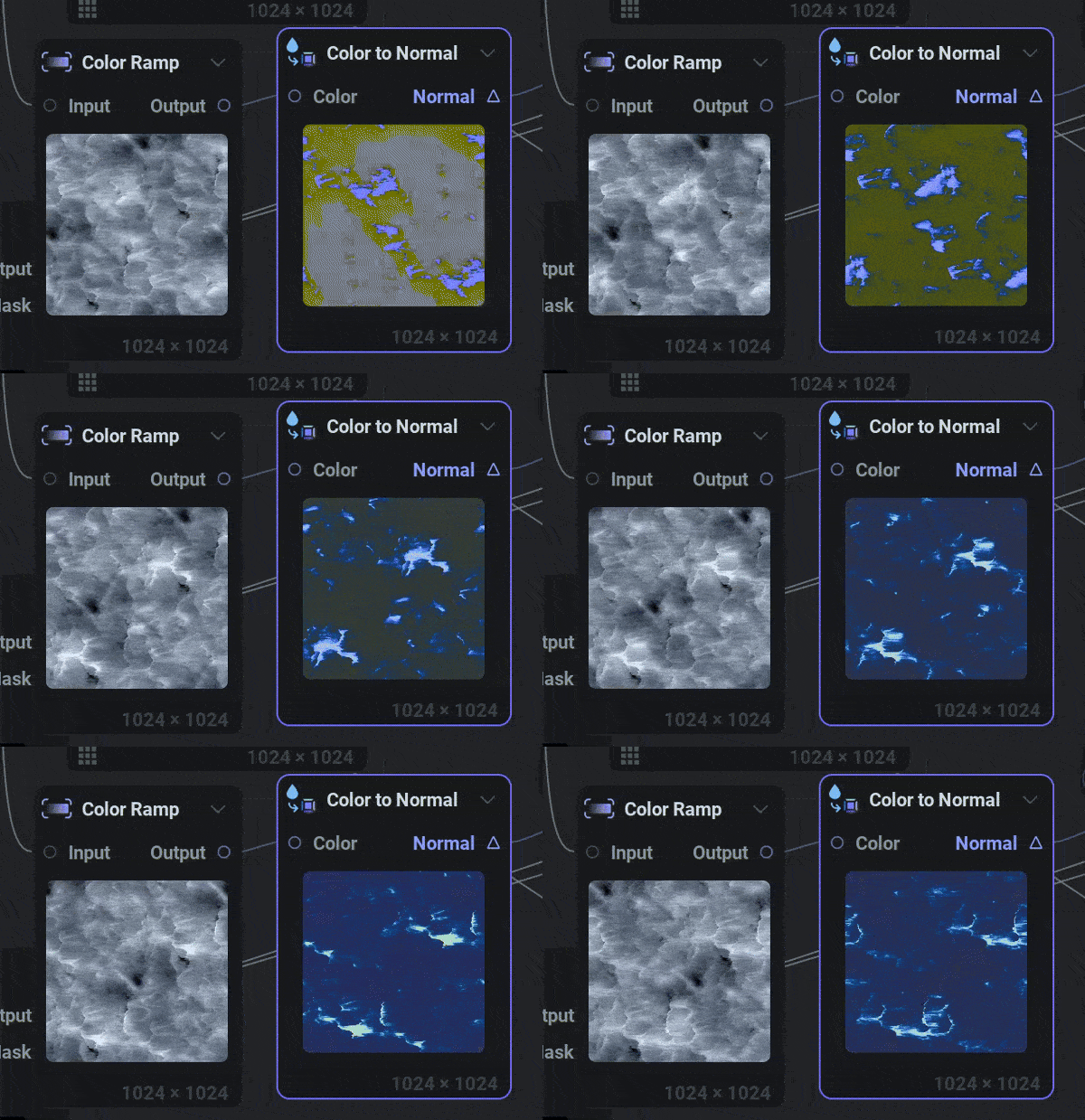
In the Color To Normal Node, we added a new intensity slider which allows for some interesting effects!

Feature Preview

Improved Geometry Lighting

Status IconReleased

Feature Preview

Improved Geometry Lighting

User Avatar

Nicholas Seavert

Posted on September 5, 2025

Status IconReleased

The feature has been released and is available in public builds.

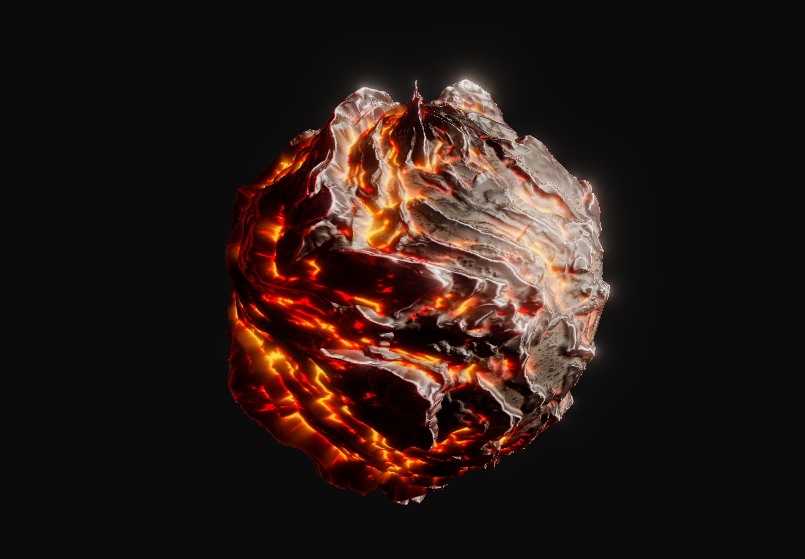
Updated geometry lighting to better support PBR workflows, shadows, and rim lighting.

Feature Preview

Max Smoothness Parameter for [FRACTAL] & [POLAR SCATTER]

Status IconReleased

Feature Preview

Max Smoothness Parameter for [FRACTAL] & [POLAR SCATTER]

User Avatar

Nicholas Seavert

Posted on September 5, 2025

Status IconReleased

The feature has been released and is available in public builds.

Added a max smoothness parameter for Grayscale Fractal and the Polar Scatter Nodes. This allows you to create a smoother blend when using "MAX" as your layer blending mode.

Feature Preview

[UV RADIAL]: Improvements

Status IconReleased

Feature Preview

[UV RADIAL]: Improvements

User Avatar

Nicholas Seavert

Posted on September 5, 2025

Status IconReleased

The feature has been released and is available in public builds.

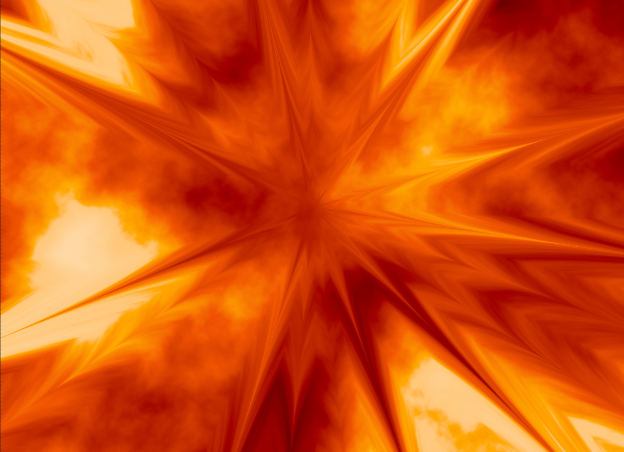
  • Added a 'regular' chaos type to UV radial, as seen above in the thumbnail. This creates more regular streaks of "chaos" vs randomized noise.
  • Improved chaos in UV radial : Added 3D noise, rotation, contrast and bias control

Version 1.0.0 - Debut Release - (July 27, 2025)
Collapse Section

Feature Preview

1.0.0 Changelog & Release Notes

Status IconReleased

Feature Preview

1.0.0 Changelog & Release Notes

User Avatar

Nicholas Seavert

Posted on July 28, 2025

Status IconReleased

The feature has been released and is available in public builds.

IlluGen 1.0 Release Notes

Summary: IlluGen 1.0 is a real-time procedural VFX asset generator for both 2D and 3D assets. This is the first public release and unlike a standard changelog, we will list the major features, and nodes as they currently exist.

Included Nodes

  • [camera]: camera, look at
  • [color]: adjust, fractal, hue spread, interpolate, ramp, replace, uniform
  • [export]: color, mask, mesh, multimask, normal, viewport, warp
  • [geometry]: accumulate, bake, combine color, combine scale, combine transform, copy and transform, copy to points, extract points, merge, noise, points shape, promote, shapes, space warp, sweep, transform, UV
  • [grayscale]: AO, caustics, curvature, curve, dilate, filter, fractal, gradient, noise, polar scatter, shape, slice, spline, threshold, uniform, xdog
  • [import]: model, texture
  • [islands]: generate, padding, to color, to gradient, to grayscale, to uv
  • [normal]: combine, create
  • [particle]: 2D render, point attributes
  • [utils]: alpha merge, alpha split, anisotropic kuwahara, auto crop, bilateral filter, blend, blur, cartesian to polar, color to normal, color to uv, copy and transform, denoise, directional blur, distance, edge detect, fxaa, glow, grid, hsva to rgba, lattice, levels, multi blend, multi switch, normal merge, normal split, normal to color, polar to cartesian, rgba merge, rgba split, rgba to hsva, rgb to grayscale, sheet decode, sheet encode, softblend, tile, transform, uv merge, uv split, uv to color
  • [uv]: blend, blur, cartesian to polar, directional, flow, from grayscale, identity, noise, radial, rotational, spline, transform

Features

  • Real-time Node Previews for individual nodes.
  • 2D and 3D Viewports for cleaner editing and separation of asset types.
  • Author procedural 2D and 3D assets within the same graph for ultimate convenience.
  • Preview individual color channels, and full color with alpha within our 2D viewport.
  • Conveniently check for texture tiling with our tiling texture preview
  • Switch between bilinear and point filtering as needed
  • Preview normal maps, UV warp coordinates (these are used to warp textures), 2D images, grayscale, color, alpha, flowmaps, flipbooks, 3D meshes, 3D mesh points, vertices, UV's, faces, triangles, quads and a ton more.
  • Alpha is not a separate concept in IlluGen like other some tools. Anything can be packed as an alpha channel and can be authored like any other RGB or HSV color channel.
  • Brand new node search system when dragging off of a pin: Allows you to easily type the name of a node or node preset.
  • Smart and context appropriate node suggestions based on your most commonly used nodes in a given situation.
  • Reroute pins: Drag off of any active connection to create a reroute node. This is also the proper way to move a bundle of connections to another pin.
  • Animation timeline complete with keyframing, a full curve editor, repeating, looping, and more.
  • Easily load and edit existing flipbook textures on a per frame basis.
  • Export Mesh Flipbooks, 2D Flipbooks, 2D Images, Non-Square textures, and more.
  • Subgraph support: For commonly used sets of nodes, use subgraphs to make reusable functions out of them and simplify your workflows.
  • Curve profile and color gradient presets can be stored in custom folders and be shared amongst teams.
  • Any node can become a preset by clicking the dropdown at the top right of the node info window. This is useful in a case where you may have a very cool custom noise texture that you've generated and would like to easily reuse it as a starting point in the future. Once named, you could search for this preset and spawn it right within the node context window (right click).
  • Basic PBR rendering support
  • Standard shading model support for VFX asset types: Alpha, Opaque, multiply, translucent.
Feature Preview

Utility Asset Manager (Gradients, Curves, Brushes)

Status IconReleased

Feature Preview

Utility Asset Manager (Gradients, Curves, Brushes)

User Avatar

Nicholas Seavert

Posted on May 7, 2025

Status IconReleased

The feature has been released and is available in public builds.

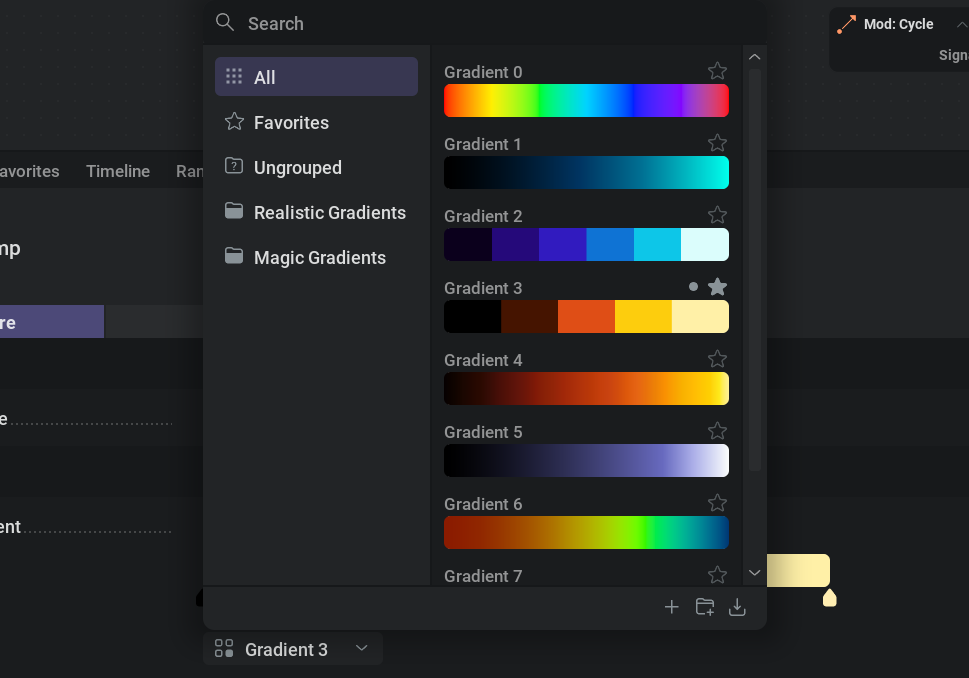
In the photo above we show a preview of the upcoming utility asset manager for our color gradients. You will be able to group gradients, favorite them, and put them into unique folders as needed. This functionality will also be expanded to support brushes for painting and curves for parameters.

Feature Preview

Geometry Pivot Baking

Status IconReleased

Feature Preview

Geometry Pivot Baking

User Avatar

Nicholas Seavert

Posted on July 2, 2025

Status IconReleased

The feature has been released and is available in public builds.

Bake pivots of individual or instanced geometry items. This gives you an optimized way of animating and displaying a complex set of objects/meshes using a single mesh and a single draw call in your games.

Feature Preview

Tiling Textures

Status IconReleased

Feature Preview

Tiling Textures

User Avatar

Nicholas Seavert

Posted on July 2, 2025

Status IconReleased

The feature has been released and is available in public builds.

Textures in illugen tile natively!

Feature Preview

Linux Support

Status IconReleased

Feature Preview

Linux Support

User Avatar

Nicholas Seavert

Posted on May 7, 2025

Status IconReleased

The feature has been released and is available in public builds.

IlluGen will run natively on Linux!

Feature Preview

Node: Fractal Noise

Status IconReleased

Feature Preview

Node: Fractal Noise

User Avatar

Nicholas Seavert

Posted on April 17, 2025

Status IconReleased

The feature has been released and is available in public builds.

Expanding beyond your typical noise generation, the fractal node is useful for distributing shapes and images into uniquely blended fractal patterns.

Feature Preview

Subgraphs & Graph Presets

Status IconReleased

Feature Preview

Subgraphs & Graph Presets

User Avatar

Nicholas Seavert

Posted on April 21, 2025

Status IconReleased

The feature has been released and is available in public builds.

Subgraphs are a type of nested node graph. You can select nodes and convert them to a subgraph, then edit the subgraph to have specific input and output pins. Subgraphs can be reused throughout your projects if you have common node functions you would like to save.

Feature Preview

MacOS Support

Status IconReleased

Feature Preview

MacOS Support

User Avatar

Nicholas Seavert

Posted on May 7, 2025

Status IconReleased

The feature has been released and is available in public builds.

IlluGen will run on MacOS from day 1!

Feature Preview

Node: Caustics

Status IconReleased

Feature Preview

Node: Caustics

User Avatar

Nicholas Seavert

Posted on July 2, 2025

Status IconReleased

The feature has been released and is available in public builds.

The caustics node allows you to simulate complex light interactions via a 2D path tracing algorithm. This is fantastic for unique, thin, wispy textures, lightning, stylized effects, or.. tiling caustics!

Feature Preview

Mesh Manipulators

Status IconReleased

Feature Preview

Mesh Manipulators

User Avatar

Nicholas Seavert

Posted on July 2, 2025

Status IconReleased

The feature has been released and is available in public builds.

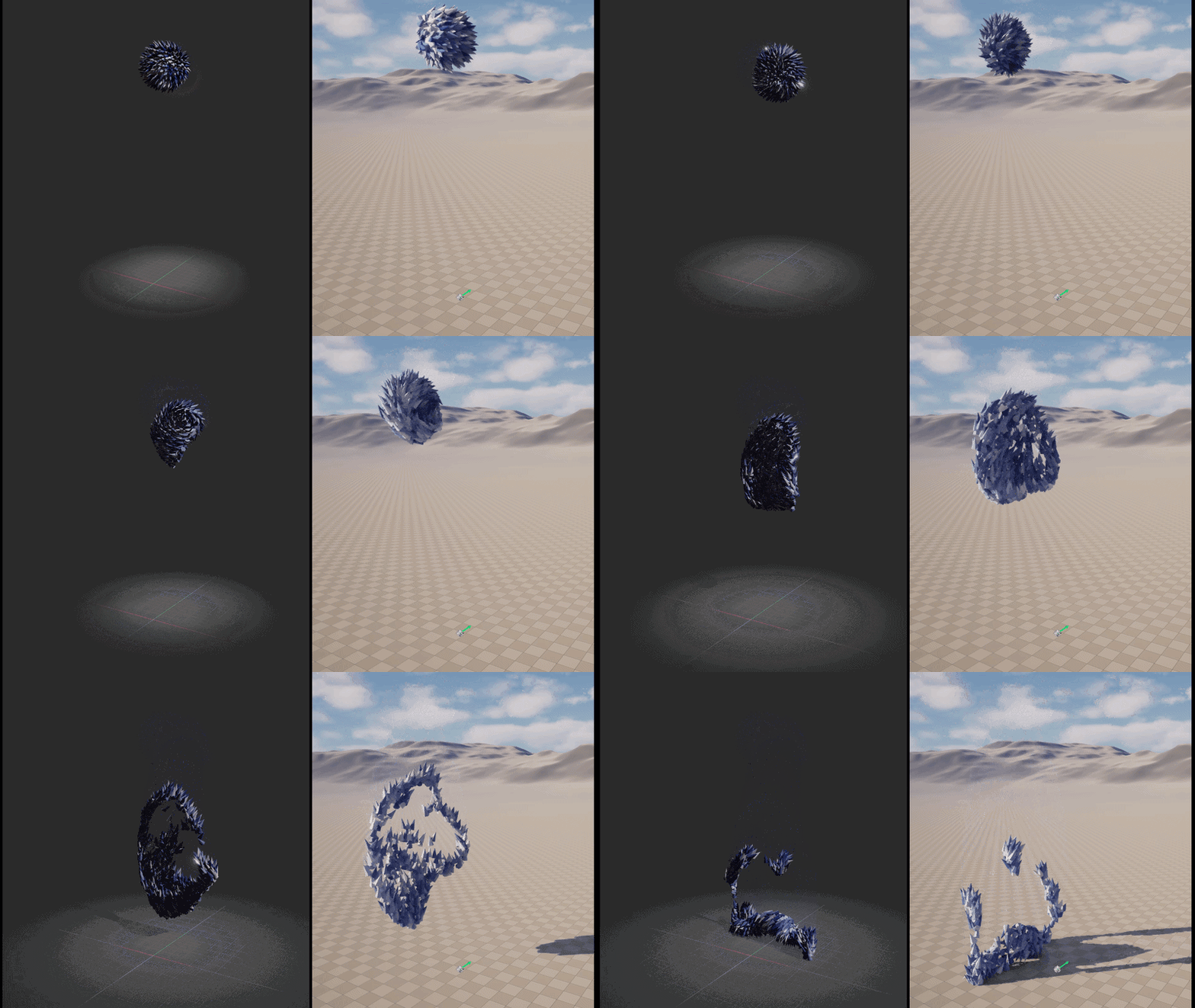
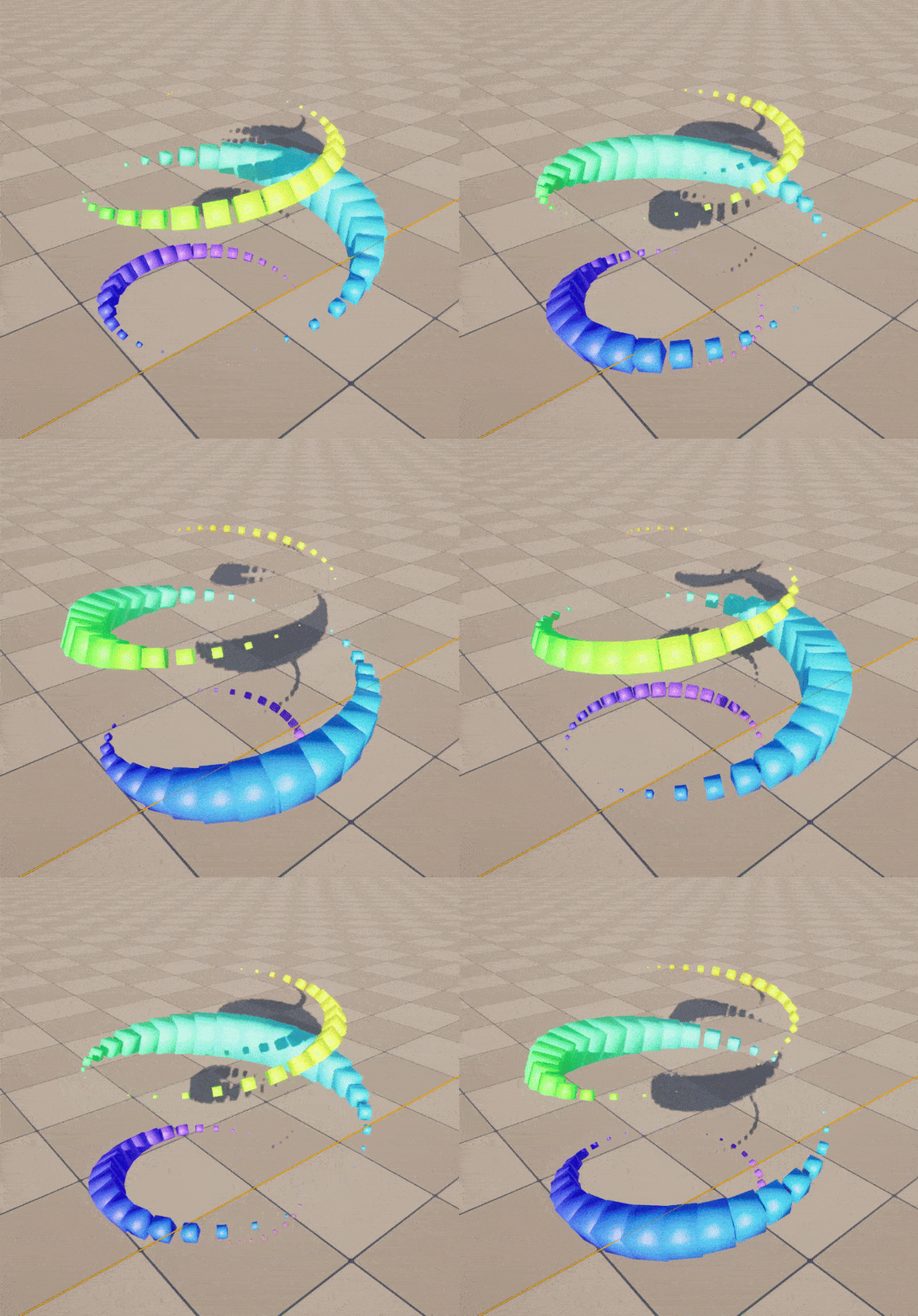
This will allow you to modify geometry colors, orientation, position and scale using curves, gradients and textures in very creative ways. These animations can of course then be exported as a VAT or a Mesh Flipbook

Feature Preview

3D VFX Meshes

Status IconReleased

Feature Preview

3D VFX Meshes

User Avatar

Nicholas Seavert

Posted on May 9, 2025

Status IconReleased

The feature has been released and is available in public builds.

IlluGen isn't just for 2D assets, we also support generating procedural 3D meshes and UV's for your visual effects needs. One of the core features of IlluGen is that 3D and 2D assets can be created in the same graph so that you can preview your masks, textures, animating timings, UV's, mesh shape, and more in real-time. No hopping back and forth between your 3D DCC and your engine to test UVs!

Feature Preview

Beautiful Node Previews

Status IconReleased

Feature Preview

Beautiful Node Previews

User Avatar

Nicholas Seavert

Posted on April 21, 2025

Status IconReleased

The feature has been released and is available in public builds.

Node previews are important because they give you the ability to see how the texture changes due to subsequent operations. The previews are clean, crisp, and run at a high framerate.