This roadmap reflects our current development cycle and we plan to update it regularly. This roadmap does not guarantee which features will be included in a specific software version. All plans are tentative and subject to change without notice.

Discover Upcoming Features and Ideas

Catch up on upcoming features, vote, comment, and submit new ideas.

22 cards
Select statusArrow Down
Select all
On Target Icon On Target
At Risk Icon At risk
Delayed Icon Delayed
Completed Icon Completed
Sort byArrow Down
Editor's pick
Most recent
Most upvoted

Upcoming: 1.1 (Q3 2026)

Collapse Section

Feature Preview

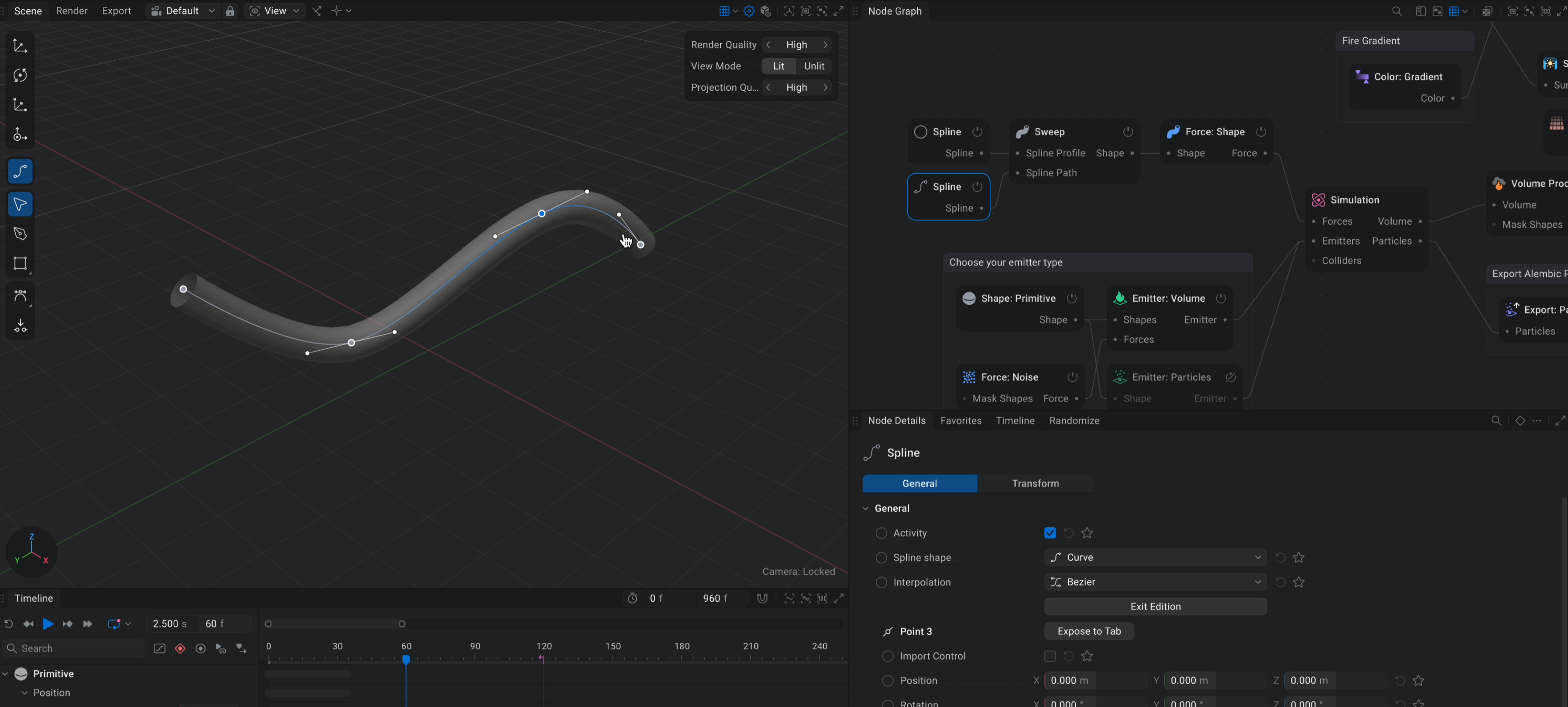
Spline Forces & Emitters

Status IconOn Target

Feature Preview

Spline Forces & Emitters

User Avatar

Nicholas Seavert

Posted on April 17, 2025

Status IconOn Target

Use splines to create complex art directed liquid flows.

Feature Preview

Volume Conservation

Status IconOn Target

Feature Preview

Volume Conservation

User Avatar

Nicholas Seavert

Posted on May 7, 2025

Status IconOn Target

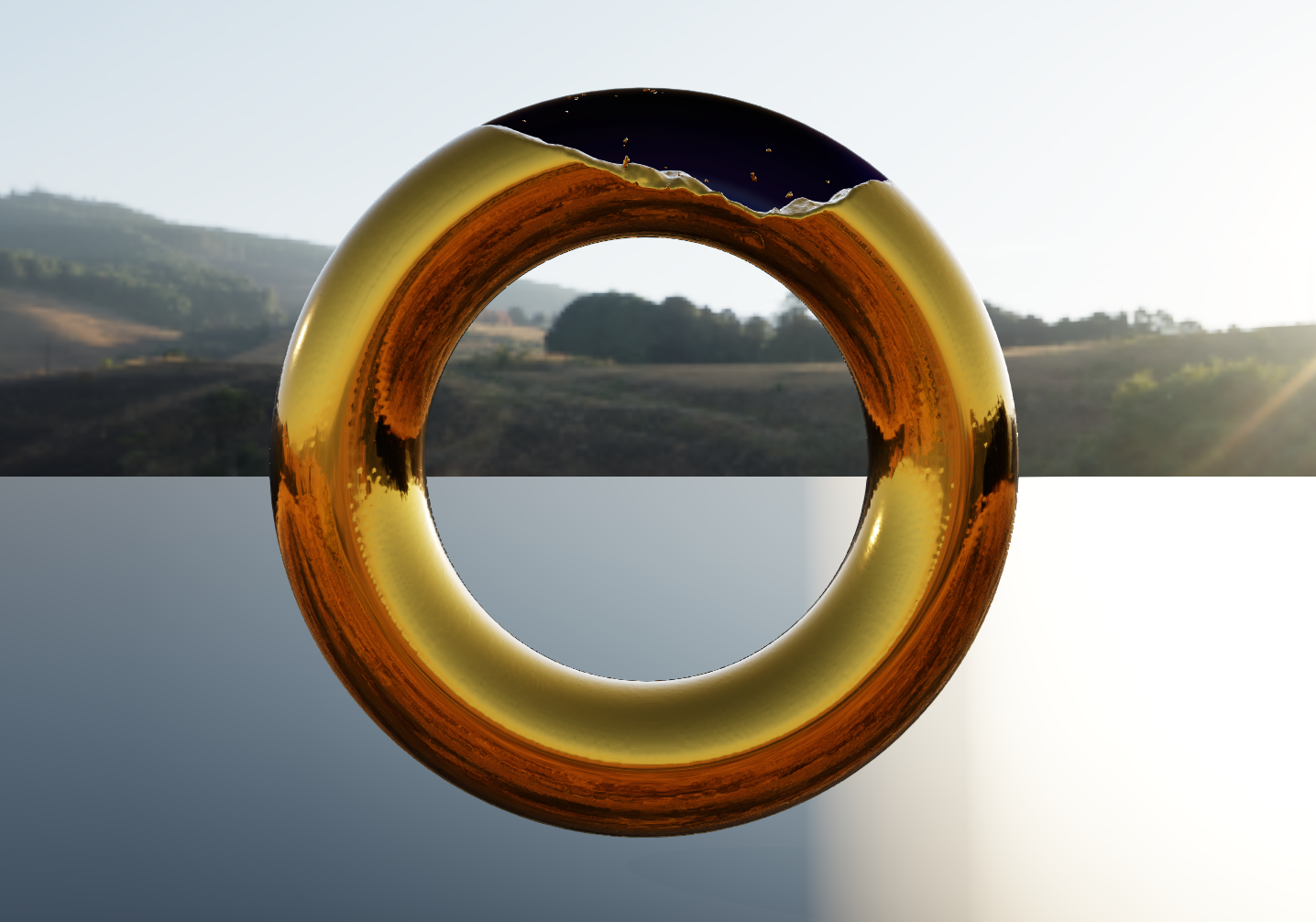
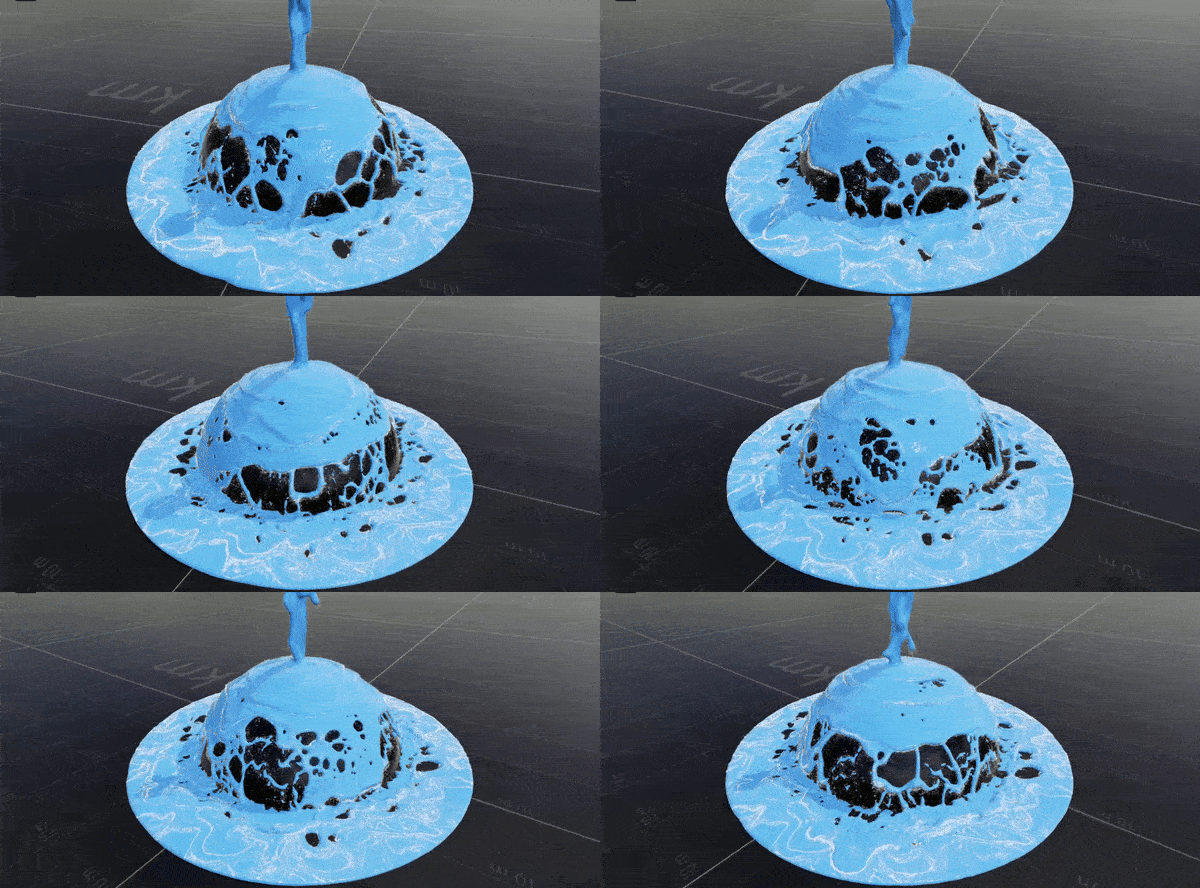
As part of our Simulation Stability Improvements we're also looking into improved volume conservation. If you have a liquid that fills up a large glass or in this case, a torus, over time the liquid will start to compress and lose volume. We hope to improve the incompressibility of our simulations.

Feature Preview

MacOS Support on M-Series Chipsets

Status IconOn Target

Feature Preview

MacOS Support on M-Series Chipsets

User Avatar

Nicholas Seavert

Posted on April 24, 2025

Status IconOn Target

LiquiGen 1.0 will be getting MacOS support on M-Series Chipsets.

Feature Preview

Liquid UV Mapping

Status IconAt Risk

Feature Preview

Liquid UV Mapping

User Avatar

Nicholas Seavert

Posted on April 24, 2025

Status IconAt Risk

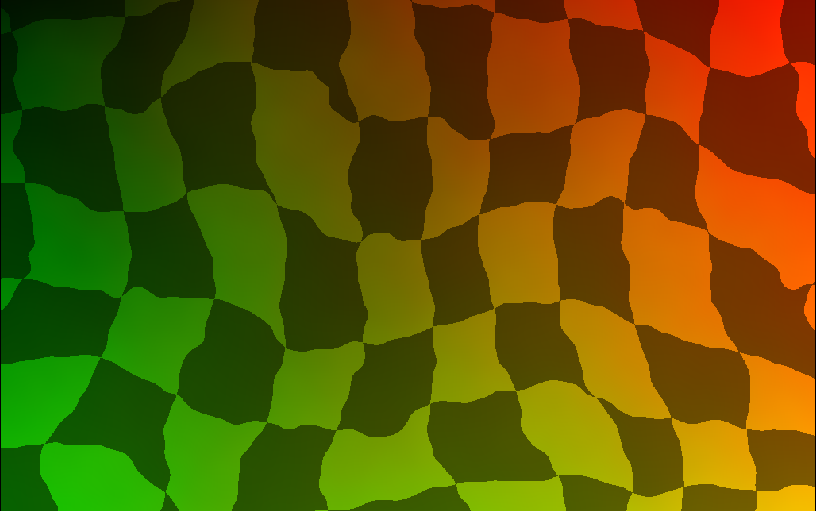
Being able to distort, sim, and bake UV maps is useful for things like lava flows or other surface level liquid effects. Currently we don't have proper UV's for liquids, but this will attempt to at least introduce basic UV mapping functionality, of which we would improve on in future releases.

Feature Preview

Bug Fix: Alembic particle woes with Foam, Liquid Particles and Meshes

Status IconDelayed

Feature Preview

Bug Fix: Alembic particle woes with Foam, Liquid Particles and Meshes

User Avatar

Nicholas Seavert

Posted on April 24, 2025

Status IconDelayed

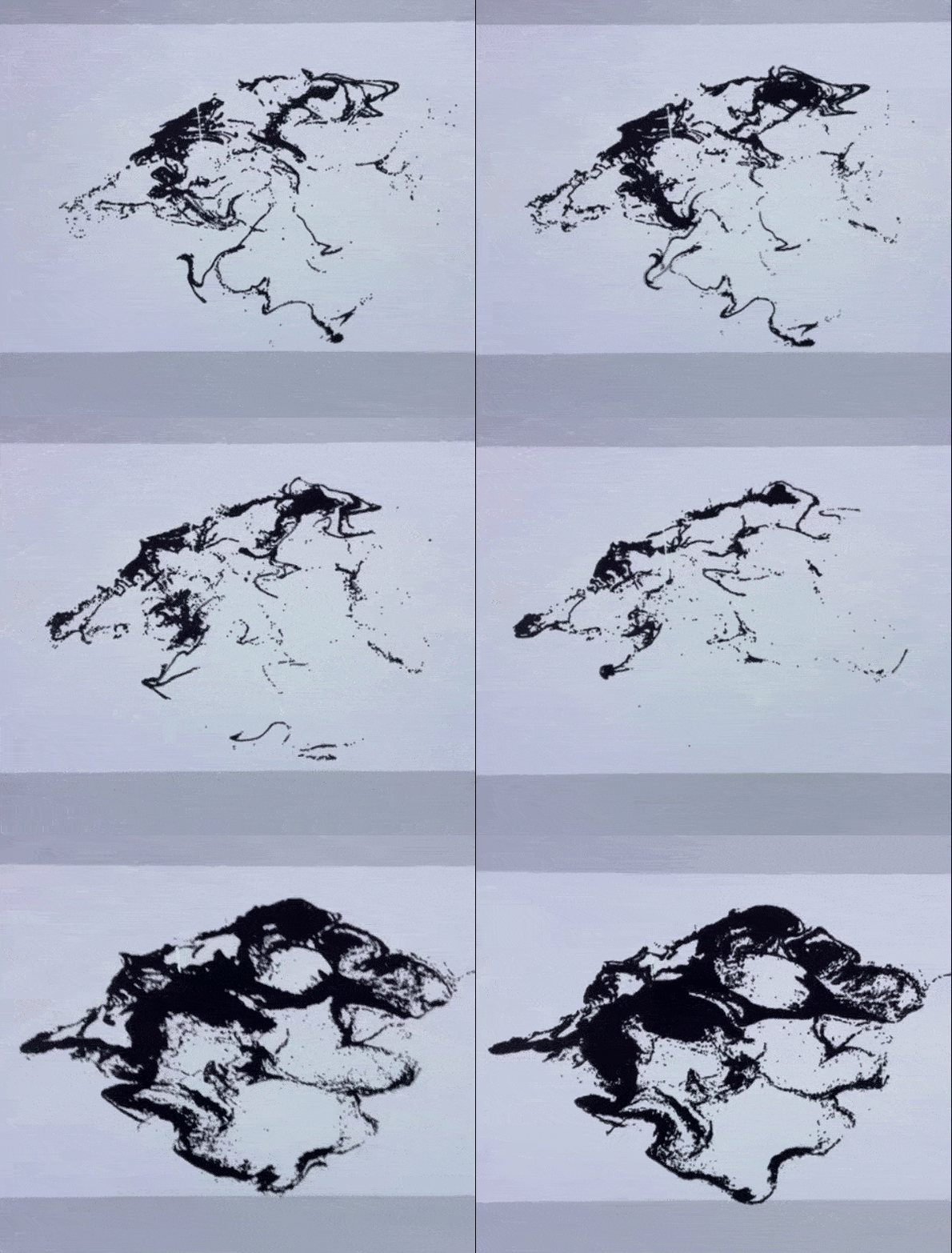
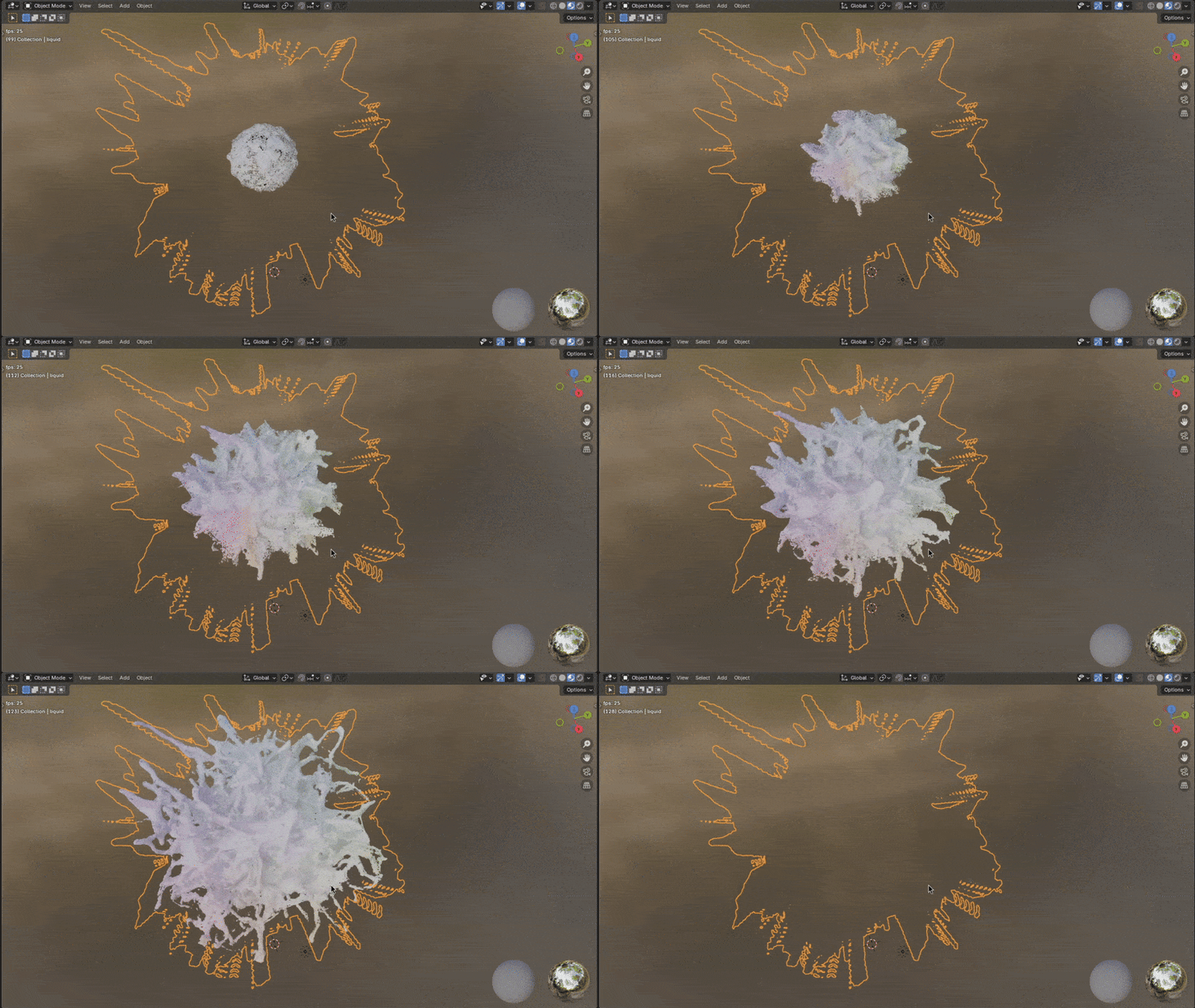
There's currently a bug where exported foam particles pop in and out of existence and some frames may not completely bake into your alembic files. We'll be taking a look at our alembic exporter and make sure that things are in good shape for 1.0. This card should be taken as a general overview of us looking into common alembic related bugs. Please comment on this card if you have any specific cases in which you've found export errors. Gif is from the user yahtzio on discord.

Feature Preview

Realistic White Water Rendering

Status IconOn Target

Feature Preview

Realistic White Water Rendering

User Avatar

Nicholas Seavert

Posted on April 17, 2025

Status IconOn Target

Whitewater in LiquiGen is currently unlit. We plan to have white water with volumetric rendering.

Feature Preview

White Water PBF Solver

Status IconOn Target

Feature Preview

White Water PBF Solver

User Avatar

Nicholas Seavert

Posted on April 17, 2025

Status IconOn Target

White water particles currently overlap each other and have no collisions between particles. Our new PBF (Position Based Fluids) solver will allow all bubbles, foam, and spray types to collide, creating realistic foam and bubble patterns in your simulations.

Feature Preview

Dynamic Variable Attributes - Modifier Volumes

Status IconOn Target

Feature Preview

Dynamic Variable Attributes - Modifier Volumes

User Avatar

Nicholas Seavert

Posted on July 2, 2025

Status IconOn Target

This builds upon our variable attributes that we introduced in LiquiGen 1.0. During the birth of a liquid particle you could set attributes for Viscosity, Stickiness, and Life. With Dynamic Variable Attributes you'll be able to change the Viscosity, Stickiness, Life, Density (maybe), and Color of a particle when it enters a modifier volume. This will allow not just for variable viscosity of liquids when they are created, but variable viscosity for particles over time.

Feature Preview

Variable Particle Attributes: Color & Density

Status IconOn Target

Feature Preview

Variable Particle Attributes: Color & Density

User Avatar

Nicholas Seavert

Posted on July 2, 2025

Status IconOn Target

We originally wanted to include Colors & Density as variable simulation attributes for particle in LiquiGen 1.0 but we had to push them back. We're now actively planning for Color & Density. Paired with Dynamic Attributes, these will be another powerful tool in your arsenal.


Shipped: 1.0.4 (Dec 17th, 2025)

Collapse Section

Feature Preview

1.0.4 Changelog

Status IconCompleted

Feature Preview

1.0.4 Changelog

User Avatar

Nicholas Seavert

Posted on January 1, 2026

Status IconCompleted

LiquiGen 1.0.4

New Additions

  • Added normal map export pass
  • Added "Absolute Frames" in "Export Image". This makes the frame count start from the "absolute" frame count seen in the timeline rather than 0
  • Added "UI Brightness" setting to preferences
  • Added viewport resolution to stats
  • Added support for out-of-bound values from modulator output preview
  • Added target engine option for VAT exports

Improvements

  • Improved path tracer performance for large scenes
  • Improved SDF generation for meshes with planar sides
  • Made content of group show in node menu if only one group is present

Changes

  • Changed the default filename for "Export Particles" and "Export Mesh" nodes
  • Updated UI layout when searching node menu
  • VAT exports use FBX or glTF formats depending on target engine.

Fixes

  • Fixed an issue with inverted colliders being hollow when using imported meshes
  • Fixed flickering shadows in the rasterizer
  • Fixed wrong emissive material indexing in the path tracer
  • Fixed erroneous context menu on gradient preset browser special categories
  • Fixed how strict camera bindings were
    • It's now possible to remain in a camera mode (Pan, Orbit, etc) after pressing the necessary input, and then releasing all keys
  • Fixed a bug where camera modifiers (Shift for fine-tuning, QE/WASD/Arrows for flying) would incorrectly trigger a binding
  • Fixed clicking off textbox on Node Details panel sometimes not registering the new value
  • Fixed a memory leak related to exporting
  • Fixed an issue with missing images from an export
  • Fixed an issue with "Simulation Preemption" under "Preferences" which should improve UI responsiveness
  • Fixed rare bug where exiting textbox state might have resulted in a crash
  • Fixed an issue where "Freeze Simulation" would prevent cameras and other animated imports from animating
  • Fixed an issue where otherwise empty models containing animated cameras wouldn't work
  • Fixed some issues with VAT exports.
  • Fixed wrong transform on VDB exports

Shipped: 1.0.3 (October 22nd, 2025)

Collapse Section

Feature Preview

Changelog: 1.0.3

Status IconCompleted

Feature Preview

Changelog: 1.0.3

User Avatar

Nicholas Seavert

Posted on October 13, 2025

Status IconCompleted

New Additions

  • Added Shift+D shortcut to toggle diagnostics panel
  • Mesh Flipbooks now export metadata in a JSON file

Improvements

  • Improved clarity of several tooltips in the Render and Export Image nodes
  • Improved error messages on Export: Image node's camera selector
  • Improved UI of Force Masks parameters

Changes

  • Made shortcut key name in preferences expand when resizing window and added tooltip
  • The noise viewer in the Force Noise Node is now affected by the rotation parameter
  • Removed Inherit Sun Color from the Light: Directional node
  • Removed Falloff from the Light: Directional node

Fixes

  • Fixed accumulation not accumulation for sample 2
  • Fixed black pixels appearing in the viewport
  • Fixed a crash caused by exporting a capture type that doesn't output anything on its own, but receives inputs
  • Fixed integer values sometimes showing as different when multi-editing nodes
  • Fixed default number of samples of Export Image node

Shipped: 1.0.0 - Major Release (July 27th, 2025)
Collapse Section

Feature Preview

1.0.0 Changelog

Status IconCompleted

Feature Preview

1.0.0 Changelog

User Avatar

Nicholas Seavert

Posted on July 28, 2025

Status IconCompleted

1.0.0 Changelog

LiquiGen is now production ready and has gained substantial improvements to both usability and stability. The core simulator has gained per-emitter viscosity which was highly requested. We have added new export types such as mesh flipbooks and VAT's for games, as well as the ability to export liquid thickness maps. The camera system has changed to mimic industry standard control schemes and we've added useful tools such as solver tuners and a very helpful simulation diagnostics panel.

Added

  • Added a new camera control system, primarily controlled by pressing alt, with features such as zoom to cursor and pan around cursor: This was done to prevent gizmos interaction from affecting camera positioning
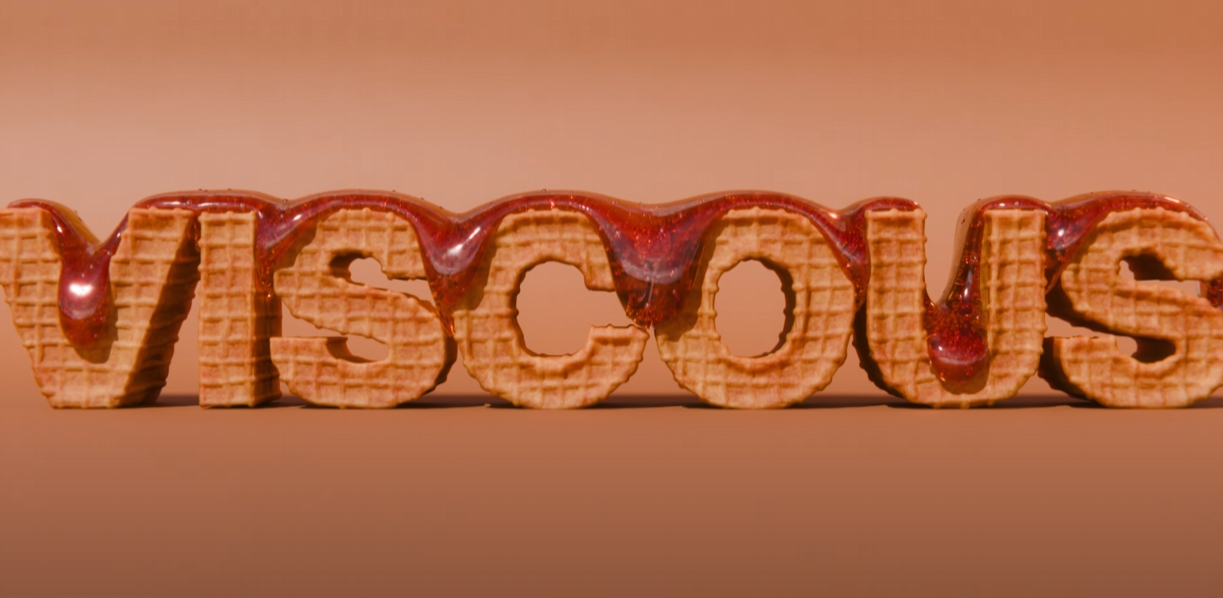
  • Added high viscosity solver support: Coiling, buckling and more are now supported
  • Added support for exporting Vertex Animated Textures (VAT)
  • Added support for exporting mesh flipbook: This allows you to export a single FBX file with all frames packed into it and separated by vertex color
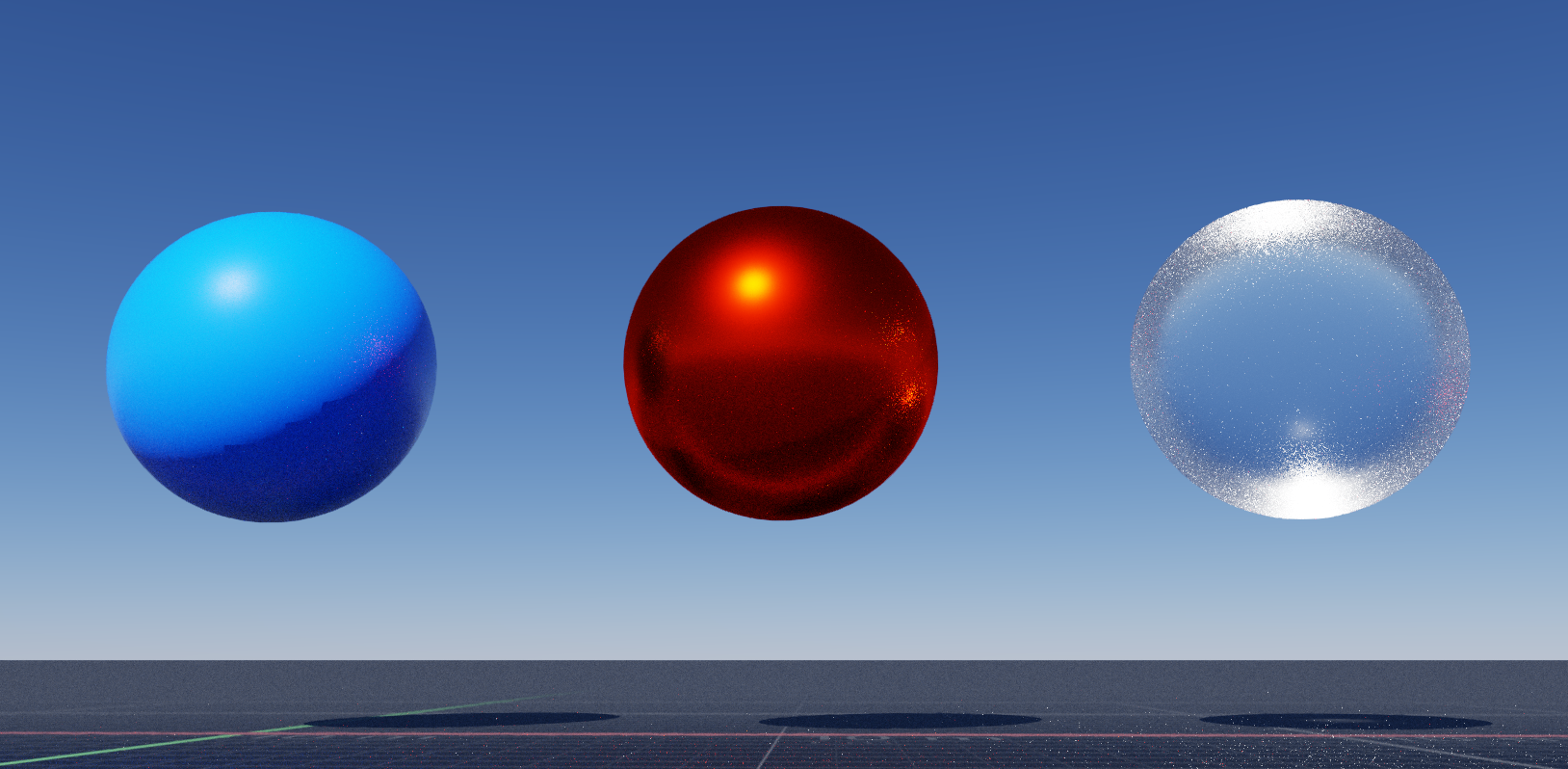
  • Added a new material system which supports more realistic material profiles for liquids and surfaces: We currently have a few presets such as water, iron, gold, copper, plastic and so on.
  • Added more rasterized export passes (Thickness, Diffuse, Reflection, Refraction)
  • Added Models > Show SDF to diagnostics panel: This helps diagnose issues with imported models and with choosing a good voxel resolution
  • Added higher quality meshing that can be enabled via a checkbox in the simulation node
  • Added isotropic and anisotropic kernel modes: Think of these as spherical particles vs elongated particles
  • Added morphological operators for high quality meshing (dilate, erode, open, close)
  • Added SDF smoothing
  • Added normals smoothing
  • Added a Diagnostics Panel to visualize simulation data (sim domain, force fields, velocity fields, liquid mesh and particles): Can be found by clicking the water droplets icon at the top right of the viewport.
  • Added support for using Ctrl+C to copy dialog box messages to clipboard
  • Added support for searching in dropdown menus
  • Added default shortcut key H for creating a notes in the node graph
  • Added Step Back Once button to timeline (note: this steps back the timeline for animation previews and not the simulation)
  • Added support for importing animated cameras
  • Added per emitter stickiness: Stickiness is now defined in the emitter vs simulation node
  • Added new options to allow for different levels of simulation accuracy
  • Added the ability to export velocity fields to VDB format
  • Added decay to whitewater bubbles
  • Added a splash screen to startup
  • Added Shift + RMB to pan to help laptop users as a secondary binding
  • Added the ability to trigger a Fill just once emitter multiple times by unchecking and checking the Emitter activity parameter
  • Added a repeat-frames marker to timeline when Reset Simulation is enabled for feature parity compared to EmberGen.
  • Added a tooltip when hovering over the Export Now button

Improved

  • Improved, for better or for worse, the ground plane being treated as a shape: If you don't want the ground to show up in your render, disable the ground plane or set Shapes Rendering in the Export: Image node to Ignore
  • Improved bounding box granularity
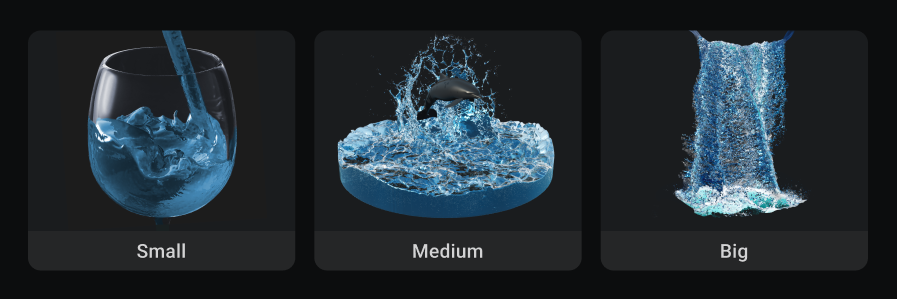
  • Improved interactions with smaller liquids: For things like surface tension and viscosity to work without using extremely large values, you will need to use real scales such as 0.01 voxel size. LiquiGen now excels at small, medium, and large simulations
  • Improved when white water particles spawn: You used to have to input a shape for white water particles to spawn from and now you only need to add a shape if you want to limit their spawn area. By default you only need to add a white water emitter and that is enough to have white water particles spawn within your entire simulation
  • Improved visualization of the "Drag Force" in the diagnostics panel
  • Improved normalization and scaling of arrows in the diagnostics "Velocity" and "Force" visualizer
  • Improved memory management
  • Improved many tooltip descriptions
  • Improved liquid's boundary conditions
  • Improved reflectivity is now defined by F0+F90, metalness has departed the building due to the new material system mentioned above
  • Improved naming of the "Projection" tab to "Pressure" in the simulation node
  • Improved consistency of max number of whitewater particles parameter location from whitewater node to simulation node
  • Improved how the virtual domain bounding box is rendered
  • Improved Export passes so that "Alpha", "Depth" and "Normals" now export using the rasterizer instead of the path tracer
  • Improved default values for some force nodes
  • Improved path tracing denoiser
  • Improved how key bindings can be made on Mac & Linux
  • Improved how HDRI's load: If the HDRI is still loading we will fall back to atmospheric rendering temporarily
  • Improved Warnings so that if you click them, it will now take you to the parameter that's causing concern
  • Improved the interaction between changing things such as voxel size and ensuring that the simulation automatically resets upon application of new values

Fixed

  • Fixed an issue where an imported mesh would cause liquids to explode when moving
  • Fixed an issue where there was no liquid emission from an animated alembic file while animate was unchecked in the import node
  • Fixed issues where the camera node's near and far planes where never used: Note that with perspective projection only the near plane is used, but with orthographic projection both near and far planes are used
  • Fixed issue with stationary meshes having non-zero velocities for high timerates / substeps
  • Fixed a bug where the camera node's "Display Dimensions" was being ignored when exporting, resulting it the "Preview" tab not matching the actual exported view: This also allows varying source aspect ratios to be scaled/stretched to any other arbitrary destination aspect ratio while exporting by using the "Display Resolution" to set the aspect ratio
  • Fixed timeline region length
  • Fixed a bug where two forces with the same name could not be selected in the diagnostics panel
  • Fixed a bug where high velocities would cause the "Value" color scheme in the diagnostics panel to go out of range
  • Fixed a bug with continuous emitters not working properly with high flow rates
  • Fixed a bug with emitters not working properly when substepping
  • Fixed a bug where being in the Export tab would likely delay loading a project until switching to the Scene tab or Preview tabs
  • Fixed a bug with velocity transfer being affected by disabled modulators
  • Fixed parameter override cycler showing while multi-editing on non-overridable parameters
  • Fixed memory leaks in the export process, exports now use significantly less memory
  • Fixed animation not updating on substeps
  • Fixed an issue where point lights and area lights combined would cause rendering issues
  • Fixed liquid explosions when using ctrl-Z to undo parameter changes
  • Fixed a memory leak in the camera node

Removed

  • Removed unimplemented options from the View Menu (show entity icons, show masking)
  • Removed "Enforce particles distance" option from Simulation node, since it was always needed when compensating compression / decompression.
  • Removed collider's velocity transfer: Use force drag to slow down collisions if needed, and emitters still have the ability to transfer velocity
  • Removed an unused Reflective Ground parameter
Feature Preview

Simulation Stability Improvements

Status IconCompleted

Feature Preview

Simulation Stability Improvements

User Avatar

Nicholas Seavert

Posted on April 17, 2025

Status IconCompleted

LiquiGen currently has a number of issues regarding simulation stability. We aim to have the major reproducible concerns addressed by LG 1.0.

Feature Preview

Proper High Viscosity Solver

Status IconCompleted

Feature Preview

Proper High Viscosity Solver

User Avatar

Nicholas Seavert

Posted on April 17, 2025

Status IconCompleted

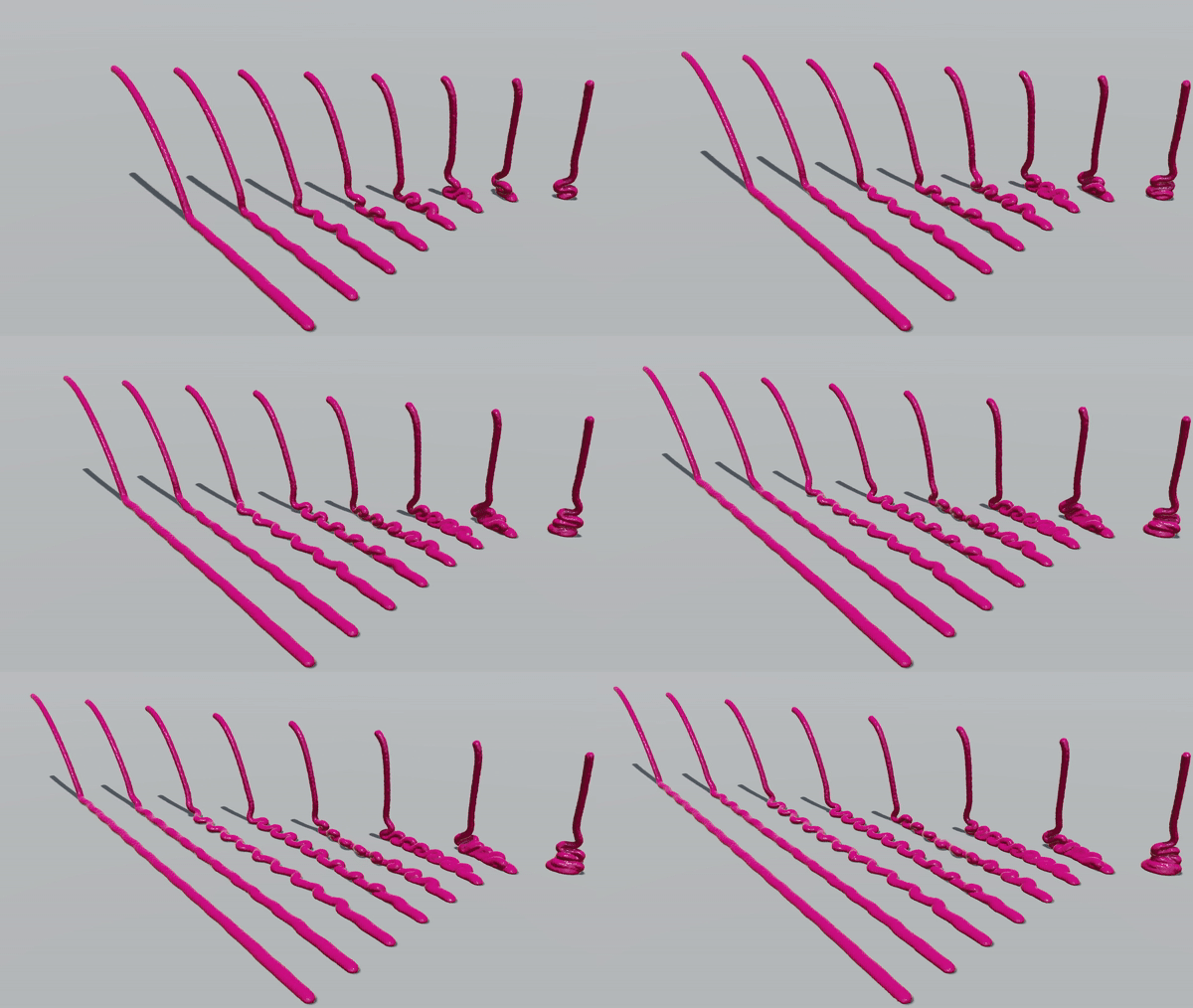
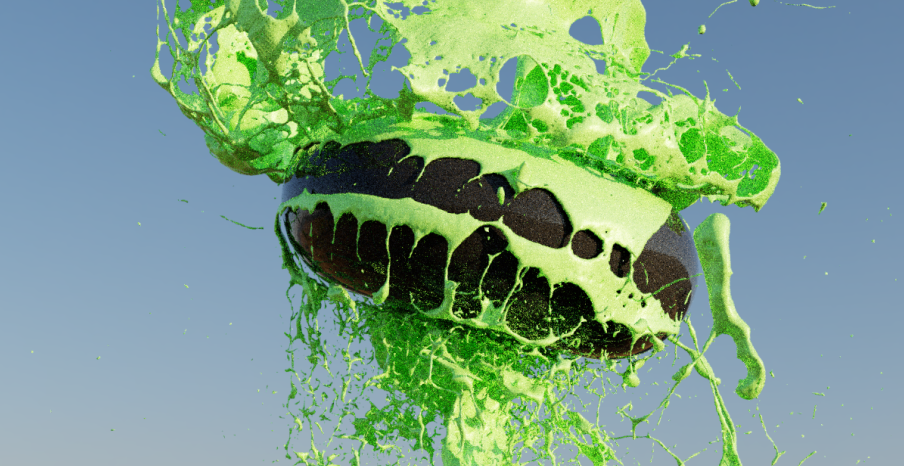
This is a proper high viscosity solver where we can actually simulate coiling and buckling.

It's not free! It's a whole new step in the solver so it takes a sizeable amount of computation time. Given enough time and resources we will make it more performant in the future. For simulations that don't require advance effects setting PIC/FLIP to 0% and/or faking viscosity with surface tension is still a very valid strategy.

Feature Preview

Proper Liquid Size Scaling

Status IconCompleted

Feature Preview

Proper Liquid Size Scaling

User Avatar

Nicholas Seavert

Posted on April 30, 2025

Status IconCompleted

From two water droplets hitting each other mid-air to a waterfall flowing off a cliff, these require different simulation scales to be accurate!

Feature Preview

Higher Quality Liquid Meshing

Status IconCompleted

Feature Preview

Higher Quality Liquid Meshing

User Avatar

Nicholas Seavert

Posted on April 17, 2025

Status IconCompleted

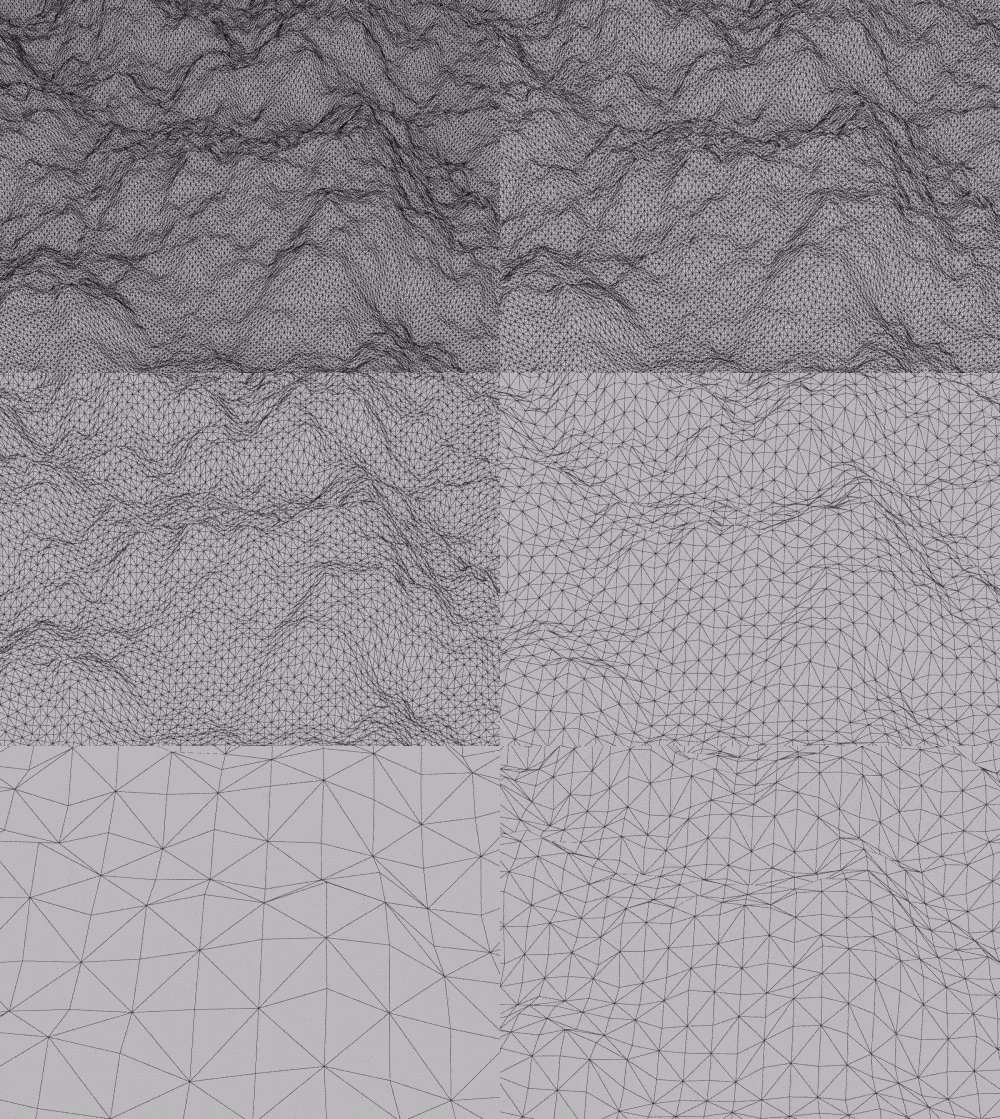
Current meshing in LiquiGen isn't a high enough quality for production. We are focusing on R&D that will allow users to adjust the meshing resolution of any liquid.

Feature Preview

Variable Particle Attributes (Viscosity, Stickiness, and LIfe)

Status IconCompleted

Feature Preview

Variable Particle Attributes (Viscosity, Stickiness, and LIfe)

User Avatar

Nicholas Seavert

Posted on April 17, 2025

Status IconCompleted

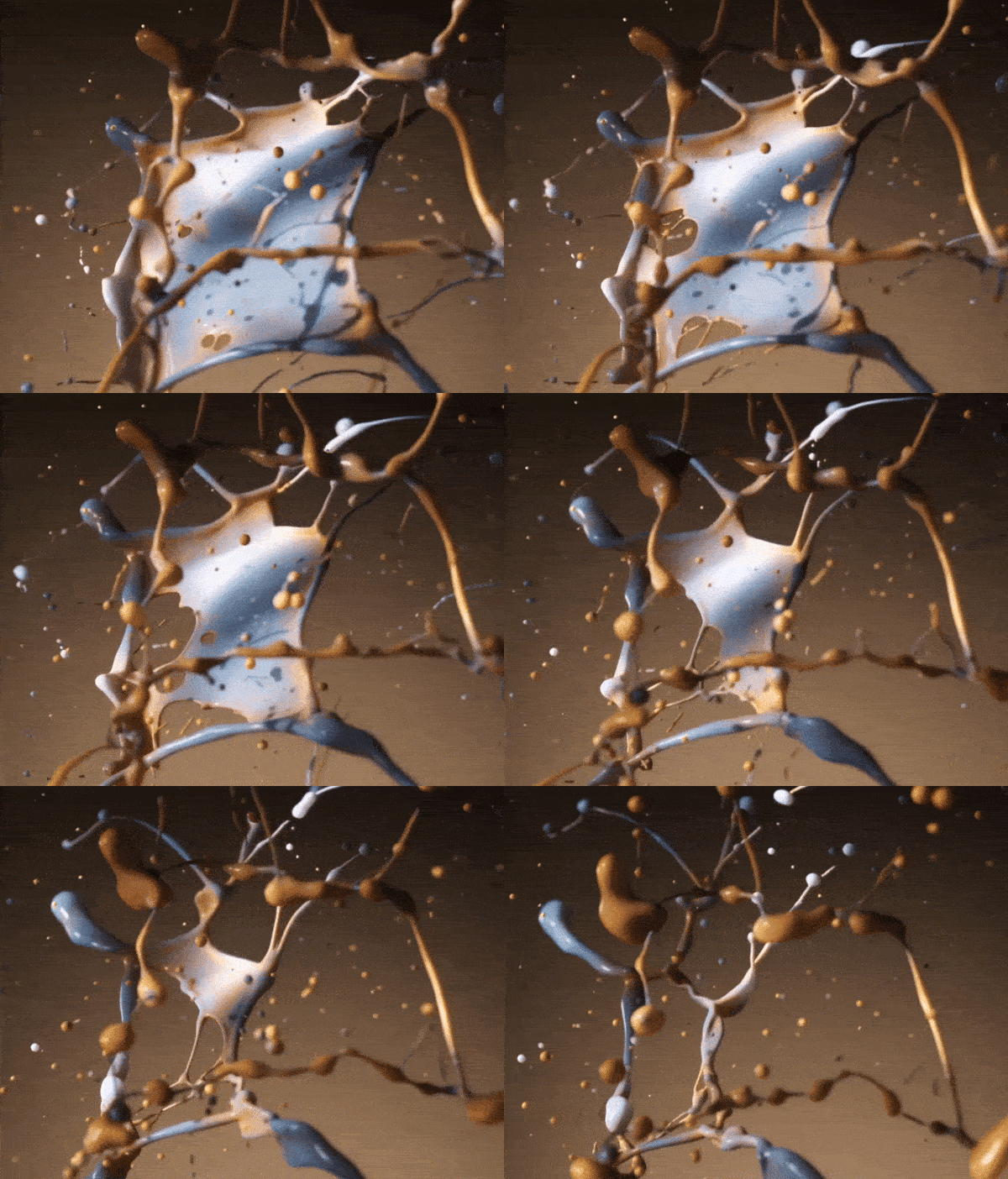
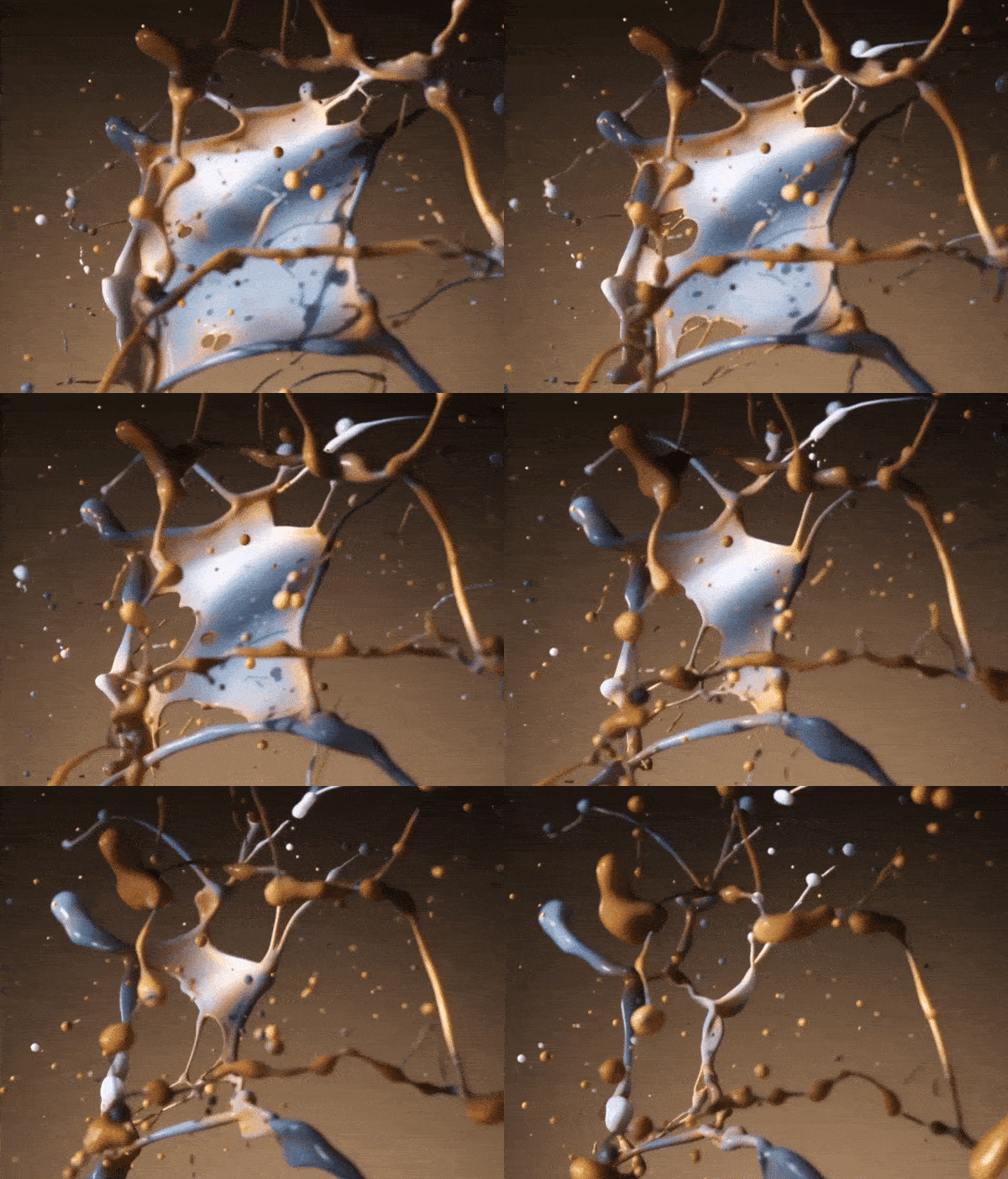
We were able to get Variable Viscosity, Stickiness, and Life per particle. Things like Density & Color will come at a later time.

Card Video was created by Lars Snelders

Feature Preview

Mesh Flipbook Exports

Status IconCompleted

Feature Preview

Mesh Flipbook Exports

User Avatar

Nicholas Seavert

Posted on May 7, 2025

Status IconCompleted

Thanks to the team over at Squanch Games we were introduced to a new mesh export method where you bake all frames into a single FBX file and then use a shader in engine to playback through frames. This gives you significant memory and performance savings!

The current thought is that the mesh flipbook frame limit is around 256 frames. The example in the animated image above was an export from LiquiGen as a Mesh Flipbook over to blender, where we used Geometry Nodes to interpolate between the frames.

Feature Preview

VAT (Vertex Animated Texture) Support

Status IconCompleted

Feature Preview

VAT (Vertex Animated Texture) Support

User Avatar

Nicholas Seavert

Posted on April 17, 2025

Status IconCompleted

Export VAT's for games!

Feature Preview

Import Cameras

Status IconCompleted

Feature Preview

Import Cameras

User Avatar

Nicholas Seavert

Posted on April 17, 2025

Status IconCompleted

Similar to EmberGen, import cameras for compositing workflows.

Feature Preview

Improved Path Tracing

Status IconCompleted

Feature Preview

Improved Path Tracing

User Avatar

Nicholas Seavert

Posted on April 17, 2025

Status IconCompleted

Updated pathtracer includes using the new material system and fixes broken denoising. Denoising is still a bit blurry but should be significantly better than previous releases.

Feature Preview

New Material System

Status IconCompleted

Feature Preview

New Material System

User Avatar

Nicholas Seavert

Posted on May 7, 2025

Status IconCompleted

We're wanting to streamline materials in LiquiGen allowing for greater freedom and sharing of material presets for various liquids and imported objects. More info to come!

See updates: